What is Visme?
Visme is an all-in-one visual content platform for creating presentations, infographics, reports, proposals, charts, social graphics, videos and forms. It offers thousands of templates across more than 50 content types and adds AI tools that generate designs, text and images. The product is made by Easy WebContent, LLC, which does business as Visme.
What sets Visme apart is interactivity and data. Designs can include hotspots, clickable menus, hover effects and animation, and charts can be interactive. Business plans add a brand kit, analytics on who viewed your content, more export formats such as PPTX and HTML5, and integrations with tools like HubSpot, Mailchimp and Slack. Enterprise adds SSO, approvals and a custom subdomain.
Visme at a glance
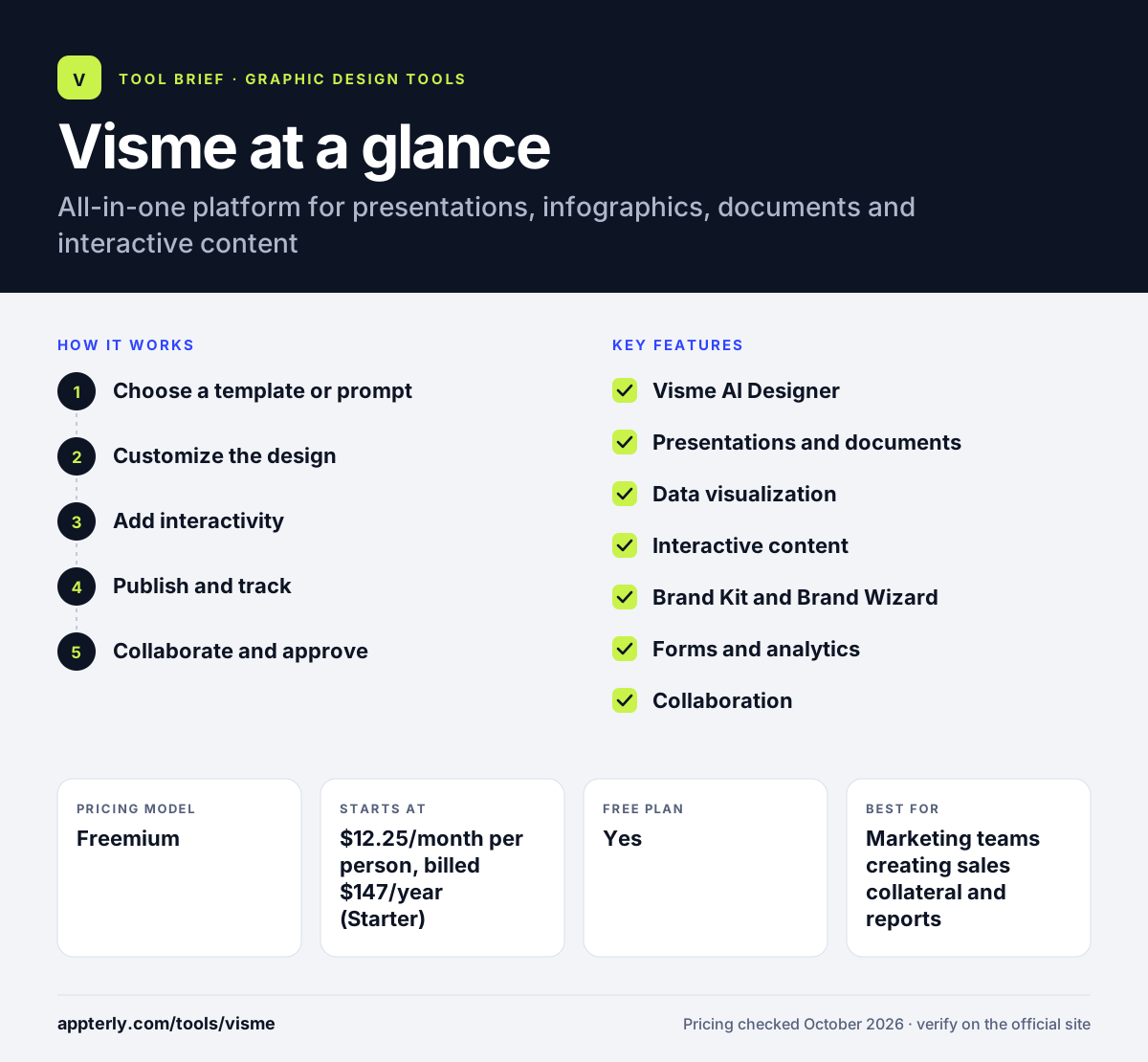
How does Visme work?
- Choose a template or prompt
Pick from templates or describe your project to Visme AI Designer to get a first draft.
- Customize the design
Edit text, add charts, icons and media, and apply brand fonts and colors from the brand kit.
- Add interactivity
Insert links, hotspots, animations, embedded forms or interactive charts.
- Publish and track
Share a link, embed or download the project, and review view analytics on paid plans.
- Collaborate and approve
Invite teammates to comment and give feedback in real time; Enterprise adds project management and approval workflows before content is published.
Visme key features
Visme AI Designer
Generates complete designs from a text prompt, along with AI text, image and document tools.
Presentations and documents
Templates for pitch decks, reports, proposals, ebooks and white papers.
Data visualization
Interactive charts, graphs and maps for presenting statistics.
Interactive content
Hotspots, hover effects, clickable menus and animations inside designs.
Brand Kit and Brand Wizard
Store brand assets and pull fonts, colors and logos from a website URL.
Forms and analytics
Collect responses with visual forms and see how people engage with shared content.
Collaboration
Real-time commenting, feedback workflows and shared asset libraries.
Social media calendar and asset library
Plan posts in a content calendar and use built-in photos, icons, videos and audio.
Why use Visme?
- One tool for slides, documents, infographics and social graphics.
- Interactive and animated content beyond static images.
- Analytics show how viewers engage with shared projects.
- Integrations with common marketing and sales tools.
- Discounted plans for students, educators and nonprofits.
- The Brand Wizard can pull fonts, colors and logos from a website URL, which speeds up setting up on-brand templates.
Who is Visme best for?
A good fit for
- Marketing teams creating sales collateral and reports
- Consultants and agencies making client proposals
- Educators and trainers building interactive lessons
- Nonprofits producing impact reports
- HR and internal communications teams creating training materials
Less suited to
- Users who need PPTX or video exports on a low budget, since these require Business
- Simple one-off social graphics, where lighter tools are faster
- Photo editing or UI design work
Visme pricing
| Pricing model | Freemium |
|---|---|
| Free plan | Yes |
| Free trial | Not confirmed |
| Starting price | $12.25/month per person, billed $147/year (Starter) |
Business is $24.75/month billed $297 yearly and adds PPTX, HTML5 and video downloads, a brand kit, analytics and integrations. Enterprise is custom from 10 users.
Prices checked October 2026. Vendors change plans often, so confirm on the official Visme pricing page before you buy.
Visme pros and cons
Pros
- Very wide range of content types
- Strong interactive and data visualization features
- Built-in analytics and forms
- Discounts for students, educators and nonprofits
Cons
- Free plan has only 10 AI credits and limited templates
- Key exports and brand kit locked to Business
- Paid plans are billed annually on the pricing page
Visme integrations and platforms
Works with
Available on
Visme alternatives
See the full shortlist in Best Graphic Design Tools for Marketers.
Visme FAQ
Is Visme free?
Yes. Visme has a free Basic plan with unlimited projects, 500MB of storage, up to 50 slides or pages per project, 10 AI credits a month and limited templates. Paid plans start with Starter at $12.25 a month per person, billed as $147 a year.
What is Visme used for?
Visme is used to create presentations, infographics, reports, proposals, charts, social graphics, videos and forms. Businesses use Visme for sales and marketing collateral, while educators and nonprofits use it for interactive lessons and reports that can be shared online and tracked.
Visme vs Canva: what's the difference?
Canva is a broad design tool focused on fast, template-based graphics. Visme puts more weight on presentations, data visualization, interactive content, forms and viewer analytics. Teams creating business documents and interactive reports may prefer Visme, while Canva suits everyday social and print design.
Is Visme good for beginners?
Yes. Visme offers templates for many content types and an AI Designer that builds a first draft from a prompt. The editor has many options, so it takes a little longer to learn than simpler tools, but beginners can produce polished presentations and infographics quickly.
Does Visme integrate with HubSpot?
Yes. Visme lists HubSpot among its integrations, along with Mailchimp, Slack, Salesforce, Google Drive and Vimeo. Most integrations are available on the Business plan and above, so check the plan details before relying on a specific connection.
Sources
This overview is based on Visme's official website and documentation, checked October 2026.