What is Unbounce?
Unbounce is a landing page platform that lets marketers build, test and optimize campaign pages without writing code. Alongside landing pages, it creates popups and sticky bars, and it offers dynamic text replacement so page copy can match the keyword a visitor searched for. Its main audience is marketing teams and agencies who send paid traffic to dedicated pages and want to improve conversion rates.
Unbounce has added a strong AI layer. Unbounce Smart Traffic is an AI routing feature that sends each visitor to the page variant most likely to convert for someone like them. The builder can also draft pages and copy from a prompt, and an MCP server lets you manage and report on pages from AI assistants such as Claude and ChatGPT.
Unbounce at a glance
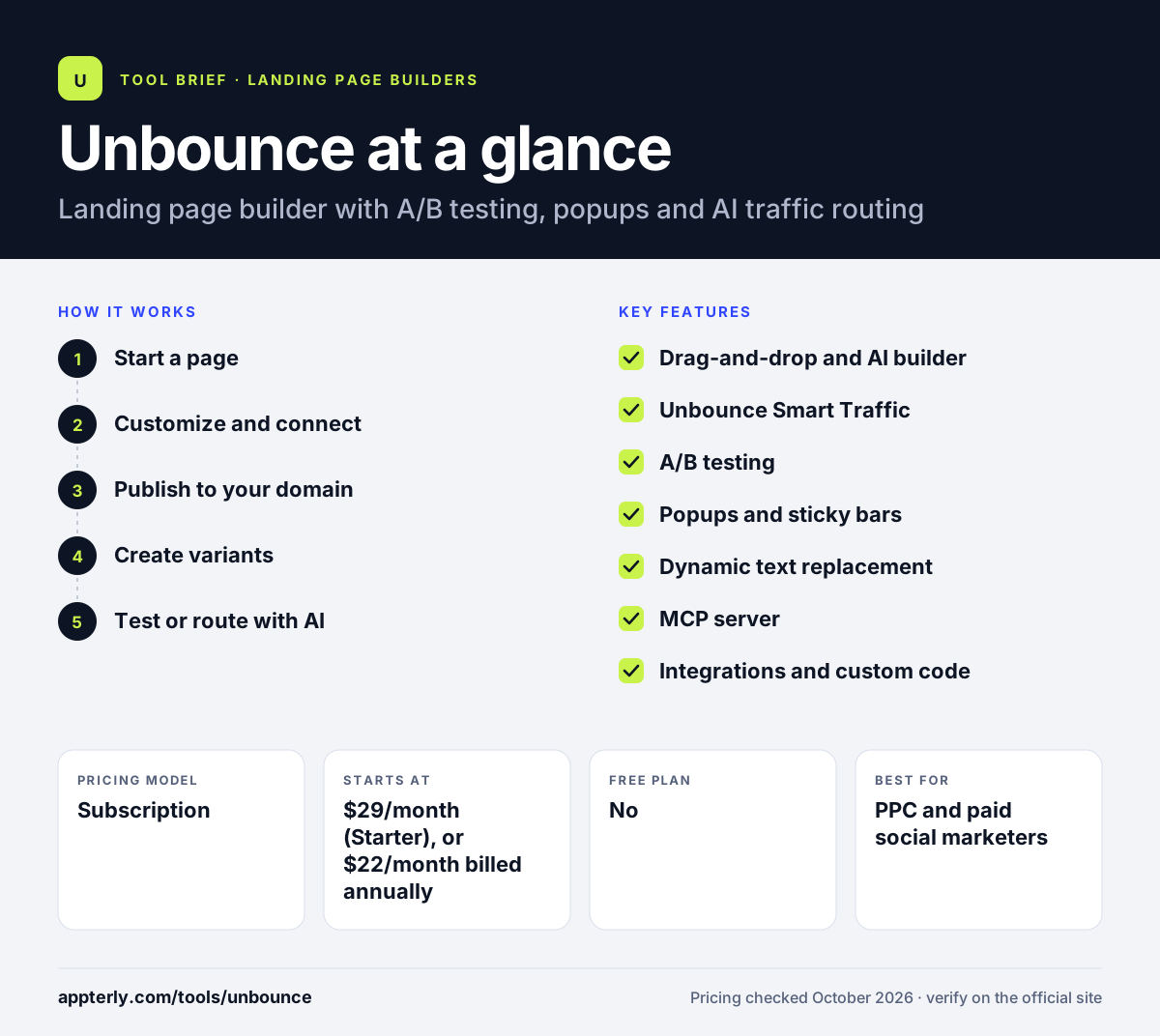
How does Unbounce work?
- Start a page
Pick a template, use the drag-and-drop builder, or prompt the AI to generate a first draft with copy.
- Customize and connect
Adjust layout and styling, add forms, scripts and pixels, and connect tools such as HubSpot, Mailchimp or Salesforce.
- Publish to your domain
Go live on your own domain with hosting included, and add popups or sticky bars to the page or your site.
- Create variants
Duplicate the page and change headlines, offers or layouts to test different ideas.
- Test or route with AI
Run classic A/B tests with manual traffic splits, or turn on Smart Traffic to route visitors automatically to their best-match variant.
Unbounce key features
Drag-and-drop and AI builder
A hybrid editor that combines templates and manual editing with prompt-based page and copy generation.
Unbounce Smart Traffic
AI routing that can start after about 50 visits and uses signals such as device, location and browser to send each visitor to the variant most likely to convert.
A/B testing
Unlimited variants and tests with manual traffic allocation and confidence intervals on the Experiment plan and above.
Popups and sticky bars
Overlays and banners for lead capture or offers, with triggers you can adjust.
Dynamic text replacement
Automatically swap page text to mirror the keyword or ad that brought the visitor, which helps ad relevance.
MCP server
Build, manage, test and report on pages from AI assistants such as Claude or ChatGPT.
Integrations and custom code
Connect to 1,000+ apps, add webhooks, scripts and pixels, and use custom code from the Build plan up.
Why use Unbounce?
- Dedicated campaign pages usually convert better than sending ad traffic to a general website.
- Smart Traffic can improve results without waiting for a classic A/B test to reach significance.
- Popups and sticky bars let you capture leads on the same platform as your pages.
- Dynamic text replacement keeps pages aligned with search ads at scale.
- Every plan includes unlimited conversions, so you are not charged per lead.
Who is Unbounce best for?
A good fit for
- PPC and paid social marketers
- Marketing agencies managing landing pages for clients
- B2B and SaaS teams focused on lead generation
- Teams that want to run regular conversion tests
Less suited to
- Beginners on a tight budget who only need one or two pages
- Businesses that want full websites, courses or checkout funnels
- Users who want A/B testing on the cheapest plan, since it starts at the Experiment tier
Unbounce pricing
| Pricing model | Subscription |
|---|---|
| Free plan | No |
| Free trial | 14 days |
| Starting price | $29/month (Starter), or $22/month billed annually |
Starter allows 5 pages and up to 500 visitors a month. Build ($99/month), Experiment ($149/month) and Optimize ($249/month) add unlimited pages, A/B testing and Smart Traffic. Concierge and Agency plans are quoted. Yearly billing saves 25%.
Prices checked October 2026. Vendors change plans often, so confirm on the official Unbounce pricing page before you buy.
Unbounce pros and cons
Pros
- Mature landing page builder with popups and sticky bars
- Smart Traffic offers AI-driven optimization
- Unlimited conversions on all plans
- Large integration library and custom code support
Cons
- A/B testing and Smart Traffic require higher-priced plans
- Starter plan is limited to 5 pages and 500 monthly visitors
- No free plan
Unbounce integrations and platforms
Works with
Available on
Unbounce alternatives
See the full shortlist in Best Landing Page Builders.
Unbounce FAQ
Is Unbounce free?
Unbounce does not offer a free plan. It has a 14-day free trial with no credit card required, which gives full access to the plan you pick, with a few limits such as no custom domains. After the trial, the Starter plan costs $29 per month, or $22 per month on yearly billing.
What is Unbounce Smart Traffic?
Smart Traffic is an Unbounce feature that uses AI to send each visitor to the landing page variant most likely to convert for them. It looks at attributes such as device, location and browser and can begin routing after about 50 visits. It is included on the Optimize, Concierge and Agency plans.
What is Unbounce used for?
Unbounce is used to build standalone landing pages, popups and sticky bars for marketing campaigns, mostly for paid search and paid social traffic. Teams use it to capture leads, promote offers and test different page versions to raise conversion rates without asking developers for help.
Unbounce vs Swipe Pages: what's the difference?
Both tools build and test landing pages for paid traffic. Unbounce adds popups, sticky bars, a large integration library and AI routing through Smart Traffic on its Optimize plan and above. Swipe Pages focuses on fast AMP pages for mobile visitors and includes built-in checkout funnels. Swipe Pages also allows unlimited pages from its entry plan, while Unbounce Starter caps you at 5 pages.
Does Unbounce integrate with HubSpot and Salesforce?
Yes. Unbounce lists native connections with HubSpot and Salesforce, along with Mailchimp, Google Analytics, CallRail and Zapier. It also supports webhooks and says it connects with more than 1,000 apps from the Build plan up. The newer MCP server lets AI assistants such as Claude and ChatGPT work with your pages.
Sources
This overview is based on Unbounce's official website and documentation, checked October 2026.