What is Storyblocks?
Storyblocks is a subscription stock media service that offers unlimited downloads of video footage, video templates, music, sound effects, photos, vectors and illustrations. The company brought its earlier brands Videoblocks, Audioblocks and Graphicstock together under one name, and its library now holds more than 10 million assets. Storyblocks says the library is entirely human-made, with no AI-generated content.
Storyblocks pairs the stock library with an AI Toolkit that runs on monthly credits. It includes text-prompt footage editing powered by Runway, voiceover generation powered by ElevenLabs, video and image generation, and AI chat search. A Creative Cloud plugin for Premiere Pro and After Effects, a Storyblocks MCP connection and the Maker video tool help editors work faster, and Business plans add indemnification and team controls.
Storyblocks at a glance
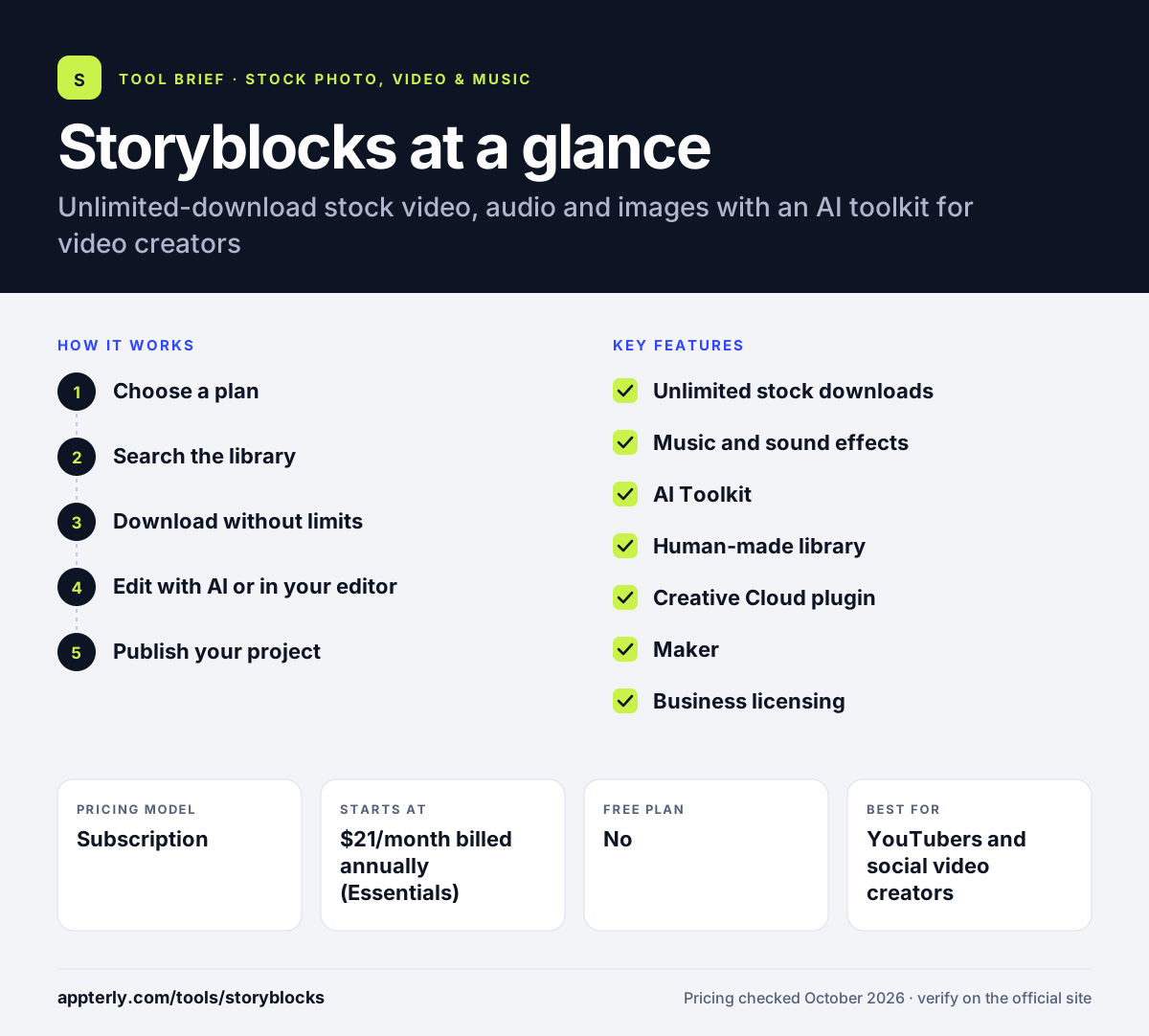
How does Storyblocks work?
- Choose a plan
Pick Essentials for video and images, Unlimited All Access to add music and sound effects, Small Business for small companies, or Business for teams.
- Search the library
Use keyword or AI chat search to find footage up to 8K, templates, audio and images.
- Download without limits
Download as many assets as you need under your plan's license.
- Edit with AI or in your editor
Use AI credits to edit clips, create voiceovers or generate images and video, or pull assets into Premiere Pro and After Effects through the plugin.
- Publish your project
Use the finished video across the channels and uses your license tier allows.
Storyblocks key features
Unlimited stock downloads
Download unlimited 8K, 4K and HD footage, templates, photos and vectors on every paid plan.
Music and sound effects
Unlimited All Access and higher plans add royalty-free music and sound effects.
AI Toolkit
Monthly credits for video editing with Runway's Aleph model, video and image generation, and ElevenLabs-powered voiceovers on higher plans.
Human-made library
More than 10 million assets with no AI-generated stock, which some brands prefer for authenticity.
Creative Cloud plugin
Browse, search and download Storyblocks assets inside Premiere Pro and After Effects.
Maker
A video creation tool included on All Access and above, with a Maker for Teams version on Business.
Business licensing
Business plans add organization-wide coverage, $1 million indemnification, broadcast and OTT use, and admin controls.
Why use Storyblocks?
- Unlimited downloads make it cheap to test many clips and tracks while you edit, then keep only the ones that work.
- Video, audio and images sit in one subscription, so small teams need fewer stock vendors and invoices.
- AI tools help create voiceovers and fix footage without separate subscriptions.
- The Premiere Pro and After Effects plugin keeps editors in their timeline.
- Business plans offer indemnification for brands that need legal cover.
Who is Storyblocks best for?
A good fit for
- YouTubers and social video creators
- Corporate video and in-house marketing teams
- Small businesses producing video content
- Production teams needing broadcast-ready stock on Business plans
Less suited to
- Designers needing fonts, 3D models or web templates, which Storyblocks does not focus on
- Agencies and production companies on the Small Business plan, which excludes them
- Creators who want month-to-month billing without an annual commitment
Storyblocks pricing
| Pricing model | Subscription |
|---|---|
| Free plan | No |
| Free trial | Not confirmed |
| Starting price | $21/month billed annually (Essentials) |
Unlimited All Access ($30/month billed annually) adds music, SFX and more AI credits, and Small Business ($40/month) covers companies under 50 staff. Business plans are custom quoted.
Prices checked October 2026. Vendors change plans often, so confirm on the official Storyblocks pricing page before you buy.
Storyblocks pros and cons
Pros
- Unlimited downloads of footage up to 8K
- AI toolkit included with every plan
- Adobe plugin for Premiere Pro and After Effects
- Human-made library with no AI-generated stock
Cons
- Music and sound effects are not on the cheapest plan
- Pricing page lists only annual billing
- Smaller library than the largest stock agencies, so niche searches may return fewer results
Storyblocks integrations and platforms
Works with
Available on
Storyblocks alternatives
See the full shortlist in Best Stock Media Sites.
Storyblocks FAQ
Is Storyblocks free?
No. Storyblocks lets you create a free account, but downloading requires a paid plan. Plans start at $21 per month billed annually for Essentials, which covers footage, templates and images. The pricing page did not show free trial details when checked in October 2026.
What is Storyblocks used for?
Storyblocks is used to source stock footage, video templates, music, sound effects and images for videos, ads, social content and presentations. Its AI Toolkit also helps editors generate voiceovers, edit footage from text prompts and create images or video, and Business plans support broadcast and OTT use.
Does Storyblocks include music?
Yes, on Unlimited All Access and higher plans. The Essentials plan covers footage, templates, photos and vectors, while Unlimited All Access at $30 per month billed annually adds music and sound effects. Small Business and Business plans also include audio.
Storyblocks vs Envato: what's the difference?
Storyblocks focuses on video, audio and images with a human-made library, an AI Toolkit and an Adobe plugin. Envato covers more asset types, including fonts, 3D models and graphic templates, and adds a wide set of AI generators. Video teams often pick Storyblocks, while designers who need many formats lean toward Envato.
Does Storyblocks work with Premiere Pro?
Yes. Storyblocks offers a Creative Cloud plugin that lets you browse, search and download assets inside Adobe Premiere Pro and After Effects. The plugin is included on Essentials and higher plans, alongside the Storyblocks MCP connection.
Sources
This overview is based on Storyblocks's official website and documentation, checked October 2026.