What is Stable Diffusion?
Stable Diffusion is a family of open text-to-image models from Stability AI that you can download and run on your own hardware, call through an API or use in hosted apps. Unlike closed generators, it gives developers and technical creators direct access to the model, which makes it popular for custom pipelines, fine-tuning and private, on-premise image generation.
The current flagship is the Stable Diffusion 3.5 suite, with Large, Turbo and Medium versions, alongside Stable Diffusion XL and SDXL Turbo. Stability AI also provides editing tools such as inpainting, outpainting and background replacement, plus upscalers and sketch or structure controls. Access is free for most users under the Community License, with an Enterprise license for larger companies.
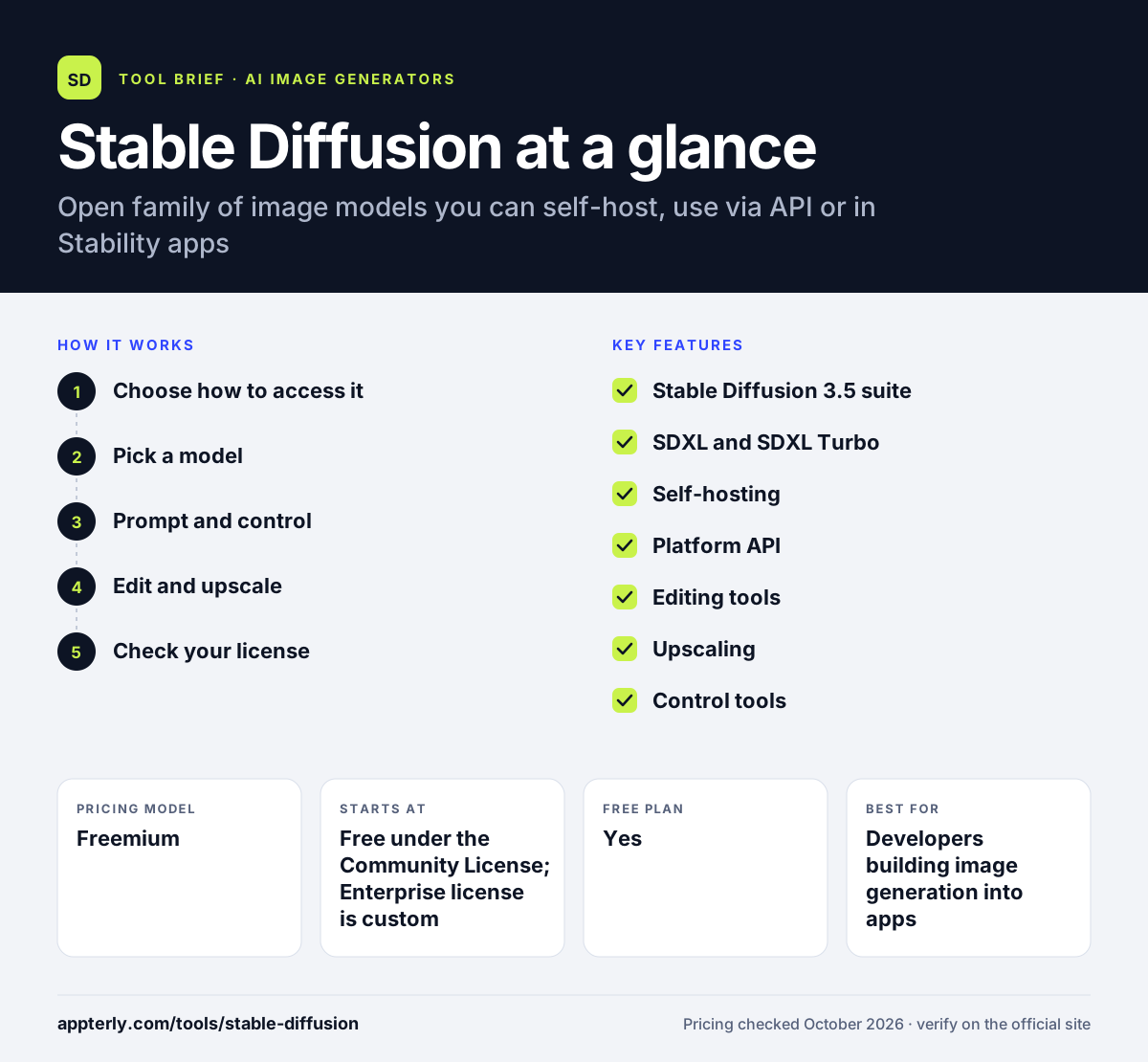
Stable Diffusion at a glance
How does Stable Diffusion work?
- Choose how to access it
Download the models to self-host, call the Stability AI Platform API, use a cloud partner, or work in the Stable Assistant web app. Each option uses the same underlying model family.
- Pick a model
Use SD 3.5 Large for quality, Turbo for speed, Medium for consumer GPUs, or SDXL variants for broad compatibility.
- Prompt and control
Write a prompt and optionally guide composition with sketch, structure or style controls.
- Edit and upscale
Inpaint, outpaint, remove or replace backgrounds, and upscale the final image.
- Check your license
Stay on the free Community License under $1M annual revenue, or buy an Enterprise license above it.
Stable Diffusion key features
Stable Diffusion 3.5 suite
Large for professional quality at 1 megapixel, Turbo for four-step generation, and Medium for consumer hardware.
SDXL and SDXL Turbo
A 3.5-billion-parameter model for high-resolution images, and a distilled version that can generate in a single step.
Self-hosting
Run models on your own infrastructure for privacy, customization and fine-tuning.
Platform API
Add generation and editing tools to your own applications through Stability AI's API.
Editing tools
Erase objects, inpaint, outpaint, remove backgrounds, search and recolor, search and replace, and relight scenes.
Upscaling
Creative, conservative and fast upscaling options for finished images.
Control tools
Sketch, structure and style tools turn rough drawings or reference images into finished artwork.
Why use Stable Diffusion?
- Free use under the Community License suits individuals and companies under $1M in revenue.
- Self-hosting keeps sensitive images and prompts on your own servers.
- Open weights allow fine-tuning on your own products, styles or characters.
- Multiple model sizes let you trade quality against speed and hardware cost.
- A large ecosystem of community tools has grown around the models.
Who is Stable Diffusion best for?
A good fit for
- Developers building image generation into apps
- Technical creators who want full control and fine-tuning
- Companies that need private, on-premise image generation
- Researchers experimenting with diffusion models
Less suited to
- Non-technical users who want a simple, polished app out of the box
- Teams without a capable GPU or cloud budget for self-hosting
- Larger companies that want to avoid enterprise licensing talks
Stable Diffusion pricing
| Pricing model | Freemium |
|---|---|
| Free plan | Yes |
| Free trial | Not confirmed |
| Starting price | Free under the Community License; Enterprise license is custom |
Core models are free for research and for commercial use by organizations under $1M annual revenue. Above that threshold, Stability AI requires a custom-priced Enterprise license, and API usage is billed separately.
Prices checked October 2026. Vendors change plans often, so confirm on the official Stable Diffusion pricing page before you buy.
Stable Diffusion pros and cons
Pros
- Free for most individuals and small businesses
- Can run fully on your own hardware
- Open weights support fine-tuning and customization
- Broad set of editing and upscaling tools
Cons
- Self-hosting requires technical skill and a capable GPU
- Enterprise pricing is not published
- Raw outputs often need more prompt work than closed tools
Stable Diffusion integrations and platforms
Available on
Stable Diffusion alternatives
See the full shortlist in Best AI Image Generators.
Stable Diffusion FAQ
Is Stable Diffusion free?
Yes, for most users. Stability AI's Community License makes core models such as the Stable Diffusion 3.5 suite free for research and for commercial use by individuals and organizations with less than $1M in annual revenue. Larger businesses need a custom-priced Enterprise license from Stability AI. Registration may be required for some commercial uses.
Can I run Stable Diffusion on my own computer?
Yes. Stability AI offers a self-hosted license so you can deploy the models on your own hardware. Stable Diffusion 3.5 Medium is designed to run on consumer GPUs, while Large needs more powerful hardware. Self-hosting gives you privacy and lets you fine-tune the models. Turbo models reduce the hardware needed for quick drafts.
What is Stable Diffusion used for?
Stable Diffusion is used to generate images from text, edit photos with inpainting and outpainting, replace backgrounds, upscale images and turn sketches into artwork. Developers build it into apps and pipelines, and companies use it for private image generation without sending data to a third-party service. Its editing tools also cover object removal and relighting.
Stable Diffusion vs Midjourney: what's the difference?
Midjourney is a closed, paid service with a polished default style and a simple interface. Stable Diffusion is an open model family you can self-host, fine-tune and integrate through an API, often for free. Midjourney is easier for beginners, while Stable Diffusion offers far more control. Many developers use both, depending on the project.
Which Stable Diffusion model should I use?
Stable Diffusion 3.5 Large gives the highest quality for professional work. SD 3.5 Turbo is faster, producing images in four steps. SD 3.5 Medium balances quality with lower hardware needs. SDXL Turbo suits near real-time uses where speed matters more than fine detail. Testing two models on the same prompt is the quickest way to decide.
Sources
This overview is based on Stable Diffusion's official website and documentation, checked October 2026.