What is Spotify for Creators?
Spotify for Creators is Spotify's free platform for hosting, publishing, analyzing and monetizing audio and video podcasts. It replaced Spotify for Podcasters in November 2024 and is aimed at independent podcasters, video creators and brands that want their show on Spotify with as little cost and setup as possible.
New shows get free hosting, and creators can upload both audio and video episodes, customize video thumbnails, manage comments and track performance on Spotify and other platforms. Eligible shows hosted with Spotify can join the Spotify Partner Program, which shares ad revenue and pays for Premium video consumption in select markets. Shows hosted elsewhere can still use the analytics and growth tools. Spotify for Creators also provides an RSS feed for submitting to other apps. Large publishers can use Megaphone, Spotify's separate enterprise platform.
Spotify for Creators at a glance
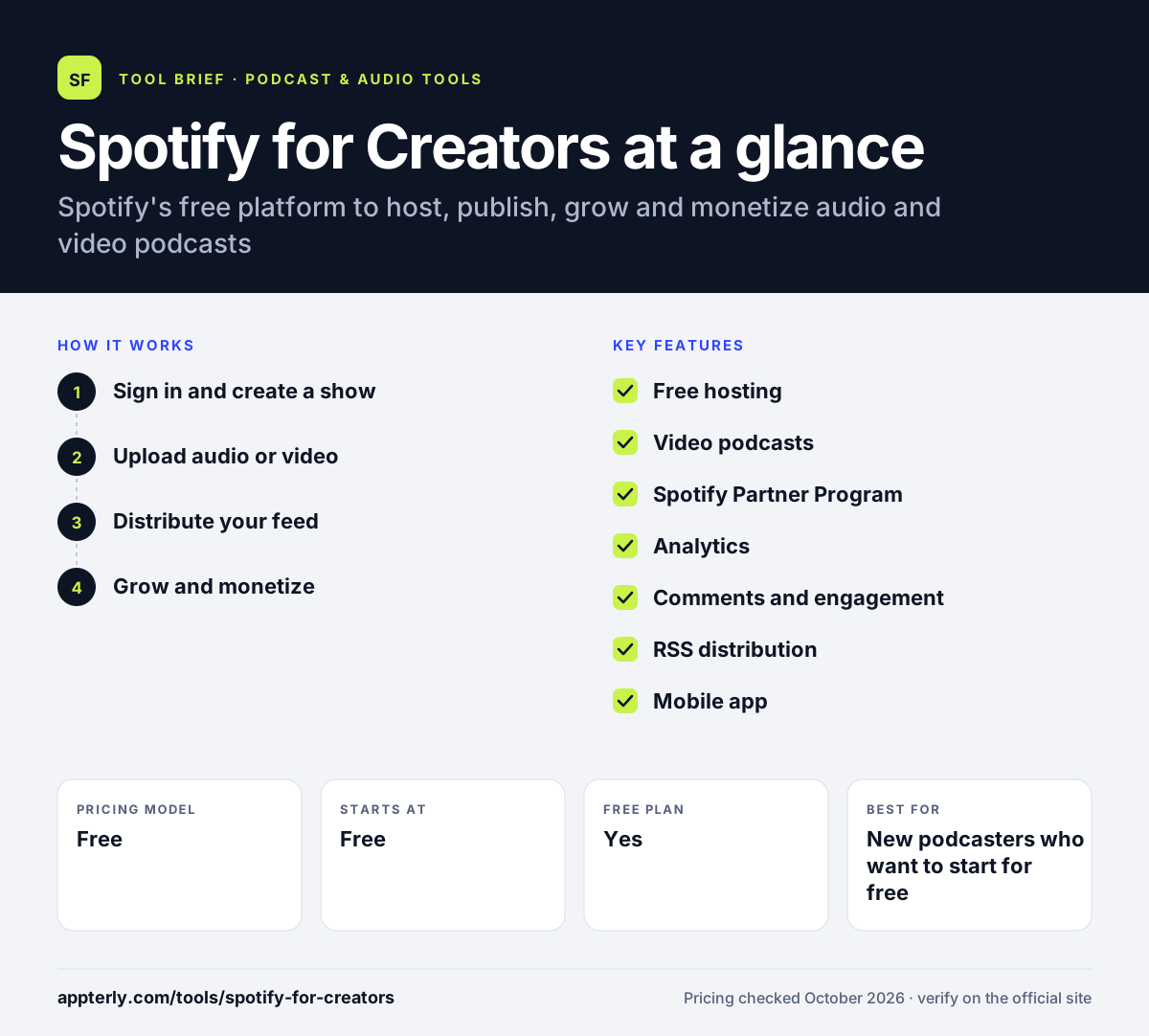
How does Spotify for Creators work?
- Sign in and create a show
Log in with a Spotify account, add your show details and artwork, or switch an existing show to Spotify hosting.
- Upload audio or video
Upload episodes from the web or the mobile app and set thumbnails, descriptions and release times.
- Distribute your feed
Your show appears on Spotify automatically, and you submit your RSS feed to Apple Podcasts and other apps yourself.
- Grow and monetize
Review analytics, reply to comments, and apply to the Spotify Partner Program when your show is eligible.
Spotify for Creators key features
Free hosting
Free hosting for new shows with no paid tiers, including video uploads.
Video podcasts
Upload video episodes and custom thumbnails so listeners can switch between watching and listening.
Spotify Partner Program
Eligible shows earn a share of ad revenue and income from Premium video viewing in select markets.
Analytics
Track performance on Spotify and other platforms, with audience insights.
Comments and engagement
Manage listener comments and upload clips to promote episodes on Spotify.
RSS distribution
Get an RSS feed to submit to Apple Podcasts, Amazon Music, Pocket Casts, Overcast and others.
Mobile app
Manage your show, check stats and publish from iOS and Android.
Why use Spotify for Creators?
- Hosting is free, so there is no cost to launch a show.
- Video podcasts reach viewers directly inside Spotify.
- The Partner Program offers a monetization path for growing shows.
- Analytics show how listeners behave on the world's largest audio app.
- Shows hosted elsewhere can still use the growth tools.
Who is Spotify for Creators best for?
A good fit for
- New podcasters who want to start for free
- Video podcasters targeting Spotify audiences
- Creators in Partner Program markets seeking ad revenue
- Brands testing a podcast before committing budget
- Hobbyists who want a no-cost way to publish
Less suited to
- Podcasters who want automatic distribution to every app without manual submissions
- Networks needing advanced team, private feed or dynamic ad controls
- Creators outside Partner Program markets who want built-in revenue
Spotify for Creators pricing
| Pricing model | Free |
|---|---|
| Free plan | Yes |
| Free trial | Not confirmed |
| Starting price | Free |
Spotify for Creators has no paid tiers. Revenue comes from the Spotify Partner Program for eligible shows, and large publishers can use Spotify's separate Megaphone platform.
Prices checked October 2026. Vendors change plans often, so confirm on the official website before you buy.
Spotify for Creators pros and cons
Pros
- Completely free hosting
- Direct video podcast support on Spotify
- Monetization through the Partner Program
- Simple setup for beginners
Cons
- You must submit your feed to other apps yourself
- Partner Program is limited to select markets and eligible shows
- Fewer advanced features than paid hosts
Spotify for Creators integrations and platforms
Works with
Available on
Spotify for Creators alternatives
See the full shortlist in Best Podcast Software.
Spotify for Creators FAQ
Is Spotify for Creators free?
Yes. Spotify for Creators is free to use, including hosting for new shows and video uploads. There are no paid plans. Creators can earn money through the Spotify Partner Program if their show is hosted with Spotify, meets the eligibility criteria and is in a supported market. Shows hosted with other providers can still use the free analytics and growth tools.
What happened to Spotify for Podcasters and Anchor?
Spotify for Podcasters, which earlier absorbed Anchor, was renamed Spotify for Creators in November 2024. The change reflected Spotify's push into video podcasts. Existing shows moved over automatically, and the platform still provides free hosting, analytics and monetization tools under the new name. The Spotify for Creators app on iOS and Android replaced the older mobile apps.
Does Spotify for Creators distribute to Apple Podcasts?
Not automatically. Shows hosted on Spotify for Creators appear on Spotify, but you must submit your RSS feed to Apple Podcasts, Amazon Music, Pocket Casts, Overcast and other apps yourself. The feed is found under Settings and Availability in your Spotify for Creators account. Once submitted, those apps pull new episodes from your feed automatically.
How does the Spotify Partner Program work?
The Spotify Partner Program pays eligible creators who host with Spotify a share of revenue from Spotify-sold ads played in their episodes, both on and off Spotify. Video creators can also earn when Premium subscribers watch their episodes. It launched in the US, Canada, UK and Australia.
Spotify for Creators vs Buzzsprout: which should I use?
Spotify for Creators is free and best for creators focused on Spotify and video. Buzzsprout is a paid host with a limited free tier, guided submissions to many directories, a podcast website, transcripts and add-ons such as Magic Mastering. Choose Buzzsprout for broader distribution help, Spotify for Creators to save money. Spotify for Creators also lets you keep your current host and still use its app and analytics.
Sources
This overview is based on Spotify for Creators's official website and documentation, checked October 2026.