What is Adobe Podcast?
Adobe Podcast is a browser-based set of AI audio tools from Adobe for recording, cleaning up and editing spoken audio. It is best known for Enhance Speech, which removes background noise and echo so a recording made in an ordinary room sounds closer to a studio. Podcasters, video creators, marketers and educators use it when they need clear voice audio without audio engineering skills.
Beyond Enhance Speech, Adobe Podcast includes Studio, a web recorder and editor that captures remote guests on separate tracks and lets you edit by changing the transcript. Mic Check analyzes your microphone setup before you record. There is also a royalty-free music library, captioning, audio-to-video conversion and import of multitrack Zoom or Restream recordings. A free tier covers short files, and Premium raises limits and adds video support.
Adobe Podcast at a glance
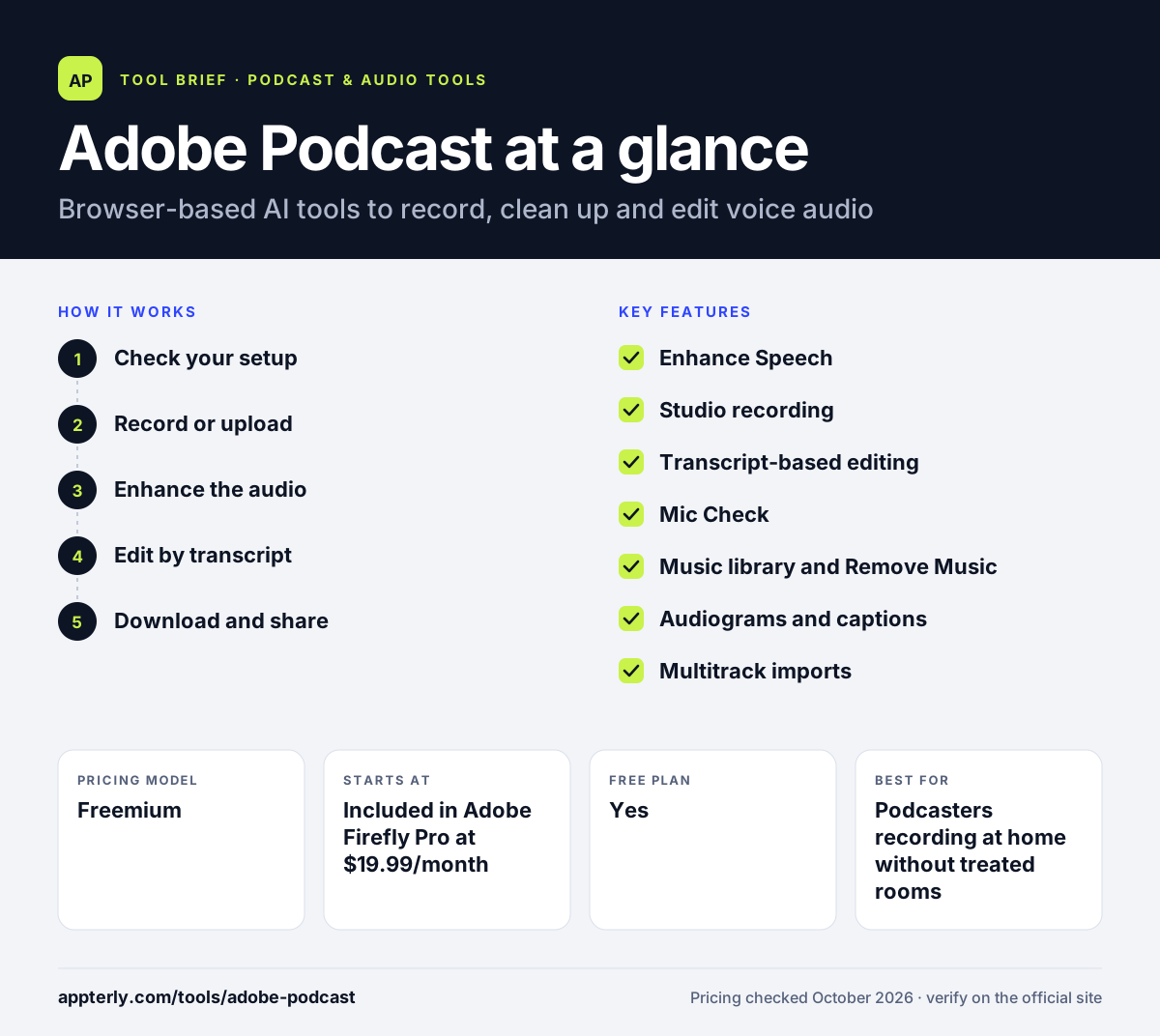
How does Adobe Podcast work?
- Check your setup
Run Mic Check to get AI feedback on your microphone and room before recording.
- Record or upload
Record solo or with remote guests in Studio, or upload an existing audio or video file.
- Enhance the audio
Enhance Speech removes noise and echo, and Premium users can adjust the strength and separate speech, music and ambience.
- Edit by transcript
Studio transcribes the recording so you can cut and rearrange it by editing text, then add music and captions.
- Download and share
Export the finished audio, audiograms or speaker-separated tracks for publishing or further editing.
Adobe Podcast key features
Enhance Speech
Removes background noise and echo from voice recordings, with bulk uploads and video file support on Premium.
Studio recording
Records solo or remote sessions in the browser, capturing each speaker as a separate 48 kHz WAV track.
Transcript-based editing
Edit audio and video by cutting, copying and pasting text, and download transcripts as text or PDF.
Mic Check
Uses AI to review your microphone setup and suggest improvements before you hit record.
Music library and Remove Music
Offers royalty-free intros, outros and beds, and can strip music from uploaded files.
Audiograms and captions
Creates styled audiograms and captions for social sharing, with Adobe branding removed on Premium.
Multitrack imports
Imports multitrack recordings from Zoom and Restream for editing and enhancement.
Speaker-separated downloads
Premium users can download original recordings split by speaker for editing in other software.
Why use Adobe Podcast?
- Enhance Speech can rescue recordings made in noisy or echoey rooms.
- Everything runs in the browser, so there is no software to install.
- Transcript editing is faster than waveform editing for spoken content.
- The free tier is enough to test quality on short files.
- It fits into the wider Adobe ecosystem for teams already using Adobe apps.
Who is Adobe Podcast best for?
A good fit for
- Podcasters recording at home without treated rooms
- Video creators who need cleaner voiceovers
- Marketers producing interviews, webinars and social audio
- Educators and trainers recording lessons
Less suited to
- Shows that need podcast hosting and RSS distribution, which Adobe Podcast does not provide
- Audio engineers who want detailed manual control over EQ and mixing
- Heavy users on the free tier, which limits files to 30 minutes and one hour a day
Adobe Podcast pricing
| Pricing model | Freemium |
|---|---|
| Free plan | Yes |
| Free trial | 30 days (Premium) |
| Starting price | Included in Adobe Firefly Pro at $19.99/month |
The free plan processes audio-only files up to 30 minutes and one hour of enhancement per day. Premium, bundled with Firefly Pro, raises limits to 2-hour files and 4 hours a day, adds video support, bulk uploads and unlimited Studio downloads.
Prices checked October 2026. Vendors change plans often, so confirm on the official Adobe Podcast pricing page before you buy.
Adobe Podcast pros and cons
Pros
- Very effective one-click speech cleanup
- Usable free tier with no install
- Separate-track remote recording in the browser
- Simple transcript-based editing
Cons
- Free limits are tight for long episodes
- Heavy enhancement can sound processed on some voices
- No hosting or distribution features
Adobe Podcast integrations and platforms
Works with
Available on
Adobe Podcast alternatives
See the full shortlist in Best Podcast Software.
Adobe Podcast FAQ
Is Adobe Podcast free?
Yes, Adobe Podcast has a free tier. It lets you enhance audio-only files up to 30 minutes and 500 MB, with up to one hour of Enhance Speech per day, and use Studio for recording and transcript editing. Premium, included with the Adobe Firefly Pro plan, raises those limits and offers a 30-day free trial.
What is Adobe Podcast Enhance Speech?
Enhance Speech is an AI tool inside Adobe Podcast that removes background noise and echo from voice recordings. You upload a file and it returns a cleaner version. Premium users can process video files, upload in bulk, adjust enhancement strength and handle files up to two hours long.
Is Adobe Podcast good for beginners?
Yes. Adobe Podcast is designed for people without audio skills. It runs in a web browser, Mic Check helps you set up your microphone, Enhance Speech cleans audio in one step, and Studio lets you edit by changing text. Beginners can get clear voice audio without learning a traditional audio editor.
Adobe Podcast vs Auphonic: what's the difference?
Adobe Podcast focuses on recording, transcript editing and one-click speech enhancement in the browser. Auphonic is a post-production service that levels loudness, reduces noise, mixes multitrack files and meets loudness standards, with publishing integrations and an API. Many creators use Adobe Podcast for cleanup and Auphonic for final mastering and automation. Both tools run online, so neither requires installing desktop software.
Does Adobe Podcast host podcasts?
No. Adobe Podcast is for recording, enhancing and editing audio, not for hosting or distributing shows. After you export your episode, you upload it to a podcast host such as Buzzsprout, Captivate or Spotify for Creators, which creates the RSS feed and sends it to listening apps.
Sources
This overview is based on Adobe Podcast's official website and documentation, checked October 2026.