What is Auphonic?
Auphonic is an automated audio post-production service that levels, cleans and masters spoken-word audio for podcasts, radio, video and online courses. You upload a file, choose settings, and Auphonic returns a balanced, loudness-compliant result without manual mixing. It suits podcasters, producers, broadcasters and video teams who want consistent sound on every episode with little effort.
Auphonic combines an intelligent leveler, AI noise and reverb reduction, filtering, and loudness normalization to targets such as -16 LUFS. It can also cut silences, coughs and filler words, mix multitrack recordings with automatic ducking, and produce transcripts, shownotes and chapters. Finished files can be sent straight to YouTube, Libsyn, Podbean, RSS.com and other services, and teams can automate everything through watch folders, Zapier, n8n, a CLI or the REST API.
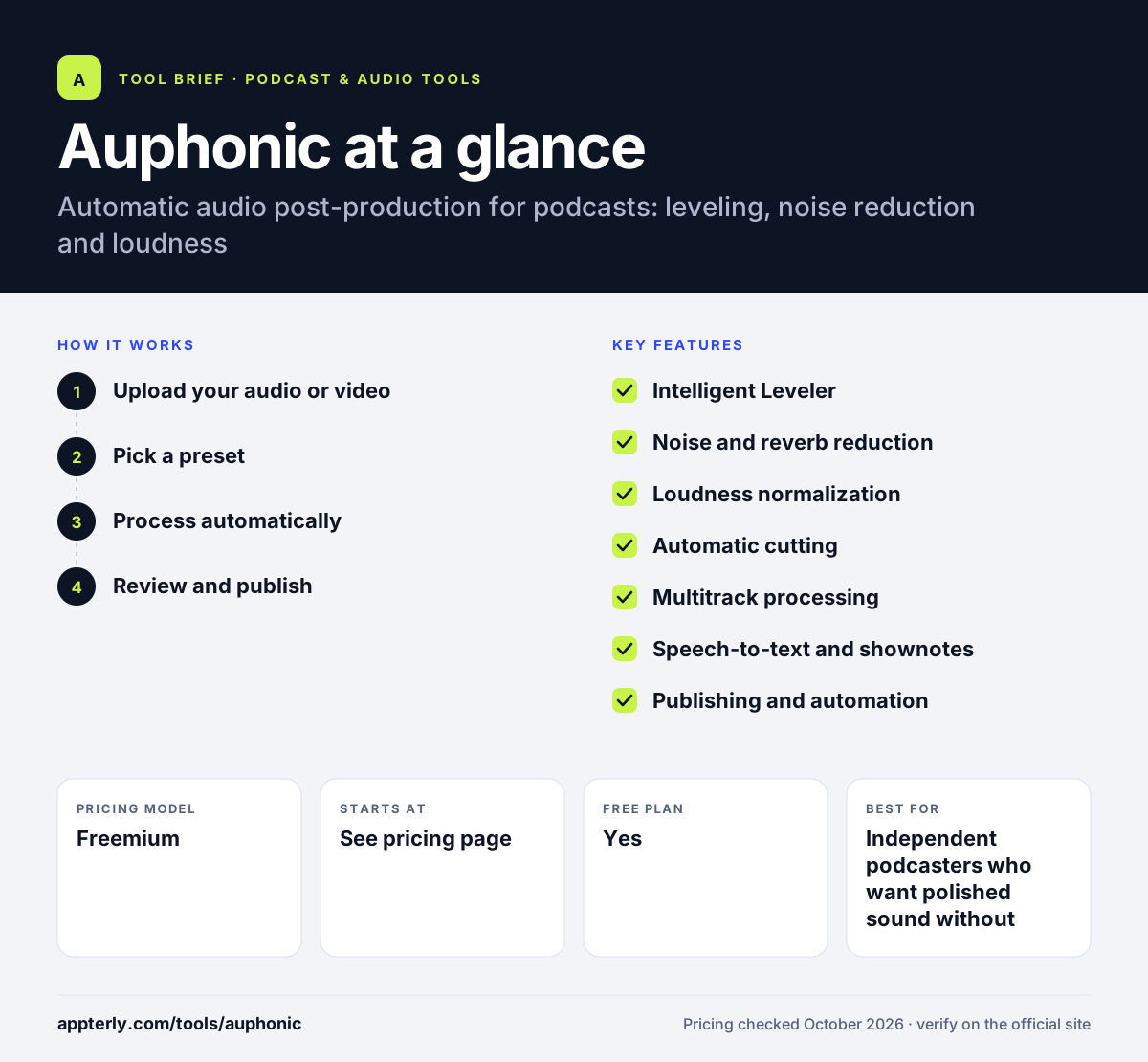
Auphonic at a glance
How does Auphonic work?
- Upload your audio or video
Add a file from your computer, a URL or a connected file transfer service, or drop it into a watch folder.
- Pick a preset
Choose algorithms such as leveling, noise reduction, filler-word cutting and a loudness target, and save them as a reusable preset.
- Process automatically
Auphonic analyzes and processes the file, balancing speakers and music and meeting the selected loudness specification.
- Review and publish
Check results in the audio inspector, then download or send the output to publishing services, with transcripts and chapters attached.
Auphonic key features
Intelligent Leveler
Balances volume between speakers, music and speech without you setting compressors by hand.
Noise and reverb reduction
Removes static and changing background noise, reverb and breaths, with an option to keep music.
Loudness normalization
Targets integrated loudness, true peak and loudness range values used by podcast platforms and broadcasters.
Automatic cutting
Removes silences, coughs and filler words in several languages, with editable cut lists.
Multitrack processing
Mixes separate tracks with automatic ducking, noise gates and mic bleed removal.
Speech-to-text and shownotes
Generates multilingual transcripts with a shareable editor, plus AI shownotes and chapters on paid credits.
Publishing and automation
Sends output to YouTube, Libsyn, Podbean, SoundCloud and RSS.com, and automates via watch folders, Zapier, n8n, CLI and API.
Video and audiograms
Creates audio or video outputs with chapter marks, waveform audiograms and burned-in subtitles.
Why use Auphonic?
- Every episode reaches a consistent, platform-ready loudness.
- Producers save hours of manual leveling and noise cleanup.
- Multitrack mixing handles interviews and panel shows with several mics.
- Automation options suit networks processing many files a week.
- A free tier lets you test results on two hours of audio each month.
Who is Auphonic best for?
A good fit for
- Independent podcasters who want polished sound without audio skills
- Podcast networks and production agencies processing many episodes
- Radio and broadcast teams needing loudness compliance
- Developers adding audio processing to their own apps via API
Less suited to
- People who need a recording studio or a full multitrack editor
- Free users who cannot accept the Auphonic jingle on free productions
Auphonic pricing
| Pricing model | Freemium |
|---|---|
| Free plan | Yes |
| Free trial | Not confirmed |
| Starting price | See the official pricing page |
The free plan includes 2 hours of processing per month with a jingle added. Paid recurring plans range from 9 to 250 hours per month, with 20% off for yearly billing, and one-time credit packs never expire. Exact prices did not display in the page text when checked.
Prices checked October 2026. Vendors change plans often, so confirm on the official Auphonic pricing page before you buy.
Auphonic pros and cons
Pros
- Reliable, hands-off leveling and loudness
- Flexible credits, including non-expiring one-time hours
- Strong automation through API, CLI and watch folders
- Free monthly hours to test the service
Cons
- Not an editor or recorder, so you still need other tools
- Free productions include a jingle and limited multitrack length
- Unused recurring credits do not roll over
Auphonic integrations and platforms
Works with
Available on
Auphonic alternatives
See the full shortlist in Best Podcast Software.
Auphonic FAQ
Is Auphonic free?
Auphonic offers a free plan with 2 hours of processed audio each month. Free productions include a short Auphonic jingle, multitrack productions are limited to under 20 minutes, and features such as multilingual speech recognition and automatic shownotes are not included. Paid recurring plans or one-time credits remove these limits.
What does Auphonic do?
Auphonic automatically improves spoken audio. It balances levels between speakers, reduces noise and reverb, applies filters, cuts silences and filler words, and normalizes loudness to standards such as -16 LUFS. It can also create transcripts, chapters and video audiograms, then publish the result to services like YouTube or your podcast host.
How does Auphonic pricing work?
Auphonic is priced by hours of audio processed. You can buy a recurring monthly plan, from 9 hours up to 250 hours or more, which resets each month and is 20% cheaper with yearly billing. You can also buy one-time credit packs that never expire and are used after recurring credits.
Auphonic vs Adobe Podcast: which is better?
They solve different problems. Adobe Podcast focuses on one-click speech enhancement, browser recording and transcript editing. Auphonic is a post-production engine for leveling, loudness compliance, multitrack mixing and automated publishing. Producers often value Auphonic for consistent mastering at scale, while Adobe Podcast is quicker for rescuing a single noisy recording.
Does Auphonic have an API?
Yes. Auphonic provides a REST API and a command line tool, so developers and production teams can submit files, apply presets and fetch results automatically. A white-label API option is available for companies that want to embed Auphonic processing inside their own products under custom terms. Watch folders and Zapier or n8n connections offer no-code automation for teams that do not write their own scripts.
Sources
This overview is based on Auphonic's official website and documentation, checked October 2026.