What is Sitechecker?
Sitechecker is an SEO and AI visibility platform that crawls websites, monitors changes, tracks rankings and sends alerts, with a focus on agencies managing ten or more client sites. It is owned and operated by Cyber Circus Limited, based in Gibraltar. The platform pulls in Google Search Console and GA4 data so technical, content and ranking changes appear in one dashboard.
Sitechecker also includes an AI Visibility Tracker for ChatGPT, Gemini and Perplexity, white-label client reporting and an MCP server that lets Claude or ChatGPT query project data in plain language. Pay-as-you-go tools handle one-off jobs like a site audit or migration check, and a free Chrome extension runs quick on-page audits while you browse.
Sitechecker at a glance
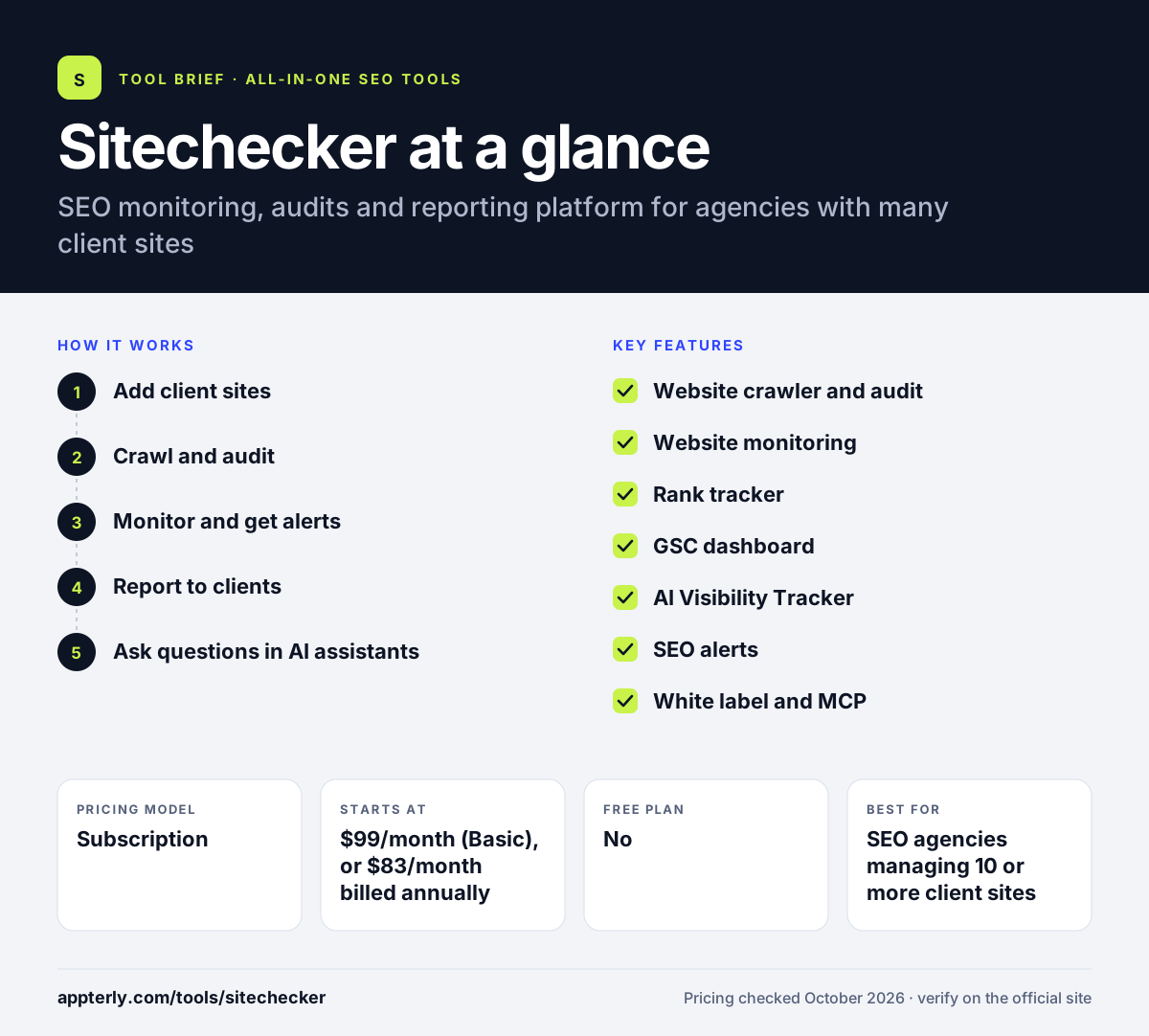
How does Sitechecker work?
- Add client sites
Create projects and connect Google Search Console and GA4 for each site.
- Crawl and audit
Run the website crawler to find technical and on-page issues, with unlimited recrawls.
- Monitor and get alerts
Track rankings, content changes and site health, and receive alerts when something drops or breaks.
- Report to clients
Send branded or fully white-labeled reports, or stream data to Looker Studio.
- Ask questions in AI assistants
Connect the Sitechecker MCP to Claude, ChatGPT or Codex to query project data in plain language without an API key.
Sitechecker key features
Website crawler and audit
Finds technical SEO issues across a site and tracks them across recrawls.
Website monitoring
Watches for SEO-relevant changes such as title tag edits and new page issues.
Rank tracker
Tracks keyword positions with up to 15 competitor domains.
GSC dashboard
Shows Search Console data beyond the native 1,000-row export limit.
AI Visibility Tracker
Measures traffic and mentions from ChatGPT, Gemini and Perplexity.
SEO alerts
Combines GSC, GA4, site health and content change data to flag drops.
White label and MCP
White-label the app for clients and query data through an MCP server or public API.
Pay-as-you-go tools
One-off jobs such as a site audit, a bulk URL check or a website migration check can be bought without a monthly plan, which suits occasional projects.
Why use Sitechecker?
- Unlimited users on every plan suits agencies with larger teams.
- Alerts catch ranking drops and site issues before clients notice.
- Search Console data is easier to explore without export caps.
- White-label reporting saves time on client updates.
- Pay-as-you-go tools cover one-off audits without a subscription.
Who is Sitechecker best for?
A good fit for
- SEO agencies managing 10 or more client sites
- Consultants who need monitoring and alerts
- In-house teams running several websites
- Agencies that resell white-labeled SEO reporting
Less suited to
- Owners of a single small site, given the $99 starting price
- Users needing in-depth backlink research
- Teams wanting a permanent free plan
Sitechecker pricing
| Pricing model | Subscription |
|---|---|
| Free plan | No |
| Free trial | 14 days |
| Starting price | $99/month (Basic), or $83/month billed annually |
Standard is $249/month and Premium $449/month, adding more monitoring frequency, longer Search Console history and more checks, while Enterprise is custom. Annual billing gives about two months free. All plans include unlimited users and unlimited recrawls.
Prices checked October 2026. Vendors change plans often, so confirm on the official Sitechecker pricing page before you buy.
Sitechecker pros and cons
Pros
- Strong monitoring and alerting for many sites
- Unlimited users on all plans
- Search Console data without export limits
- Free Chrome extension
Cons
- Higher entry price than simple audit tools
- No dedicated backlink research tool mentioned
- Refunds only within 48 hours of first payment
Sitechecker integrations and platforms
Works with
Available on
Sitechecker alternatives
See the full shortlist in Best SEO Tools.
Sitechecker FAQ
Is Sitechecker free?
Sitechecker does not have a free plan for its main platform, but it offers a 14-day free trial with full access. It also provides a free SEO Checker for single pages and a free Chrome extension that needs no sign-up. Paid plans start at $99 a month, or $83 a month billed annually.
What is Sitechecker used for?
Sitechecker is used to crawl websites for technical SEO issues, monitor pages for changes, track keyword rankings and send alerts when performance drops. Agencies use Sitechecker to combine Search Console and GA4 data across many client sites and to send white-label reports. It also tracks visibility in AI tools.
Is Sitechecker good for beginners?
Sitechecker is approachable for beginners because audits explain issues and alerts highlight what changed. The free Chrome extension is an easy starting point. Its paid plans, however, are designed for agencies and teams with several sites, so a beginner with one small site may not need the full platform.
Sitechecker vs Ranktracker: what's the difference?
Ranktracker centers on keyword rank tracking with keyword and backlink tools added, and it starts at a lower price. Sitechecker centers on site monitoring, audits, Search Console data and alerts for agencies with many sites, with rank tracking as one part. Choose based on whether rankings or site health matter most.
Does Sitechecker integrate with Google Search Console?
Yes. Google Search Console and GA4 are core data sources in Sitechecker. The GSC dashboard shows more than the 1,000 rows the native interface exports, and alerts combine Search Console, GA4 and site health data. Data can also be streamed into Looker Studio.
Sources
This overview is based on Sitechecker's official website and documentation, checked October 2026.