What is Shorby?
Shorby is a link-in-bio tool that turns the single link in your Instagram or YouTube profile into a smart page with multiple links, messenger buttons and email contact options. Its main idea is to help followers take action quickly, whether that means opening a WhatsApp chat, reading a new article, watching the latest video or buying a product.
What sets Shorby apart from simple link lists is its focus on automation and conversations. The page can pull in your newest videos, products and articles automatically, so it stays current without manual edits, and it supports a custom branded short URL. Shorby is aimed at marketers, online sellers and creators who drive sales through chat and fresh content.
Shorby at a glance
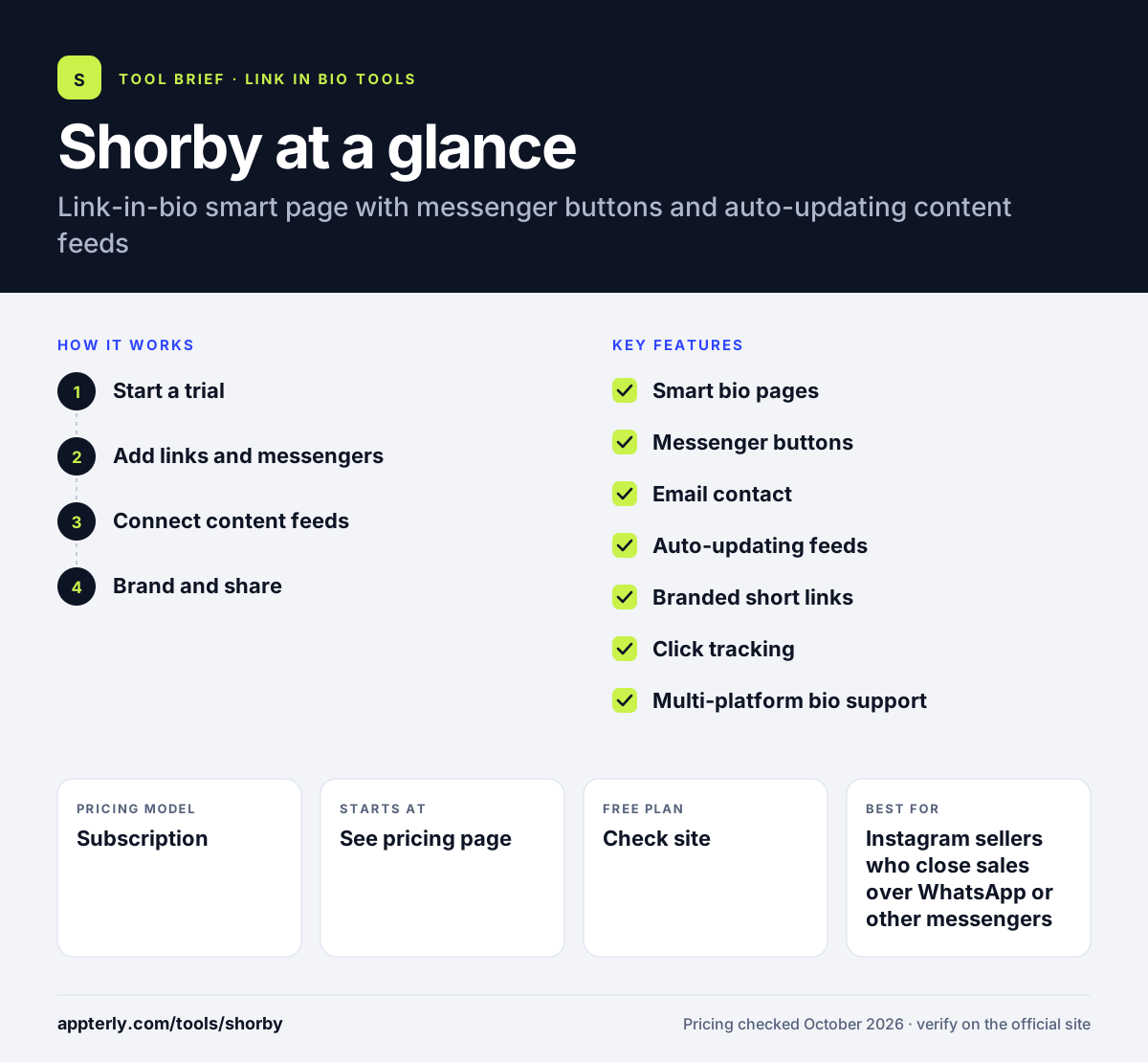
How does Shorby work?
- Start a trial
Sign up through the free trial offered on the Shorby site and create your first smart page.
- Add links and messengers
Add website links, social profiles and buttons that open a chat in WhatsApp or other messaging apps, plus email contact.
- Connect content feeds
Link sources such as your video channel, store or blog so the newest items appear on the page automatically.
- Brand and share
Set up a branded short URL, place it in your Instagram or YouTube bio, and review clicks to see what followers use.
Shorby key features
Smart bio pages
Build a mobile page that holds many links behind one profile URL.
Messenger buttons
One-tap buttons open conversations in messaging apps such as WhatsApp, which suits businesses that sell through chat.
Email contact
Followers can reach you by email directly from the page.
Auto-updating feeds
Your latest videos, products and articles can appear on the page automatically, keeping it fresh without manual updates.
Branded short links
Use a custom branded URL instead of a generic one, which can make the link look more trustworthy in a bio.
Click tracking
See which links and buttons followers tap so you can adjust what you promote.
Multi-platform bio support
The same smart page can sit in an Instagram bio, a YouTube channel description or anywhere else you share a single link.
Why use Shorby?
- Messenger buttons shorten the path from a social post to a sales conversation.
- Automatic feeds save time for publishers who post new content often.
- A branded short link looks more professional than a generic link-in-bio address.
- One page can direct followers to stores, videos, articles and chat in a few taps.
- The free trial lets you test conversion impact before paying.
Who is Shorby best for?
A good fit for
- Instagram sellers who close sales over WhatsApp or other messengers
- YouTube creators and bloggers who publish frequently
- Small online shops promoting new products
- Marketers who want a branded bio link
Less suited to
- Users who need a permanent free plan
- Creators who want built-in checkout, courses or bookings
- Buyers who want clear public pricing before signing up
Shorby pricing
| Pricing model | Subscription |
|---|---|
| Free plan | Not confirmed |
| Free trial | Free trial offered (length not stated) |
| Starting price | See the official pricing page |
Shorby advertises a free trial, but its plan prices could not be confirmed on the official pricing page during this check. Confirm current plans and limits on the Shorby site before buying.
Prices checked October 2026. Vendors change plans often, so confirm on the official Shorby pricing page before you buy.
Shorby pros and cons
Pros
- Strong focus on messenger-driven conversions
- Auto-updating content feeds reduce manual edits
- Branded short URL option
Cons
- Pricing details are hard to find publicly
- No confirmed permanent free plan
- No commerce checkout or course features
Shorby integrations and platforms
Works with
Available on
Shorby alternatives
See the full shortlist in Best Link in Bio Tools.
Shorby FAQ
Is Shorby free?
Shorby offers a free trial so you can test it, but it is mainly a paid tool and a permanent free plan could not be confirmed on its official site. Plan prices and limits should be checked on the Shorby pricing page, since they were not shown publicly during this review.
What is Shorby used for?
Shorby is used to create a smart link-in-bio page for Instagram and YouTube. Marketers and sellers use it to send followers to multiple links, open chats in messaging apps such as WhatsApp, offer email contact and show their newest videos, products and articles automatically on one page.
Shorby vs Linktree: what's the difference?
Linktree is a general link-in-bio builder with a free plan and broad creator features. Shorby is more specialized, built around messenger buttons, auto-updating content feeds and branded short links to drive conversations and clicks. Linktree suits most creators; Shorby suits sellers who close deals in chat.
Does Shorby work with WhatsApp?
Yes. Shorby is designed to drive followers to WhatsApp and other messaging apps through one-tap buttons on your bio page. This lets a customer move from viewing your Instagram profile to chatting with you about a product in a couple of taps, which is useful for chat-based selling.
Is Shorby good for beginners?
Yes, for its core use. Setting up a Shorby page mostly means adding links, choosing messenger buttons and connecting content sources, with no coding needed. Beginners should note that it is a paid tool after the trial, so a free link-in-bio builder may be a better starting point for anyone just testing the idea.
Sources
This overview is based on Shorby's official website and documentation, checked October 2026.