What is SERPWatcher?
SERPWatcher is a rank tracking tool from Mangools that follows how a website's keywords move in Google results over time. It sits inside the Mangools suite next to KWFinder, SERPChecker, LinkMiner and SiteProfiler, so one subscription covers keyword research, SERP analysis, backlinks and tracking. SERPWatcher focuses on clear charts and a single Performance Index score rather than dense tables.
The Performance Index estimates how much organic traffic a site could earn from its current positions and the search volume of each keyword. Rankings refresh weekly on most plans and daily on the Agency plan. You can track desktop or mobile results across tens of thousands of locations, down to city and DMA level, and share read-only reports with clients or teammates through a link.
SERPWatcher at a glance
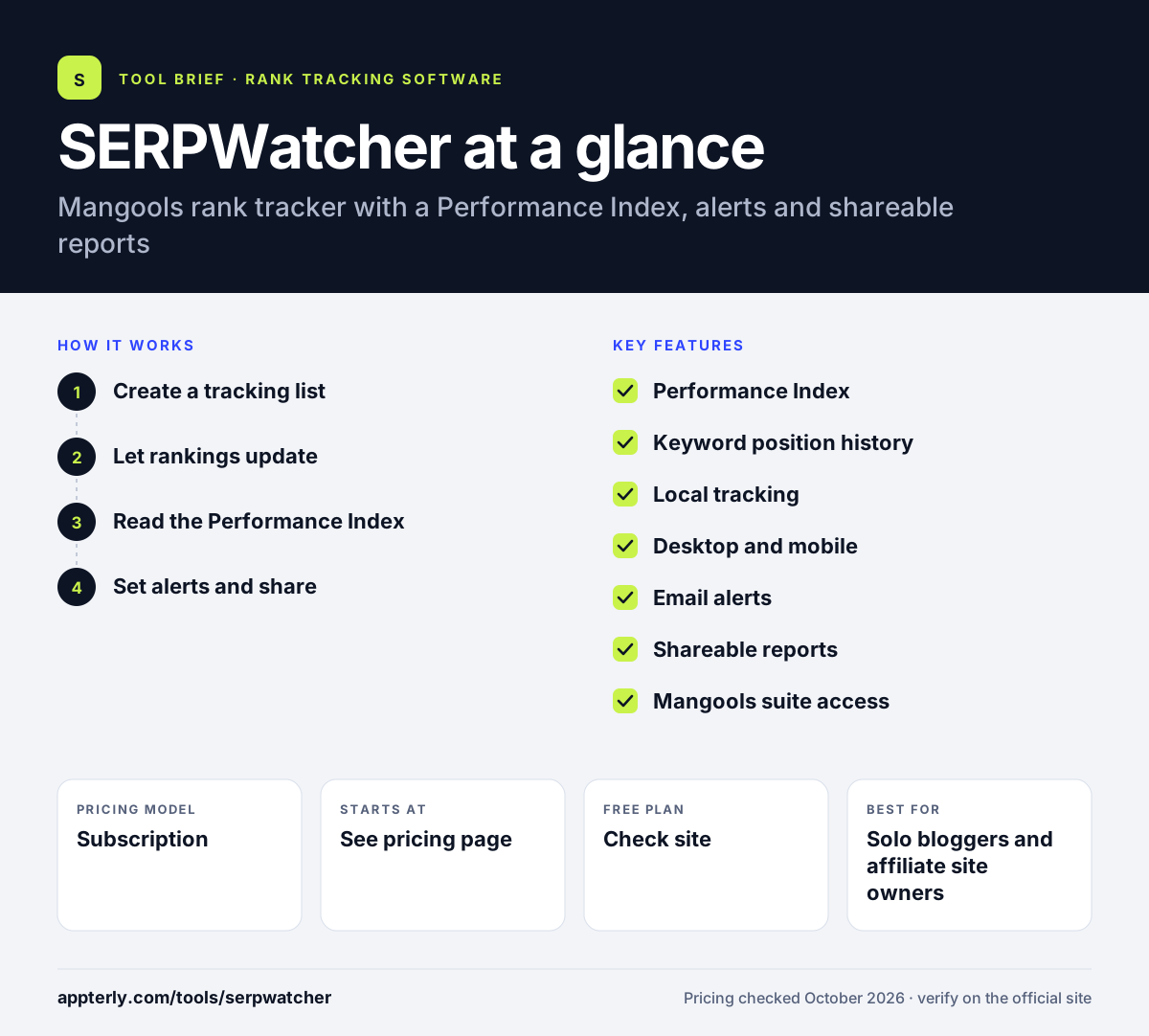
How does SERPWatcher work?
- Create a tracking list
Enter a domain, pick a location and device, and add the keywords you want SERPWatcher to follow. You can keep separate tracking lists for each client or market.
- Let rankings update
Positions refresh weekly, or daily on the Agency plan, and build a history for each keyword.
- Read the Performance Index
Use the overall score and keyword charts to see whether visibility is rising or falling. Rising and falling keywords are highlighted so you can spot changes without scanning every row.
- Set alerts and share
Turn on email alerts for big moves, schedule reports and send a shareable link to clients.
SERPWatcher key features
Performance Index
A single score that estimates traffic potential from current positions and keyword volumes.
Keyword position history
Week-by-week or day-by-day charts with SERP previews for each tracked term.
Local tracking
More than 65,000 locations, including states, counties, cities and DMA regions.
Desktop and mobile
Track rankings separately for desktop and mobile results.
Email alerts
Notifications when a keyword moves sharply or a set event happens.
Shareable reports
Interactive reports that clients can open through a link, plus scheduled reports.
Mangools suite access
The same plan includes KWFinder, SERPChecker, LinkMiner and SiteProfiler.
Why use SERPWatcher?
- It is part of a bundle, so you get keyword research and backlink tools along with tracking.
- The Performance Index makes progress easy to explain to non-technical clients.
- City-level location options help local businesses see results where their customers search.
- Shareable links remove the need to export and send reports by hand.
- The interface is clean and quick to learn.
Who is SERPWatcher best for?
A good fit for
- Solo bloggers and affiliate site owners
- Freelance SEOs reporting to small clients
- Small marketing teams already using KWFinder
- Local businesses tracking city-level rankings
Less suited to
- Teams that need daily updates without paying for the top plan
- Enterprises tracking very large keyword sets across many sites
- Users who want only a rank tracker and not a bundled suite
SERPWatcher pricing
| Pricing model | Subscription |
|---|---|
| Free plan | Not confirmed |
| Free trial | Not confirmed |
| Starting price | See the official pricing page |
SERPWatcher is sold only as part of Mangools plans (Basic, Premium and Agency), and daily updates need the Agency plan. Annual billing saves 35%, and there is a 48-hour money-back guarantee; exact prices were not visible on the pricing page.
Prices checked October 2026. Vendors change plans often, so confirm on the official SERPWatcher pricing page before you buy.
SERPWatcher pros and cons
Pros
- Easy-to-read charts and Performance Index
- Bundled with four other Mangools tools
- Wide choice of local tracking locations
- Shareable client reports
Cons
- Weekly updates unless you are on the Agency plan
- Fewer advanced features than enterprise rank trackers
- No standalone plan for tracking only
SERPWatcher integrations and platforms
Available on
SERPWatcher alternatives
See the full shortlist in Best Rank Tracker Tools.
SERPWatcher FAQ
Is SERPWatcher free?
SERPWatcher is a paid tool sold within Mangools plans. Mangools lets you create a free account, which gives limited access so you can see how the tools work. Paid plans unlock full tracking, and Mangools offers a 48-hour money-back guarantee if the subscription is not a good fit.
What is SERPWatcher used for?
SERPWatcher is used to track how a website ranks for chosen keywords in Google over time. It shows position history, a Performance Index that estimates traffic potential, and alerts for big changes. Freelancers and small teams use it to report SEO progress to clients through shareable links.
How often does SERPWatcher update rankings?
SERPWatcher updates keyword positions weekly on the Basic and Premium plans. Daily updates are available on the Agency plan. If you need daily movements for every project, factor the Agency plan into your budget, or pair SERPWatcher with a separate daily tracker. Weekly data is usually enough for smaller sites where rankings move slowly.
SERPWatcher vs Wincher: what's the difference?
SERPWatcher comes bundled with the Mangools suite and focuses on simple charts and a Performance Index, with weekly updates on lower plans. Wincher is a dedicated rank tracking platform with daily updates on every plan, plus white-label reports, an API and Looker Studio support on higher tiers.
Is SERPWatcher good for beginners?
Yes, SERPWatcher is one of the easier rank trackers to learn. Setup takes a domain, a location and a keyword list, and the dashboard summarizes progress in one score. Because it shares an account with KWFinder, beginners can research keywords and then track them in the same place.
Sources
This overview is based on SERPWatcher's official website and documentation, checked October 2026.