What is Riverside?
Riverside is an online studio for recording, editing and publishing podcasts, video interviews, live streams and webinars. It records each participant locally on their own device, so audio and video stay high quality even when internet connections are weak. Podcasters, marketing teams, agencies and businesses use it to produce professional remote content without a physical studio.
Recordings capture separate tracks in up to 4K video and uncompressed audio. Riverside then offers a text-based editor, AI audio cleanup, filler-word and silence removal, captions, and Magic Clips that turn long recordings into short social videos. Its AI Co-Creator drafts clips, posts, thumbnails and headlines. Higher plans add multistreaming, a creator website, newsletters, podcast hosting and full webinar tools with registration pages, reminders, polls, lead capture and HubSpot sync. Separate-track downloads let editors finish projects in other software if they prefer.
Riverside at a glance
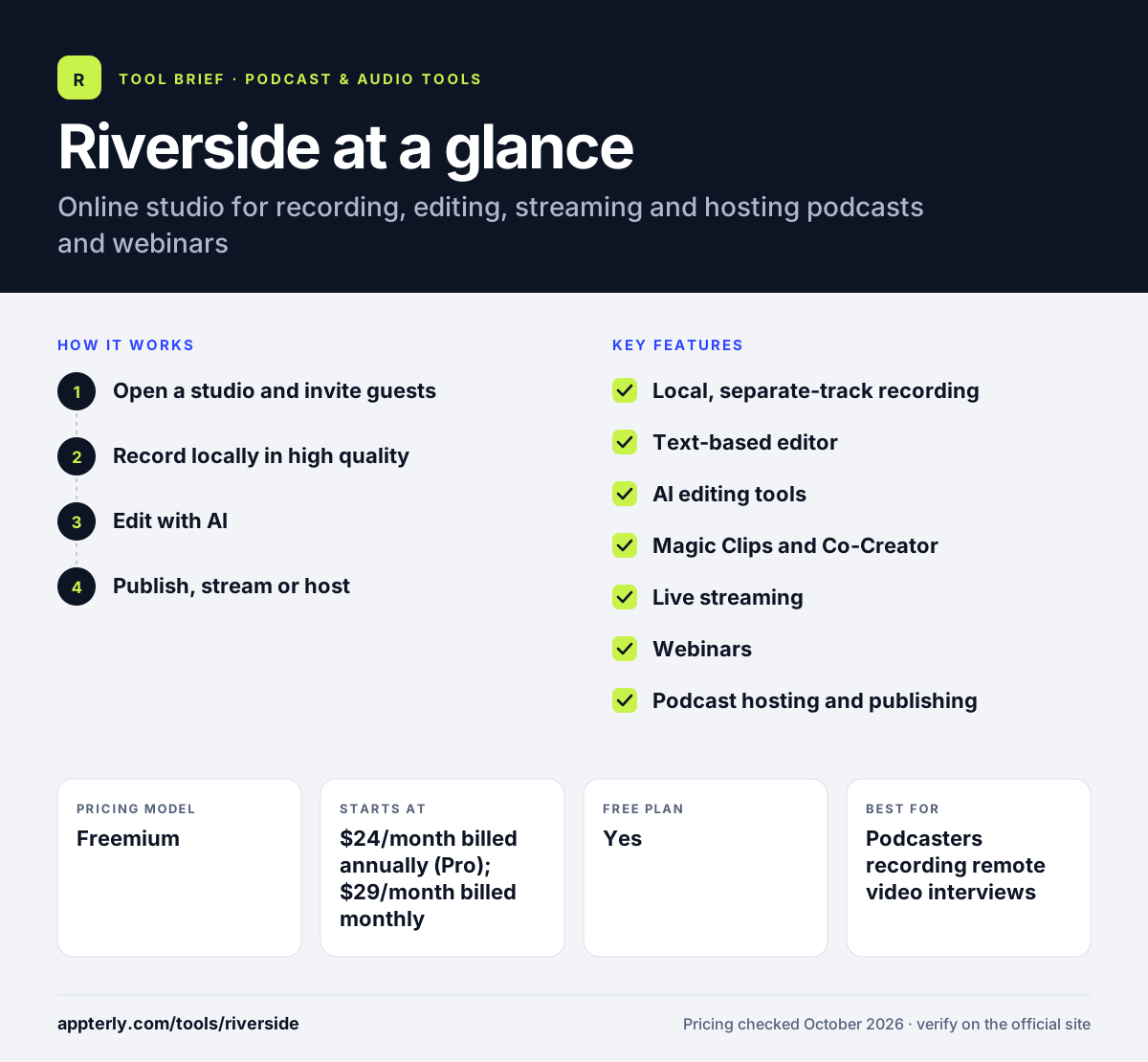
How does Riverside work?
- Open a studio and invite guests
Create a studio link and send it to guests, who join from a browser or mobile app without downloads.
- Record locally in high quality
Each person is recorded on their own device in separate tracks, up to 4K video and 48 kHz audio.
- Edit with AI
Cut by editing the transcript, clean audio, remove filler words and generate Magic Clips and show notes.
- Publish, stream or host
Publish to YouTube, Spotify, Apple and social platforms, stream live to several destinations, or run webinars.
Riverside key features
Local, separate-track recording
Records each participant locally in up to 4K and uncompressed audio, independent of internet quality.
Text-based editor
Edit video and audio by editing the transcript, with multitrack editing, templates and animated captions.
AI editing tools
Audio enhancement, filler-word and silence removal, eye contact correction, translation and AI-generated b-roll.
Magic Clips and Co-Creator
Turn long recordings into short clips and generate posts, thumbnails and headlines.
Live streaming
Stream in Full HD to multiple destinations with custom RTMP, audience call-ins and saved layouts.
Webinars
Registration pages, branded reminders, Q&A, polls, lead capture, analytics and HubSpot integration.
Podcast hosting and publishing
Host shows and publish to Spotify, Apple Podcasts and YouTube with built-in analytics.
Creator website and newsletter
Grow plans add a creator website, newsletter, video hosting and social media scheduling.
Why use Riverside?
- Local recording protects quality when guests have poor connections.
- Recording, editing, clipping and publishing happen in one tool.
- Webinar features let marketing teams run lead-generation events from the same platform.
- Separate tracks give editors full control in post-production.
- A free plan lets you try recording and editing before paying.
Who is Riverside best for?
A good fit for
- Podcasters recording remote video interviews
- B2B marketing teams running webinars and video series
- Agencies producing client podcasts and social clips
- Creators who want recording, editing and hosting in one place
- Video podcasters who repurpose episodes into social clips
Less suited to
- Free users who need 4K, no watermark or more than 2 hours of separate tracks
- Teams that need very large webinars on mid-tier plans, which cap registrants at 100
- Users who only need simple audio-only recording at no cost
Riverside pricing
| Pricing model | Freemium |
|---|---|
| Free plan | Yes |
| Free trial | Not confirmed |
| Starting price | $24/month billed annually (Pro); $29/month billed monthly |
Pro includes 5 hours a month of separate-track recording and 4K. Grow ($34/month annually) adds streaming, two shows and more hours, Webinar ($79/month annually) adds webinars for up to 100 registrants, and Business is custom.
Prices checked October 2026. Vendors change plans often, so confirm on the official Riverside pricing page before you buy.
Riverside pros and cons
Pros
- High-quality local recording in up to 4K
- Strong AI editing and clipping
- Webinars, streaming and hosting in one product
- Free plan to start
Cons
- Separate-track recording hours are capped on lower plans
- Advanced integrations and API are limited to Business
- Many features can make the interface busy for simple needs
Riverside integrations and platforms
Works with
Available on
Riverside alternatives
See the full shortlist in Best Podcast Software.
Riverside FAQ
Is Riverside free?
Yes. Riverside has a free plan with 2 hours of separate audio and video track recording, full editing tools, Magic Clips and unlimited single-track recording. Free recordings are limited to 720p video and carry a Riverside watermark. Paid plans start at $24 per month billed annually.
What is Riverside used for?
Riverside is used to record remote podcasts and video interviews in high quality, edit them with AI, and publish the results. Businesses also use Riverside to live stream and to host webinars with registration, reminders, polls and lead capture, then repurpose recordings into short clips. The free plan is enough to test a full record, edit and clip workflow.
Riverside vs Zoom: what's the difference for podcasts?
Zoom compresses audio and video over the internet, so recordings reflect connection quality. Riverside records each participant locally and uploads separate tracks, delivering up to 4K video and uncompressed audio. Riverside also includes podcast editing, clipping and publishing tools that Zoom does not focus on. Riverside also offers in-person multi-cam recording and a teleprompter for hosts.
Can Riverside host webinars?
Yes. The Riverside Webinar plan supports up to 100 registrants with registration forms, branded email reminders, Q&A, polls, live call-ins, analytics and HubSpot sync. The Business plan raises the limit to 10,000 registrants and adds Salesforce, Marketo and API access.
Does Riverside have a mobile app?
Yes. Riverside offers iOS and Android apps so hosts and guests can record from their phones, along with a Mac app. Guests can also join from a web browser without installing anything, which makes it easy to bring on interviewees. The Mac app and mobile apps sync with your web studio, so projects stay in one account.
Sources
This overview is based on Riverside's official website and documentation, checked October 2026.