What is Pushwoosh?
Pushwoosh is a customer engagement platform that combines mobile and web push notifications, in-app messages, email, SMS and WhatsApp with a customer data platform, segmentation and automation. It is used by app businesses and marketers who want one tool for messaging and journeys. Pushwoosh runs on its own hardware rather than third-party cloud and offers an EU data center in Germany for European clients.
The Customer Journey Builder links channels into automated flows, while segmentation uses tags, events and nested filters. Pushwoosh also supports wallet passes, Telegram, LINE and KakaoTalk on its Omnichannel plan. ManyMoney AI acts as a marketing copilot that spots revenue opportunities, and a ManyMoney MCP server connects to AI assistants. Pricing is per monthly active user, and projects under 1,000 MAU pay nothing.
Pushwoosh at a glance
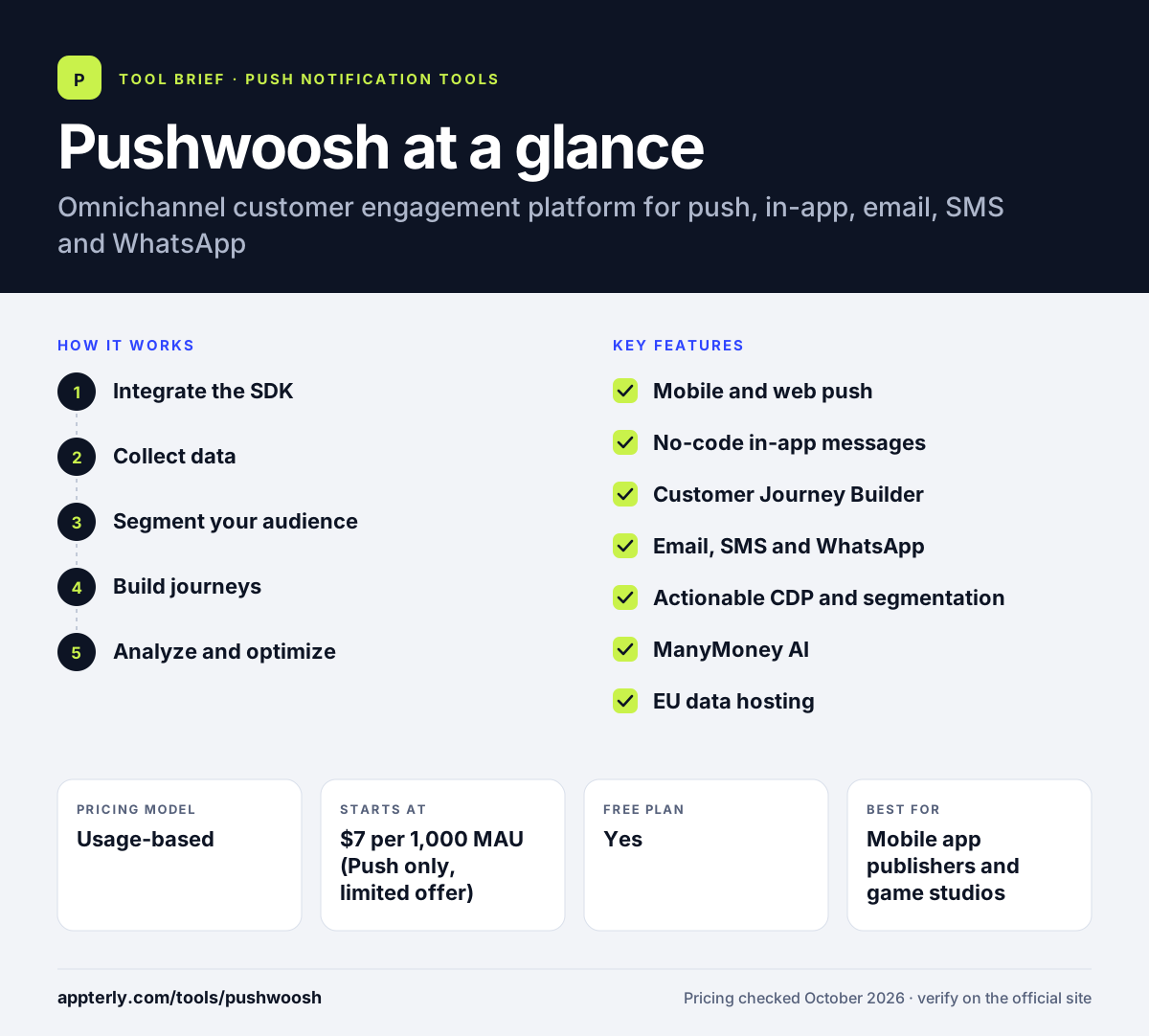
How does Pushwoosh work?
- Integrate the SDK
Add Pushwoosh to iOS, Android, web or frameworks such as Flutter, React Native, Unity and .NET MAUI. Web push works across Chrome, Firefox, Edge and Safari.
- Collect data
Track tags and events in the actionable CDP to build user profiles.
- Segment your audience
Create segments from tags, events and uploaded lists with AND/OR filter groups.
- Build journeys
Use the Customer Journey Builder to connect push, in-app, email, SMS and WhatsApp in automated flows.
- Analyze and optimize
Review analytics and use ManyMoney AI suggestions to improve revenue.
Pushwoosh key features
Mobile and web push
Unlimited push notifications across iOS, Android, Huawei, Windows, macOS and major browsers.
No-code in-app messages
Build in-app messages without developers and track impressions.
Customer Journey Builder
A visual tool to create cross-channel automated journeys.
Email, SMS and WhatsApp
Additional channels on the Omnichannel plan, plus messengers such as Telegram, LINE and KakaoTalk.
Actionable CDP and segmentation
Unified user data with advanced, nested segment filters.
ManyMoney AI
An AI marketing copilot that finds revenue opportunities, with a daily free allowance.
EU data hosting
A Germany-based data center option for European data residency needs.
Why use Pushwoosh?
- Projects under 1,000 monthly active users can use Pushwoosh for free.
- Push and in-app impressions are unlimited, so you are not charged per message.
- One platform handles push, email, SMS and messengers with journeys.
- Wide SDK support includes Huawei devices and cross-platform frameworks.
- EU hosting and certifications like ISO 27001 and SOC 2 Type 2 help with compliance.
Who is Pushwoosh best for?
A good fit for
- Mobile app publishers and game studios
- Businesses needing push plus email and messengers in one tool
- European companies that want EU data hosting
- Teams targeting Huawei and other non-Google Android devices
Less suited to
- Websites that only need a simple WordPress push plugin
- Teams expecting third-party SMS and WhatsApp fees to be included
- Very small projects that need extensive hands-on support
Pushwoosh pricing
| Pricing model | Usage-based |
|---|---|
| Free plan | Yes |
| Free trial | Not confirmed |
| Starting price | $7 per 1,000 MAU (Push only, limited offer) |
Omnichannel costs $13 per 1,000 MAU and Email only costs $5 per 1,000 monthly unique recipients, with the same toolset across plans. SMS and WhatsApp provider fees are billed separately, and custom plans apply above about $3,000 per month.
Prices checked October 2026. Vendors change plans often, so confirm on the official Pushwoosh pricing page before you buy.
Pushwoosh pros and cons
Pros
- Free for projects under 1,000 MAU
- Unlimited push and in-app messages
- Broad channel and SDK coverage
- EU data center option
Cons
- MAU counting includes anyone messaged on any channel
- Third-party channel costs are extra
- Promotional Push only pricing has a set end date
Pushwoosh integrations and platforms
Works with
Available on
Pushwoosh alternatives
See the full shortlist in Best Push Notification Software.
Pushwoosh FAQ
Is Pushwoosh free?
Yes, within limits. Pushwoosh costs nothing while your project stays under 1,000 monthly active users. The free tier includes unlimited push and in-app messages, 20,000 email sends a month and five ManyMoney AI requests a day. Above that, you pay per 1,000 MAU depending on the plan.
What is Pushwoosh used for?
Pushwoosh is used to engage app and website users across push notifications, in-app messages, email, SMS and WhatsApp. Teams build segments from user data, automate onboarding and retention journeys with the Customer Journey Builder, and use analytics and AI suggestions to grow revenue from their existing audience.
How does Pushwoosh pricing work?
Pushwoosh charges per monthly active user. Omnichannel is $13 per 1,000 MAU, Push only is $7 per 1,000 MAU as a limited offer, and Email only is $5 per 1,000 monthly unique recipients. Anyone who receives a message on any channel counts as an MAU, and SMS and WhatsApp provider fees are extra.
Pushwoosh vs OneSignal: what's the difference?
Both offer free tiers and usage-based pricing for push, email, SMS and in-app messages. Pushwoosh adds messenger channels such as Telegram, LINE and KakaoTalk, Huawei push support, and an EU data center. OneSignal is more widely known, offers Live Activities and has a large integration list. Compare MAU costs for your audience size.
Which platforms does Pushwoosh support?
Pushwoosh supports iOS, Android, Huawei Android, Fire OS, Windows and macOS, plus web push in Chrome, Firefox, Edge and Safari. Frameworks include Flutter, React Native, Cordova, Expo, Unity, OutSystems and .NET MAUI. This makes it a practical choice for teams shipping across many devices and app stacks.
Sources
This overview is based on Pushwoosh's official website and documentation, checked October 2026.