What is Pixlr?
Pixlr is an online photo editing and design platform that runs in the browser with no installation, alongside mobile and desktop apps. It includes Pixlr Editor for detailed, layer-based editing and Pixlr Express for fast AI-assisted touch-ups. The service has been online for more than 15 years and is run by Pixlr Pte Ltd.
Over time Pixlr has added a wide set of AI tools. These include an AI image generator, AI video and audio generators, an instruction-based image editor, face swap, background and object removal, generative fill and expand, and an image upscaler. A collage maker, templates and Pixlr Agent round out the suite, and plans are priced low compared with many design tools.
Pixlr works on a credit system for AI features. Subscription credits reset at each renewal and drop to zero if you cancel, while separately bought credit packs never expire and are used after plan credits run out. Payments can be made by card or PayPal on the web, and purchases inside the mobile apps go through the device's app store.
Pixlr at a glance
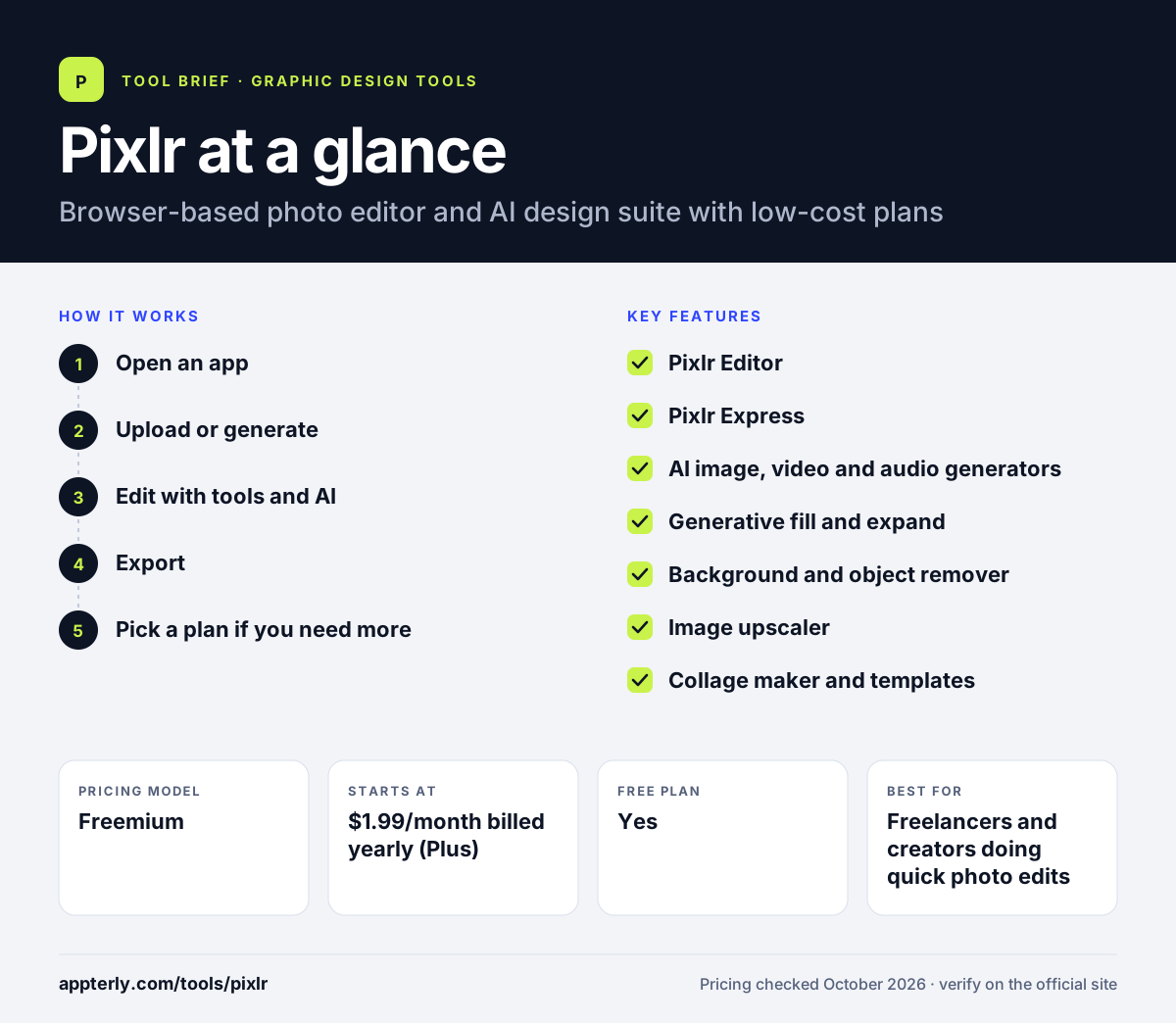
How does Pixlr work?
- Open an app
Choose Pixlr Editor for detailed work or Pixlr Express for quick edits, in the browser or app.
- Upload or generate
Open a photo or generate a new image, video or audio clip from a prompt.
- Edit with tools and AI
Adjust layers and filters or use AI to remove objects, fill areas, expand images or remove backgrounds.
- Export
Save the result, with high-resolution exports and ad-free use on paid plans.
- Pick a plan if you need more
Upgrade to Plus for ad-free use and unlimited saves, or to Premium and Ultra when you need regular AI generation, private mode and access to every image, video and audio model.
Pixlr key features
Pixlr Editor
Layer-based photo editor for more detailed retouching and compositing.
Pixlr Express
Quick, AI-assisted photo edits and filters for everyday images.
AI image, video and audio generators
Create media from text prompts, with access to several AI models on paid plans.
Generative fill and expand
Add or replace parts of an image and extend it beyond its original edges.
Background and object remover
Cut out subjects and clean up unwanted items in a few clicks.
Image upscaler
Increase the resolution of images using AI.
Collage maker and templates
Combine photos and start from templates, fonts and design elements.
AI image editor and face swap
Edit images by typing instructions and swap faces between photos with AI.
Why use Pixlr?
- Works in any browser without installing software.
- Paid plans are among the cheapest in the category.
- Covers both classic photo editing and AI generation.
- Available on web, mobile and desktop.
- Credit packs never expire, so occasional AI users can top up without moving to a larger plan.
Who is Pixlr best for?
A good fit for
- Freelancers and creators doing quick photo edits
- Small businesses making product and social images
- Students and hobbyists on a small budget
- Users who want AI generation without an expensive plan
- Social media managers making quick visuals
Less suited to
- Teams that need collaboration and brand management
- Professionals who need a full desktop editing workflow like Photoshop
- Buyers who want refunds, since payments are non-refundable
Pixlr pricing
| Pricing model | Freemium |
|---|---|
| Free plan | Yes |
| Free trial | Not confirmed |
| Starting price | $1.99/month billed yearly (Plus) |
Plus is $2.49 on monthly billing and removes ads. Premium ($7.99/month yearly) adds 1,000 monthly AI credits and all models, and Ultra (from $19.99/month yearly) adds higher limits and faster generation.
Prices checked October 2026. Vendors change plans often, so confirm on the official Pixlr pricing page before you buy.
Pixlr pros and cons
Pros
- Very low entry price
- No download needed
- Large set of AI editing tools
Cons
- Free version shows ads
- AI use depends on monthly credits
- No refunds once payment is taken
Pixlr integrations and platforms
Available on
Pixlr alternatives
See the full shortlist in Best Graphic Design Tools for Marketers.
Pixlr FAQ
Is Pixlr free?
Pixlr can be used for free in the browser, with ads and limits. Paid plans remove ads and add AI credits. Plus starts at $1.99 a month billed yearly, Premium at $7.99 a month billed yearly with 1,000 AI credits a month, and Ultra from $19.99 a month billed yearly.
What is Pixlr used for?
Pixlr is used for editing photos online, removing backgrounds, retouching images, making collages and generating AI images, video and audio. Creators and small businesses use Pixlr for social media visuals, product photos and quick fixes without installing desktop software.
Is Pixlr good for beginners?
Yes. Pixlr Express is built for fast, simple edits and AI tools handle tasks like background removal in one click. Pixlr Editor offers layers and more control for users who want to grow their skills, so beginners can move up as they learn.
Pixlr vs Photoshop: what's the difference?
Photoshop is Adobe's professional image editor with deep tools and a higher price. Pixlr runs in the browser, costs far less and covers common edits plus AI generation. Pixlr suits quick everyday editing, while Photoshop suits professional retouching and complex compositing.
Does Pixlr have a mobile app?
Yes. Pixlr is available on iOS and Android as well as in the browser and as a desktop app. Purchases made in the mobile apps are billed through the device's app store.
Sources
This overview is based on Pixlr's official website and documentation, checked October 2026.