What is Pixabay?
Pixabay is a free stock media site where anyone can download photos, illustrations, vectors, videos, music, sound effects, 3D models and GIFs and use them without paying or crediting the creator. Based in Berlin and run as a brand of Canva Germany GmbH, it hosts more than 6.3 million media assets shared by over 400,000 creators, and it reports more than 6 billion downloads.
Pixabay is notable for covering many media types in one free library, including royalty-free music and sound effects that most free photo sites lack. Its Content License allows commercial use and modification, with limits on reselling unaltered files and using recognizable brands. Developers can use the free Pixabay API to search and display images and videos inside their own apps and websites.
Pixabay at a glance
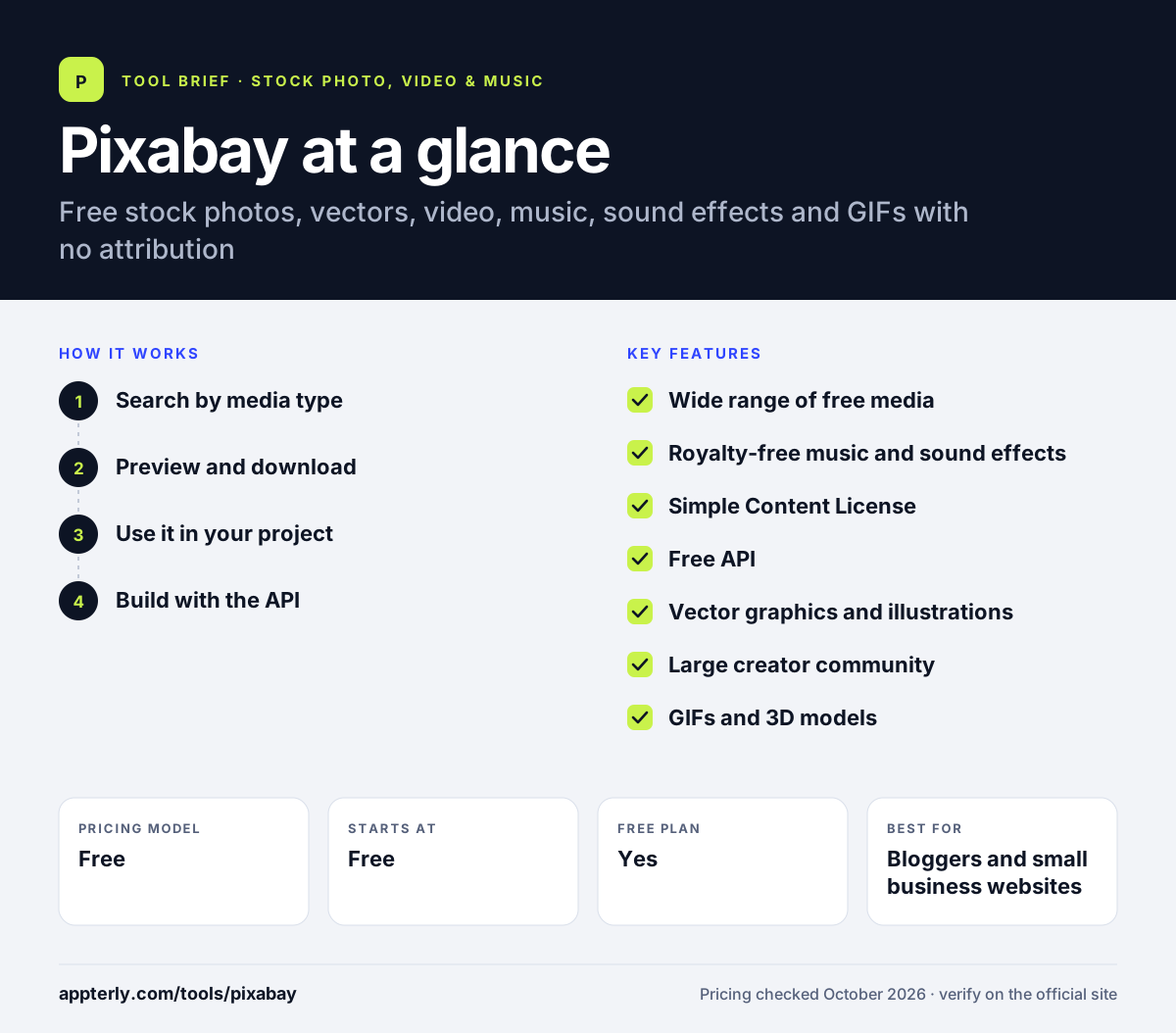
How does Pixabay work?
- Search by media type
Choose photos, illustrations, vectors, videos, music, sound effects, GIFs or 3D, then search by keyword.
- Preview and download
Open an asset, pick a size or format, and download it at no cost.
- Use it in your project
Use and modify the file in websites, videos, ads or print. Credit is optional, but you should check that the content does not include trademarks or people that need extra permission.
- Build with the API
Developers get an API key and can query images and videos, as long as they show users where results come from.
Pixabay key features
Wide range of free media
Photos, illustrations, vectors, videos, music, sound effects, 3D models and GIFs in one free library.
Royalty-free music and sound effects
Free audio tracks and effects for YouTube videos, podcasts and social clips, covered by the same license.
Simple Content License
Use and modify content commercially without attribution, with clear rules on what is not allowed.
Free API
Search images and videos programmatically with a default limit of 100 requests per 60 seconds, plus caching and attribution rules.
Vector graphics and illustrations
Free vectors and illustrations useful for blog graphics, presentations and simple design work.
Large creator community
More than 400,000 creators from over 200 countries contribute to the library.
GIFs and 3D models
Animated GIFs and 3D models sit alongside traditional stock, giving social media managers and designers extra free formats to work with.
Why use Pixabay?
- Everything is free, including music and sound effects, which helps creators with no budget.
- No attribution is required, so files fit cleanly into ads, client work and product pages.
- One site covers images, video and audio, which saves time switching between sources.
- The free API with clear limits makes it easy to add stock media to apps.
- Vectors and illustrations offer more design options than photo-only free sites.
Who is Pixabay best for?
A good fit for
- Bloggers and small business websites
- YouTubers needing free music and sound effects
- Students, teachers and nonprofits
- Developers adding stock media to apps
Less suited to
- Brands needing legal indemnification for campaigns
- Projects needing exclusive or highly specialized imagery
- Merchandise sellers using content with recognizable brands or logos, which the license restricts
Pixabay pricing
| Pricing model | Free |
|---|---|
| Free plan | Yes |
| Free trial | Not confirmed |
| Starting price | Free |
All content is free to download and use under the Pixabay Content License, and the API is free as well. Full-resolution image access through the API requires separate approval.
Prices checked October 2026. Vendors change plans often, so confirm on the official website before you buy.
Pixabay pros and cons
Pros
- Free photos, vectors, video, music and sound effects
- No attribution required
- Free API with documented rate limits
- Large, active contributor community
Cons
- Quality varies more than on paid stock sites, so you may need to search longer for polished images
- No indemnification for commercial use
- Some content may carry third-party rights you must check yourself
Pixabay integrations and platforms
Available on
Pixabay alternatives
See the full shortlist in Best Stock Media Sites.
Pixabay FAQ
Is Pixabay really free?
Yes. Pixabay content is free to download and use, including for commercial projects. There are no paid plans for downloading. The Pixabay API is also free, with a default limit of 100 requests per 60 seconds, as long as you show users where the images and videos come from.
Do I need to credit Pixabay?
No. The Pixabay Content License does not require attribution, although giving credit to the creator is appreciated. API users are asked to show where search results come from whenever they display them, which is a separate rule from the general content license.
Can I use Pixabay music on YouTube?
Pixabay's license covers its audio, so you can use music and sound effects in videos, including on YouTube, without paying or crediting the artist. You cannot sell or distribute the audio as a standalone file, and you should check whether a specific track carries other third-party rights.
Pixabay vs Pexels: what's the difference?
Both are free, no-attribution stock sites owned by Canva. Pixabay covers more media types, including vectors, illustrations, music, sound effects, GIFs and 3D models. Pexels focuses on photos and videos. Creators who need free audio or vector graphics usually start with Pixabay.
Can I sell products with Pixabay images?
Only if you add real creative work. The license forbids selling or distributing content in substantially the same form as on the site, such as unaltered prints. Commercial use of content showing recognizable trademarks, logos or brands, including on merchandise, is also not allowed.
Sources
This overview is based on Pixabay's official website and documentation, checked October 2026.