What is Omnisend?
Omnisend is an ecommerce marketing platform that combines email, SMS and web push notifications with automation built for online stores. It began in 2014 as an email tool called Soundest and took the Omnisend name in 2017. The platform connects to store builders such as Shopify, WooCommerce, BigCommerce and Wix to sync products, orders and customer data. Its features and reports focus on turning messages into store revenue.
Stores use Omnisend to run prebuilt flows for welcome, abandoned cart and post-purchase messages, and to segment shoppers by behavior and purchase history. Omnisend AI can draft copy, pick send times, build segments and create forms. The free plan includes every channel at low volume, and a migration team will move lists, flows and templates at no extra charge. Paid plans remove the Omnisend badge.
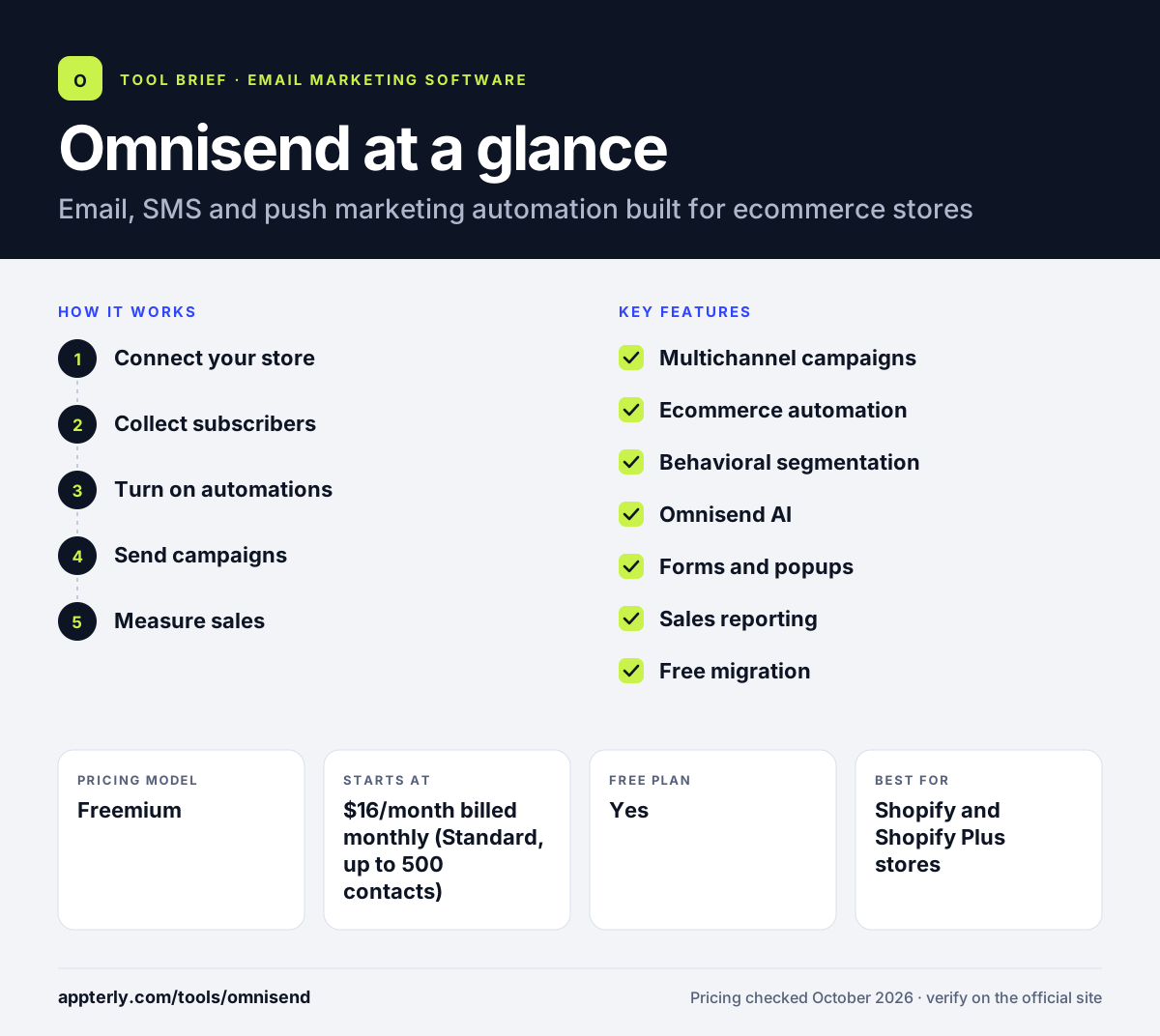
Omnisend at a glance
How does Omnisend work?
- Connect your store
Link Shopify, WooCommerce, BigCommerce or another platform to sync products, orders and customers.
- Collect subscribers
Add signup forms and popups to gather emails and phone numbers, or capture leads from Instagram.
- Turn on automations
Activate prebuilt welcome, cart recovery and post-purchase workflows, then adjust messages and timing.
- Send campaigns
Create email and SMS campaigns using brand assets, product blocks and segments.
- Measure sales
Use sales and engagement reports to see revenue tied to each message.
Omnisend key features
Multichannel campaigns
Send email, SMS and web push from one platform, alone or together.
Ecommerce automation
Prebuilt flows for welcome series, abandoned carts and post-purchase follow-ups.
Behavioral segmentation
Group shoppers by purchase history, browsing behavior and engagement.
Omnisend AI
Writes copy, suggests send times, builds segments and creates forms from short descriptions.
Forms and popups
Branded signup forms that collect emails and phone numbers without code.
Sales reporting
Reports link messages to revenue so you can see which campaigns drive orders.
Free migration
A team moves lists, flows and templates from another tool within about five days. There is no extra charge for this service.
Why use Omnisend?
- Email, SMS and push run in one account with shared customer data.
- Prebuilt ecommerce flows let stores recover carts quickly after setup.
- The free plan includes all channels so you can test before paying.
- Deep store integrations pull in product and order data for personalization.
- Free migration lowers the effort of switching from another platform.
Who is Omnisend best for?
A good fit for
- Shopify and Shopify Plus stores
- WooCommerce and BigCommerce merchants
- Ecommerce brands adding SMS to email
- Small online shops that want automation without a developer
Less suited to
- Bloggers, creators or B2B companies without an online store
- Teams that only need basic newsletters, as store-focused tools may be more than they need
- High-volume SMS senders on a tight budget, since SMS is billed per message
Omnisend pricing
| Pricing model | Freemium |
|---|---|
| Free plan | Yes |
| Free trial | Not confirmed |
| Starting price | $16/month billed monthly (Standard, up to 500 contacts) |
Pro starts at $59/month with unlimited email under fair use and more AI tools, and paying three months upfront saves 30%. Prices rise with contact count, SMS uses paid credits and Custom plans cover 150,000+ profiles.
Prices checked October 2026. Vendors change plans often, so confirm on the official Omnisend pricing page before you buy.
Omnisend pros and cons
Pros
- Built specifically for ecommerce, with store data built in
- Email, SMS and push in one platform
- Free plan includes every channel
- Free migration service from other tools
Cons
- Free plan is capped at 250 contacts and 500 emails a month
- SMS costs extra through credits
- Less suited to businesses that do not sell online
Omnisend integrations and platforms
Works with
Available on
Omnisend alternatives
See the full shortlist in Best Email Marketing Software.
Omnisend FAQ
Is Omnisend free?
Yes. Omnisend has an ongoing free plan for up to 250 contacts and 500 emails a month, plus 500 web push notifications. It includes access to every channel, including SMS, but adds Omnisend branding to emails and forms. Paid plans remove the badge and raise sending limits.
What is Omnisend used for?
Omnisend is used by online stores to send email, SMS and push messages that drive sales. Common uses include abandoned cart reminders, welcome series, post-purchase follow-ups and product promotions, with segments built from purchase history and browsing behavior synced from the store. Built-in AI can also suggest the best time to send.
Is Omnisend good for beginners?
Omnisend is beginner-friendly for store owners. Prebuilt automations for carts, welcomes and post-purchase emails work soon after connecting a store, and the AI can draft copy and build segments. The free plan lets new users learn the platform before paying. Free migration also helps beginners switching from another email tool.
Omnisend vs Mailchimp: what's the difference?
Omnisend is built around ecommerce, with store-synced automation, SMS and push notifications in one platform. Mailchimp serves a broader range of businesses, has a wider integration library and treats SMS as an add-on. Stores focused on revenue from automated flows often lean toward Omnisend. Both offer free plans for small lists.
Does Omnisend integrate with Shopify?
Yes. Omnisend integrates with Shopify and Shopify Plus, along with WooCommerce, BigCommerce, Wix and other store builders. The connection syncs products, orders and customers so you can personalize messages and trigger automations based on what shoppers do in your store. Ecwid, Shoplazza and WordPress connections are also available.
Sources
This overview is based on Omnisend's official website and documentation, checked October 2026.