What is Campaign Monitor?
Campaign Monitor is an email marketing platform that helps businesses design, send and track branded email campaigns. It is known for its template builder, which can pull a brand's colors and logo from a website URL, and for features aimed at agencies that manage several clients. It also covers marketing automation, transactional email, signup forms, segmentation and analytics.
Campaign Monitor is owned by Marigold and serves small businesses, nonprofits and agencies. Newer tools include Marketing Studio for generating campaigns and visuals, an AI Email Booster that suggests fixes before you send, and Marketing Monitor for comparing results with industry benchmarks. Plans are priced by contact count, from Lite to Essentials, Premier and a custom Enterprise tier.
Campaign Monitor at a glance
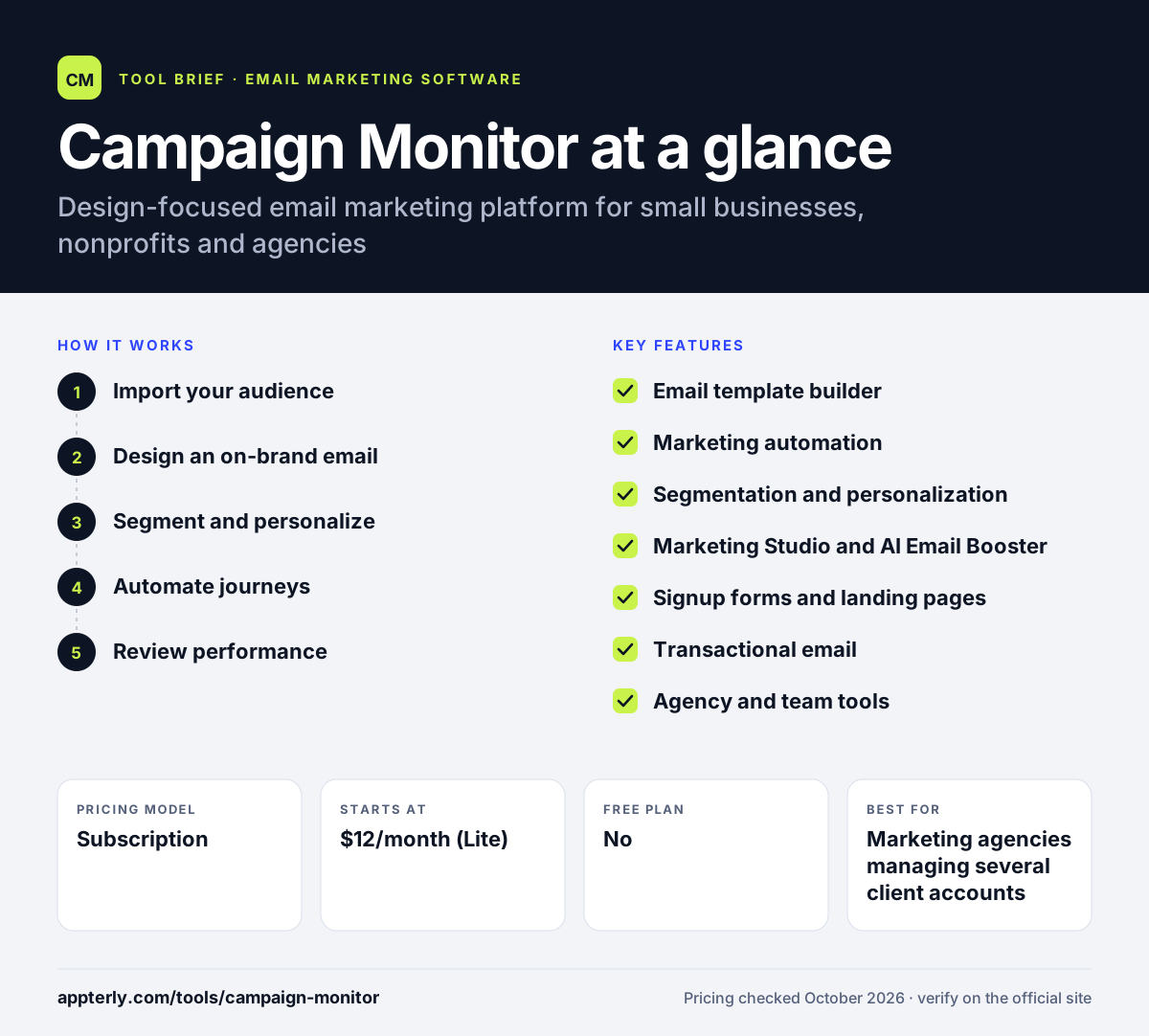
How does Campaign Monitor work?
- Import your audience
Upload contacts or sync them from tools such as Shopify or Salesforce, then build signup forms and pages to grow the list.
- Design an on-brand email
Pick a template or enter your website URL so the builder applies your brand colors and logo, then edit with drag and drop.
- Segment and personalize
Group contacts by data or engagement and add personalized content for each segment.
- Automate journeys
Use the visual journey designer to set up welcome series, drip campaigns and other triggered emails.
- Review performance
Check reports on engagement, geography and acquisition, and compare results with industry benchmarks.
Campaign Monitor key features
Email template builder
Drag-and-drop editor with designed templates and brand import from a website URL.
Marketing automation
A visual journey designer with prebuilt journeys and drip campaigns.
Segmentation and personalization
Build segments from customer data, with advanced engagement segments on Premier.
Marketing Studio and AI Email Booster
Generate campaigns and visuals, and get pre-send suggestions to improve an email.
Signup forms and landing pages
Embedded forms, pop-ups and signup pages to grow your list.
Transactional email
Send receipts and other triggered messages from the same platform.
Agency and team tools
Template management and multi-brand, multi-team controls on higher tiers.
Why use Campaign Monitor?
- Campaign Monitor makes it quick to produce polished, on-brand emails.
- Essentials and higher plans include unlimited monthly sends.
- Agency features help when managing several brands or clients.
- Benchmarks show how your campaigns compare with your industry.
- Nonprofits can request a 15% discount through sales.
Who is Campaign Monitor best for?
A good fit for
- Marketing agencies managing several client accounts
- Small businesses that care about email design
- Nonprofits sending regular newsletters
- Brands that want simple automation without a full CRM
Less suited to
- Teams needing a built-in CRM or sales pipeline
- Users who want a free plan with no time limit
- Businesses wanting deep ecommerce automation
Campaign Monitor pricing
| Pricing model | Subscription |
|---|---|
| Free plan | No |
| Free trial | 30 days |
| Starting price | $12/month (Lite) |
Lite allows 2,500 sends per month, while Essentials and Premier offer unlimited sends and price by contact count. Annual billing gives a 10% discount and Enterprise is custom.
Prices checked October 2026. Vendors change plans often, so confirm on the official Campaign Monitor pricing page before you buy.
Campaign Monitor pros and cons
Pros
- Strong template builder with brand import
- Unlimited sends from the Essentials plan
- Useful tools for agencies and multi-brand teams
- AI pre-send suggestions and industry benchmarks
Cons
- No ongoing free plan, only a 30-day trial
- Lite has a low monthly send limit
- Phone support and send time optimization require Premier
Campaign Monitor integrations and platforms
Works with
Available on
Campaign Monitor alternatives
See the full shortlist in Best Email Marketing Software.
Campaign Monitor FAQ
Is Campaign Monitor free?
Campaign Monitor does not have a permanent free plan. It offers a 30-day free trial that covers up to 500 contacts with a sending limit during the trial. After that you choose a paid plan. Lite is the entry tier, and Essentials and Premier add unlimited sends and more features.
What is Campaign Monitor used for?
Campaign Monitor is used to design and send email newsletters, promotions and automated email journeys. Businesses use it to grow lists with signup forms, segment contacts, and send triggered and transactional emails. Agencies use it to manage campaigns and templates for several clients from one account.
Who owns Campaign Monitor?
Campaign Monitor is owned by Marigold, a marketing technology company. In 2025 Marigold sold its enterprise products, such as Sailthru and Selligent, to Zeta Global. Campaign Monitor stayed with Marigold along with its other small-business products, including Emma.
Campaign Monitor vs Mailchimp: what's the difference?
Both are email marketing tools for small businesses. Campaign Monitor focuses on design quality, brand import and agency features, and offers unlimited sends from its Essentials plan. Mailchimp offers a free plan and a broader set of marketing tools. The right choice depends on your budget and how much you value email design.
Does Campaign Monitor integrate with Shopify?
Yes. Campaign Monitor lists Shopify among its integrations, so you can sync store customers into your lists and send targeted emails. It also connects with Salesforce, WordPress, Google Analytics and Unbounce, and says it offers hundreds of prebuilt integrations in total.
Sources
This overview is based on Campaign Monitor's official website and documentation, checked October 2026.