What is AWeber?
AWeber is an email marketing platform that helps small businesses and creators grow a list, send newsletters and automate follow-up emails. Founded in 1998, it is one of the longest-running email tools on the market. Besides email, it includes a landing page builder, signup forms, web push notifications, a link-in-bio page and simple ecommerce pages for selling products and subscriptions.
The platform aims to stay easy to use. AI tools help write emails, suggest subject lines, draft a weekly newsletter and build landing pages or forms. A free plan covers up to 500 subscribers, and paid Lite and Plus plans scale with list size. AWeber also offers a Done For You plan in which its team sets up your template, pages and forms.
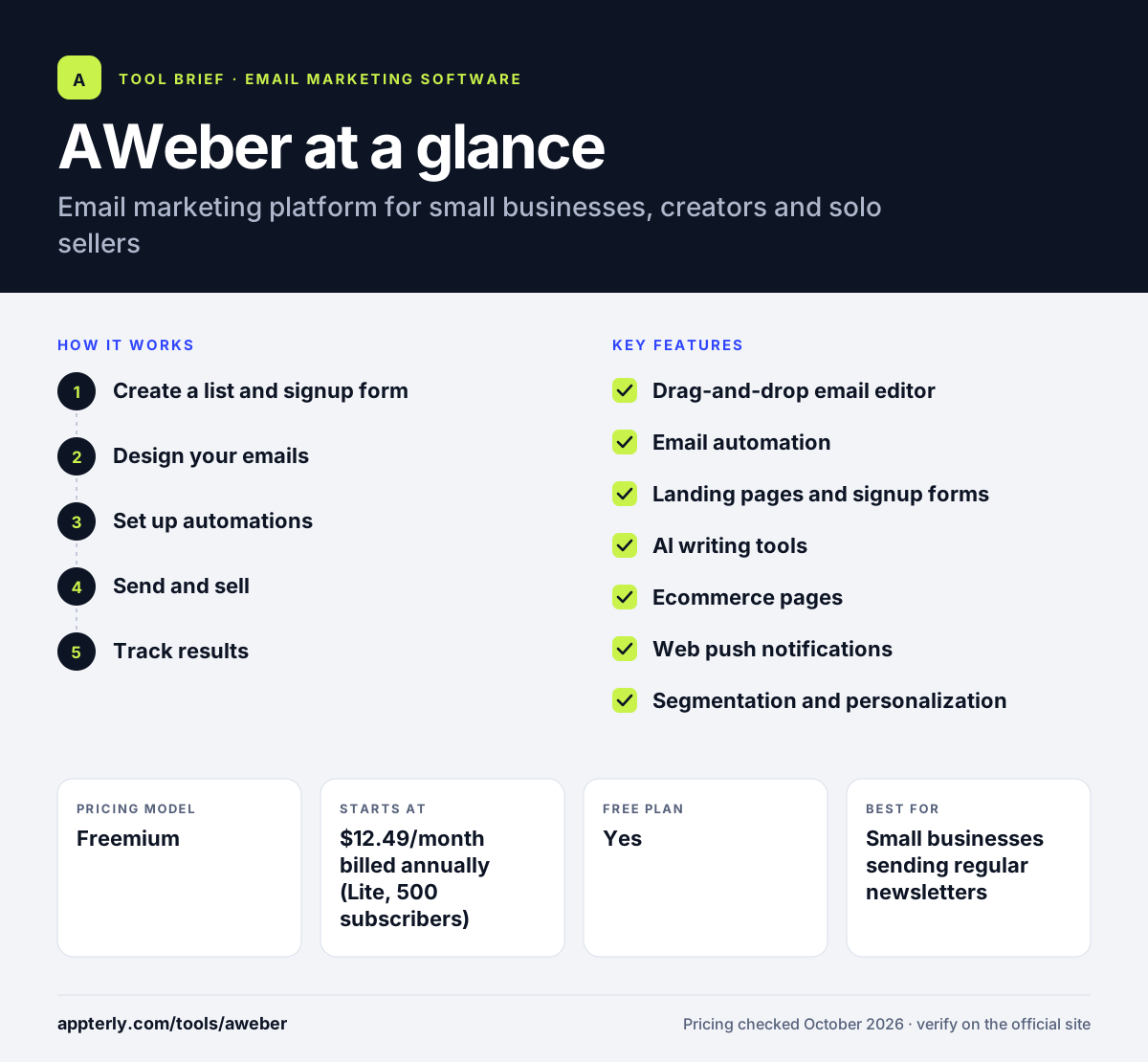
AWeber at a glance
How does AWeber work?
- Create a list and signup form
Set up a list, then add a signup form or landing page to your site to collect subscribers. AWeber can also migrate an existing list for free.
- Design your emails
Use the drag-and-drop editor, built-in Canva designs or a template. The AI writing assistant can help draft copy and subject lines.
- Set up automations
Build welcome series, RSS-to-email newsletters, abandoned cart reminders or tag-based funnels that run on their own.
- Send and sell
Send broadcasts to segments, and use ecommerce pages to take payments for products or subscriptions.
- Track results
Review opens, clicks and sales tracking to see which emails perform best.
AWeber key features
Drag-and-drop email editor
Build emails with templates, Canva integration and brand theme settings, and edit campaigns on mobile.
Email automation
Behavior-based and tag-based funnels, RSS-triggered emails, and welcome or cart reminder sequences.
Landing pages and signup forms
Build pages and forms to capture leads, with AI builders that create a first draft for you.
AI writing tools
An AI writing assistant, subject line generator and newsletter assistant that drafts a weekly email.
Ecommerce pages
Sell products, subscriptions and payment plans from AWeber pages, with sales tracking built in.
Web push notifications
Send browser notifications to site visitors, with limits on the Lite plan.
Segmentation and personalization
Tag subscribers and use dynamic content to send more relevant messages.
Why use AWeber?
- AWeber has a free plan for lists of up to 500 subscribers with no time limit.
- It bundles email, landing pages, forms and simple ecommerce in one account.
- AI assistants cut the time needed to write emails and build pages.
- Paid plans include 24/7 support and free migration from other platforms.
- The Done For You plan suits owners who want their setup handled for them.
Who is AWeber best for?
A good fit for
- Small businesses sending regular newsletters
- Bloggers, podcasters and creators growing an audience
- Solo sellers who want simple product or subscription sales pages
- Beginners who want a straightforward email tool
Less suited to
- Teams that need a full CRM or sales pipeline
- Businesses needing SMS or WhatsApp messaging
- Large enterprises with complex multichannel journeys
AWeber pricing
| Pricing model | Freemium |
|---|---|
| Free plan | Yes |
| Free trial | 14 days |
| Starting price | $12.49/month billed annually (Lite, 500 subscribers) |
Lite is $15/month on monthly billing and limits lists, automations and landing pages. Plus removes those limits and raises the send allowance, and both scale with subscriber count.
Prices checked October 2026. Vendors change plans often, so confirm on the official AWeber pricing page before you buy.
AWeber pros and cons
Pros
- Free plan with no time limit
- Easy editor with Canva and AI writing help
- Built-in landing pages and ecommerce pages
- 24/7 support on paid plans
Cons
- Lite caps you at one list, three automations and three landing pages
- No native SMS channel
- Automation is simpler than in tools such as ActiveCampaign
AWeber integrations and platforms
Works with
Available on
AWeber alternatives
See the full shortlist in Best Email Marketing Software.
AWeber FAQ
Is AWeber free?
Yes. AWeber has a free plan for up to 500 subscribers and 3,000 emails per month, with one landing page and one automation. It has no time limit and needs no credit card. Free emails carry AWeber branding, which is removed on the paid Lite and Plus plans, and those plans also come with a 14-day trial.
What is AWeber used for?
AWeber is used to build an email list and stay in touch with subscribers. Typical uses include sending newsletters, running welcome and sales sequences, publishing landing pages, and selling digital products or subscriptions. Creators often use its RSS-to-email feature to send new blog posts or podcast episodes automatically.
Is AWeber good for beginners?
Yes. AWeber is designed for small businesses and people new to email marketing. The drag-and-drop editor, templates and AI writing tools make it simple to send a first campaign. The free plan lets you learn the basics without paying, and the Done For You plan can handle setup if you prefer.
AWeber vs Mailchimp: what's the difference?
Both are email tools with free plans aimed at small businesses. AWeber focuses on ease of use, creator features such as RSS-to-email, and built-in ecommerce pages, with 24/7 support on paid plans. Mailchimp offers a broader marketing suite. The better pick depends on your budget, list size and the features you need.
Does AWeber integrate with Shopify?
Yes. AWeber lists Shopify among its integrations, so you can add store customers to your lists and send follow-up or cart reminder emails. It also connects with WordPress, PayPal, Facebook and Zapier, and says it works with more than 750 tools in total.
Sources
This overview is based on AWeber's official website and documentation, checked October 2026.