What is Milkshake?
Milkshake is a mobile website builder that lets creators, influencers and small businesses make a simple link-in-bio site entirely from a phone. Instead of a single list of buttons, a Milkshake site is built from swipeable pages the company calls Cards, each focused on one thing such as links, a video, a product or a contact form.
The app is made by Codelbee Pty Ltd in Melbourne, Australia, and is available on iOS and Android. Hosting is free, and the free tier already includes unlimited links and Cards. Paid tiers are inexpensive and add branding removal, longer analytics history, marketing tools and, at the top tier, a custom domain.
Milkshake at a glance
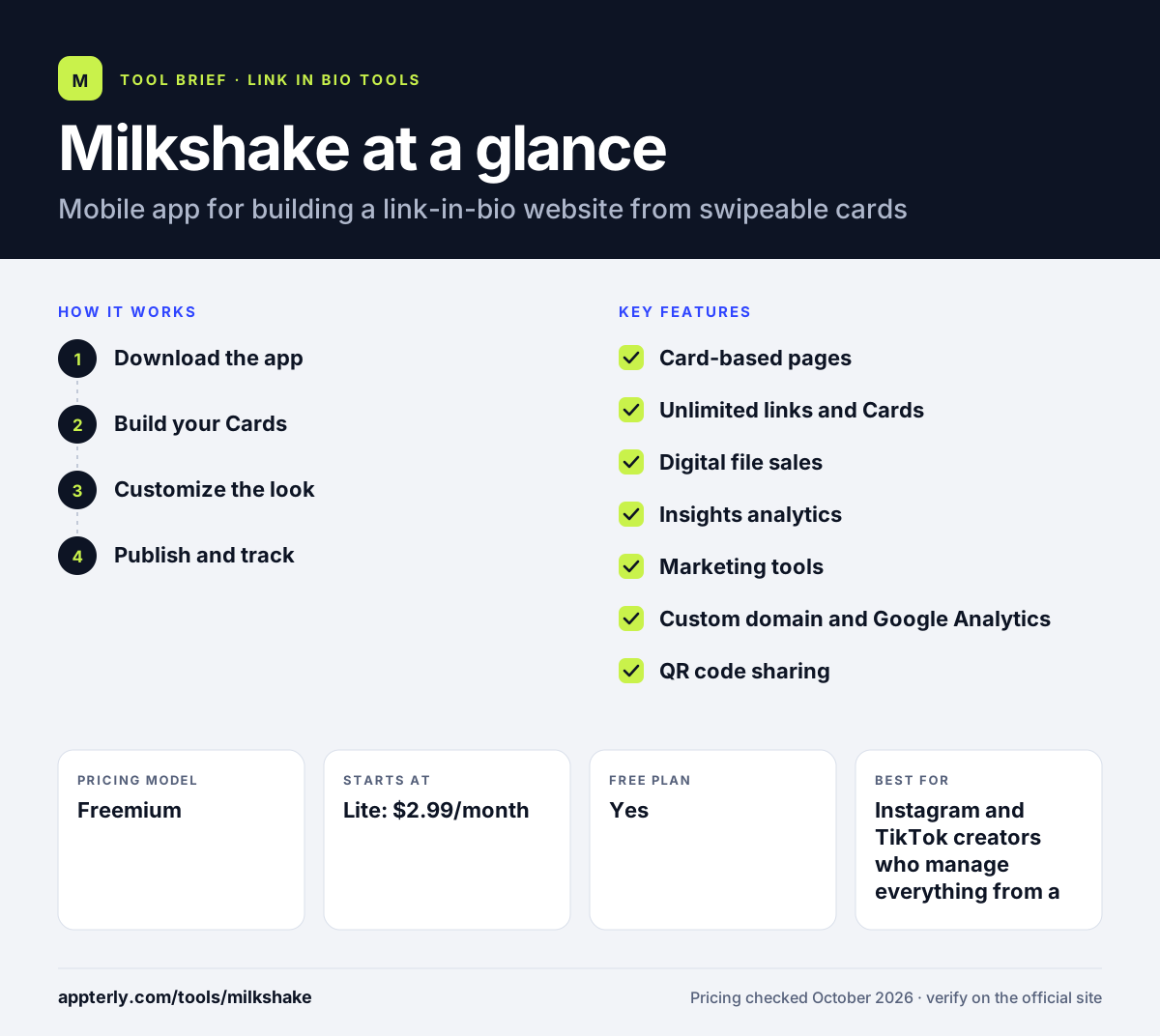
How does Milkshake work?
- Download the app
Install Milkshake from the App Store or Google Play and create an account. Everything is designed for editing on a phone.
- Build your Cards
Choose card templates for links, social icons, video, images, products or text, then fill them in and arrange the order.
- Customize the look
Change colors and fonts to match your brand. Pro+ users can connect their own domain.
- Publish and track
Publish the site, paste the URL into your bio or share it by QR code, then review visits in Insights.
Milkshake key features
Card-based pages
Each Card acts like a mini page that visitors swipe through, which feels more like a small website than a plain link list.
Unlimited links and Cards
The free plan has no cap on links or Cards, and free accounts can run up to five sites at once.
Digital file sales
You can sell digital files through Stripe, with lower selling fees on higher paid tiers.
Insights analytics
Free accounts see 30 days of analytics; Pro extends this to 365 days with export.
Marketing tools
Pro adds a contact form Card, mailing list sync with Google Sheets and Mailchimp, Meta pixel, SEO settings and a campaign builder.
Custom domain and Google Analytics
The Pro+ tier lets you use your own domain and connect Google Analytics.
QR code sharing
Every site can be shared with a QR code for print, packaging or in-person events.
Why use Milkshake?
- You can build and update a site from your phone in minutes without a computer.
- The free tier is generous, with unlimited links, free hosting and basic analytics.
- Paid plans cost only a few dollars a month, making it easy to remove branding.
- Card layouts let you showcase products and media more visually than a link list.
- Built-in Stripe sales let you sell simple digital downloads without another tool.
Who is Milkshake best for?
A good fit for
- Instagram and TikTok creators who manage everything from a phone
- Small local businesses that need a quick mobile web presence
- Influencers who want a visual, swipeable bio page
- Beginners who want a free site with no technical setup
Less suited to
- Teams that prefer building and editing on a desktop browser
- Sellers who need full ecommerce, inventory or course hosting
- Brands that need deep integrations with CRMs and ad platforms
Milkshake pricing
| Pricing model | Freemium |
|---|---|
| Free plan | Yes |
| Free trial | Not confirmed |
| Starting price | Lite: $2.99/month |
Pro costs $6.99/month or $59.99/year and adds marketing tools and longer analytics; Pro+ costs $99.99/year or $29.99 per quarter and adds a custom domain. Milkshake notes that prices can vary by country and app store.
Prices checked October 2026. Vendors change plans often, so confirm on the official Milkshake pricing page before you buy.
Milkshake pros and cons
Pros
- Fully mobile workflow that is quick to learn
- Free plan includes unlimited links and Cards
- Low-cost paid tiers
- Visual card format stands out from standard link lists
Cons
- Editing is built around the mobile app rather than a desktop editor
- Custom domain is limited to the top Pro+ tier
- Commerce features are limited to simple digital file sales
Milkshake integrations and platforms
Works with
Available on
Milkshake alternatives
See the full shortlist in Best Link in Bio Tools.
Milkshake FAQ
Is Milkshake free?
Yes. Milkshake has a free plan with free hosting, unlimited links and Cards, 30 days of analytics, templates, color and font controls, QR code sharing and digital file sales through Stripe. Paid tiers start at $2.99 per month for Lite, which removes Milkshake branding, with Pro and Pro+ adding more marketing tools.
What is Milkshake used for?
Milkshake is used to build a small mobile website for a social media bio. Creators and small businesses use it to collect their links, show videos and photos, sell digital files, capture contacts and share everything from one URL or QR code, all built from a phone.
Milkshake vs Linktree: what's the difference?
Linktree builds a single scrolling page of buttons and can be edited on desktop or mobile. Milkshake builds a site from swipeable Cards and is designed around its mobile app. Milkshake feels more like a mini website, while Linktree offers a broader set of integrations and commerce features.
Can I use a custom domain with Milkshake?
Yes, but only on the Pro+ plan, which costs $99.99 per year or $29.99 per quarter. Pro+ also adds Google Analytics integration and the lowest selling fees. Free, Lite and Pro sites use a Milkshake web address instead of your own domain.
Is Milkshake good for beginners?
Yes. Milkshake is aimed at people with no web design experience. You pick card templates, fill in content and publish from your phone, with hosting included. The trade-off is that power users may find the mobile-only editing and limited integrations restrictive compared with desktop website builders.
Sources
This overview is based on Milkshake's official website and documentation, checked October 2026.