What is MailerLite?
MailerLite is an email marketing platform that combines newsletters, automation, signup forms, landing pages and a website builder in one account. The company launched the product in 2010 after starting out as a web design studio, and today it runs as a fully remote team. It is known for a clean editor and a generous free tier aimed at creators and small businesses. Plans scale by subscriber count, so costs stay predictable as a list grows.
Beyond email, MailerLite lets you sell digital products, run paid newsletter subscriptions and take appointment bookings. Its HeyLite AI tools help write emails, build landing pages and run A/B tests. The platform also offers transactional emails, a developer API and an MCP server, so AI assistants can handle routine email tasks through the account.
MailerLite at a glance
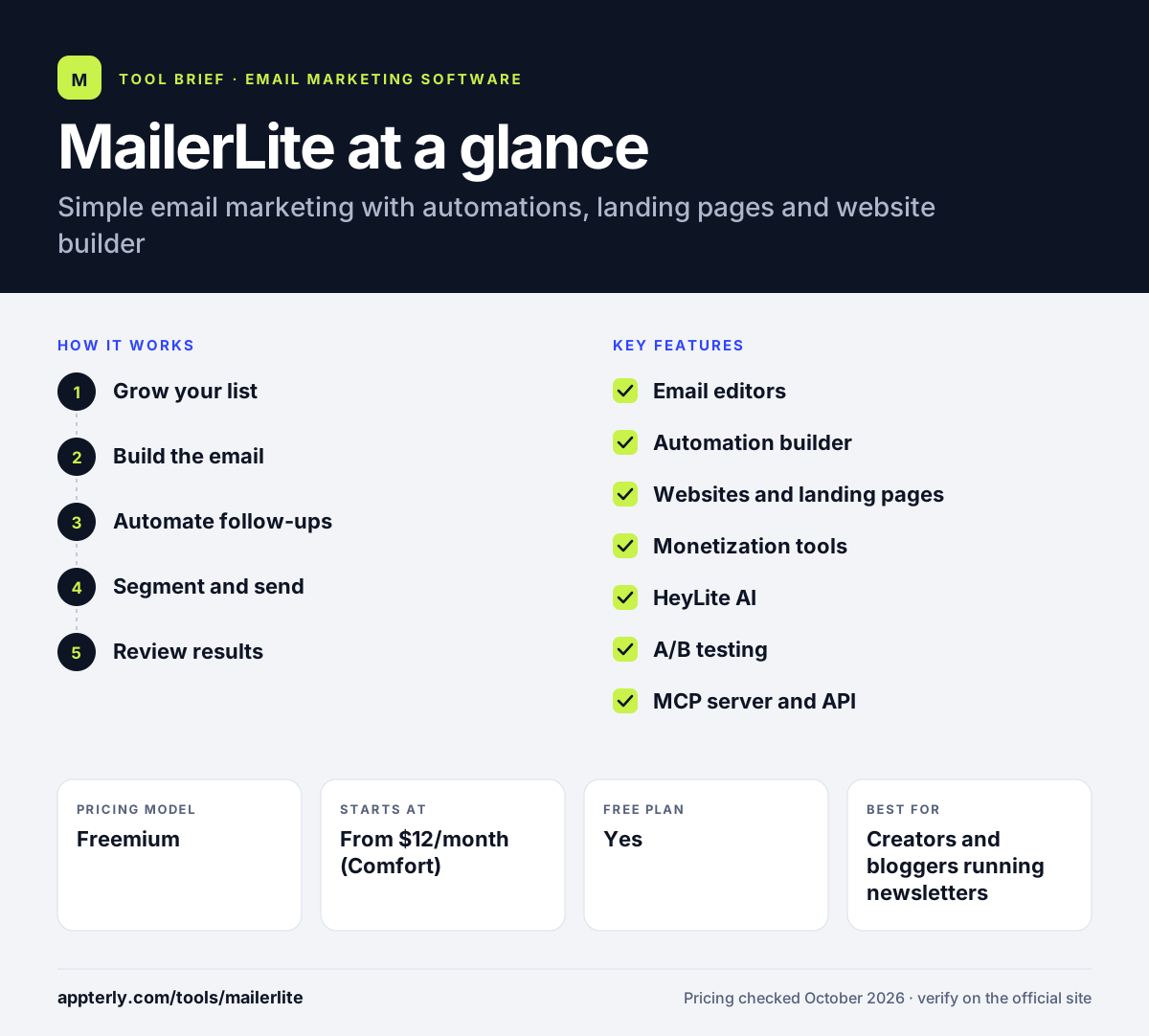
How does MailerLite work?
- Grow your list
Import subscribers or collect them with forms, popups, landing pages or a MailerLite-hosted website.
- Build the email
Use the drag-and-drop, rich text or HTML editor, adding blocks like surveys, countdown timers and coupons.
- Automate follow-ups
Create workflows in the visual builder that send emails based on signups, purchases or other triggers.
- Segment and send
Target groups with segments and dynamic content, then use Smart Sending to manage delivery.
- Review results
Check clicks, signup sources, locations and ecommerce revenue in reports.
MailerLite key features
Email editors
Drag-and-drop, simple and custom HTML editors with more than 70 content blocks.
Automation builder
A visual workflow tool with templates. Higher tiers allow more steps and multiple triggers.
Websites and landing pages
Build landing pages, full websites and a blog without a separate site tool.
Monetization tools
Sell paid newsletter subscriptions and digital products, or accept appointment bookings.
HeyLite AI
AI assistance for writing emails, generating campaigns, building landing pages and running A/B tests.
A/B testing
Split testing is available on every plan, including the free one.
MCP server and API
Connect AI assistants such as Claude or ChatGPT, or build custom integrations with the developer API.
Why use MailerLite?
- The free plan covers 250 subscribers and 2,500 emails a month with basic automation.
- Email, landing pages and a website live in one account, which cuts tool costs.
- Creators can sell products and paid newsletters without extra software.
- A clean interface keeps the learning curve short.
- Nonprofits get 30% off paid plans.
- Power plan users get 24/7 live chat and email support.
Who is MailerLite best for?
A good fit for
- Creators and bloggers running newsletters
- Small businesses that want email plus a simple website
- Freelancers selling digital products or bookings
- Nonprofits on tight budgets
Less suited to
- Brands that need native SMS marketing alongside email
- Large senders that need custom deliverability support without an Enterprise contract
- Teams that need many automations on the free plan, which caps them at three
MailerLite pricing
| Pricing model | Freemium |
|---|---|
| Free plan | Yes |
| Free trial | 14 days of premium features, no card required |
| Starting price | From $12/month (Comfort) |
Comfort raises automation, form and site limits, while Power from $25/month removes most caps and adds 24/7 chat. Prices rise with subscriber count, yearly billing saves 10% and Enterprise covers 200K+ subscribers.
Prices checked October 2026. Vendors change plans often, so confirm on the official MailerLite pricing page before you buy.
MailerLite pros and cons
Pros
- Generous free plan with A/B testing included
- Websites, landing pages and digital product sales built in
- Easy editors suited to non-designers
- Power plan offers unlimited seats and automations
Cons
- Free plan limits forms, automations and landing pages
- Paid accounts move to a higher tier automatically if subscriber limits are exceeded
- Full API access requires a paid plan
MailerLite integrations and platforms
Works with
Available on
MailerLite alternatives
See the full shortlist in Best Email Marketing Software.
MailerLite FAQ
Is MailerLite free?
Yes. MailerLite has a free plan for up to 250 subscribers and 2,500 emails a month, with two seats, three active automations, three forms, one website and one landing page. New accounts also get a 14-day trial of premium features without a credit card. Your data stays in the account after the trial ends.
What is MailerLite used for?
MailerLite is used to send newsletters and automated email sequences, collect subscribers with forms and popups, and build landing pages or small websites. Creators also use it to sell digital products, run paid newsletters and take bookings, all managed from the same MailerLite account. Developers can also send transactional emails through the API.
Is MailerLite good for beginners?
MailerLite is a solid pick for beginners. Its editors are straightforward, templates cover common needs and the free plan includes automation and A/B testing. Beginners can launch a newsletter and a simple landing page without design or coding skills, then upgrade as their list grows.
MailerLite vs Mailchimp: what's the difference?
MailerLite tends to cost less at entry level and its free plan allows more monthly emails plus a few automations. It also bundles websites and paid newsletters. Mailchimp has a larger integration library, an SMS add-on and advanced testing and predictive segments on its Premium tier.
Does MailerLite integrate with Shopify?
Yes. MailerLite lists Shopify as an integration, along with WooCommerce and Stripe. Connecting a store lets you sync customers, track ecommerce revenue in reports and trigger automated emails based on purchases or abandoned carts. Other listed integrations include WordPress, Zapier and Canva, and Zapier opens connections to thousands of additional apps.
Sources
This overview is based on MailerLite's official website and documentation, checked October 2026.