What is Mail-Tester?
Mail-Tester is a free online tool that checks how likely an email is to be marked as spam. You send a message to a unique test address, and Mail-Tester analyzes the email, your mail server and your sending IP, then gives a score out of 10. The report points out problems such as missing authentication, blocklisted IPs, broken HTML and spammy content, so you can fix them before sending to real recipients.
Mail-Tester was built by email software engineers to test their own newsletters, and it remains popular for quick spot checks. Anyone can run a few tests a day without an account. Heavier users can buy test packs or a monthly subscription, which add longer result storage, custom test address prefixes, usage stats, ad-free results and access to a JSON API for building checks into their own tools.
Mail-Tester at a glance
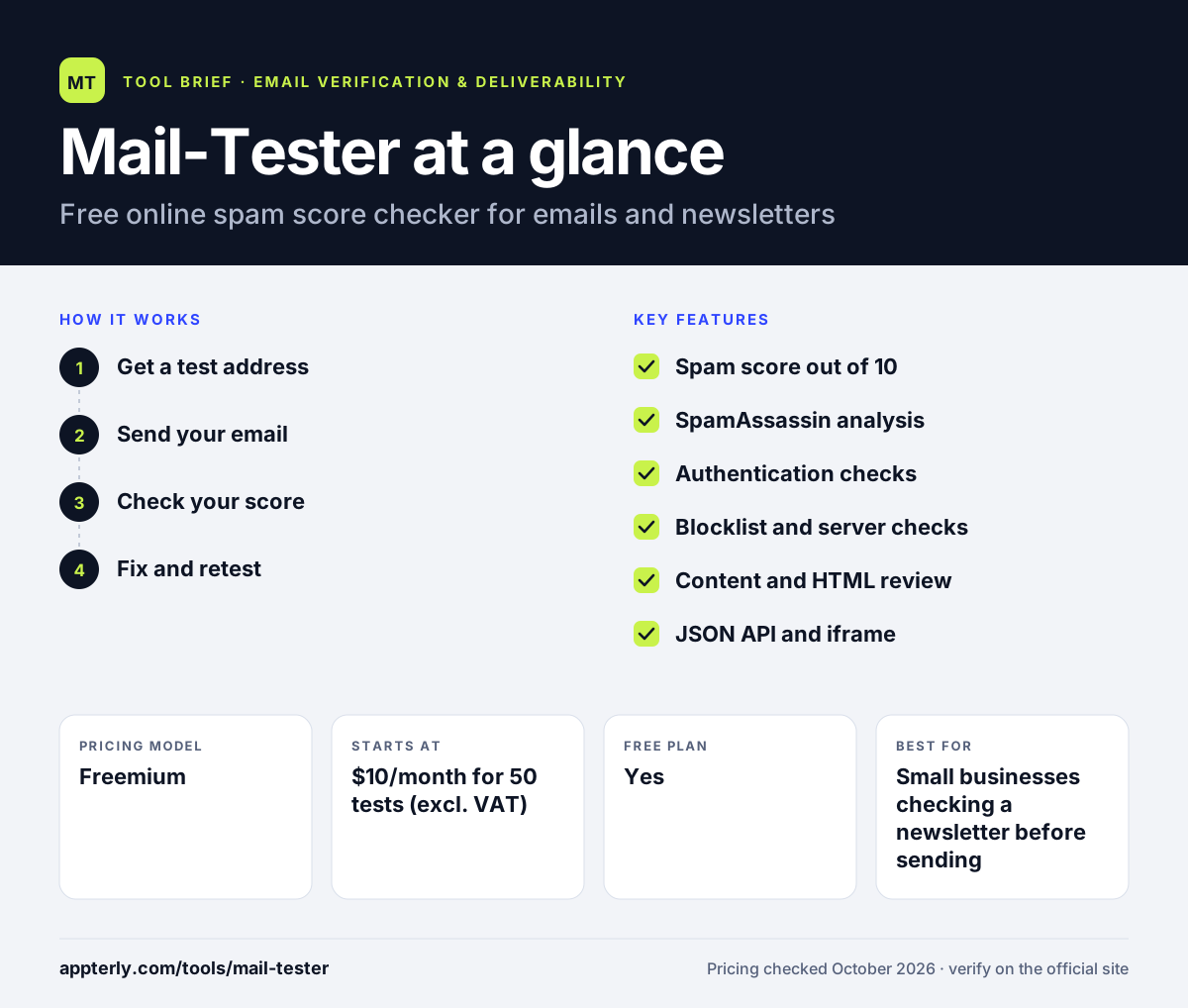
How does Mail-Tester work?
- Get a test address
Open the Mail-Tester website, which generates a random email address for your test.
- Send your email
Send your newsletter or message from your normal email software to that address.
- Check your score
Click to view results, and Mail-Tester rates the email from 0 to 10 based on content, server setup and IP reputation.
- Fix and retest
Follow the detailed report to correct issues, then send again to the same address to replace the old result.
Mail-Tester key features
Spam score out of 10
A simple rating that summarizes how spam filters are likely to view your email.
SpamAssassin analysis
Shows individual SpamAssassin rules your message triggers, with positive and negative points.
Authentication checks
Reviews SPF, DKIM and DMARC records for the sending domain.
Blocklist and server checks
Looks at your sending IP and mail server configuration for common problems.
Content and HTML review
Flags malformed content, broken links and formatting issues.
JSON API and iframe
Account holders can build Mail-Tester checks into their own apps or platforms.
Why use Mail-Tester?
- It is free for occasional use and needs no signup.
- Results arrive in seconds with a clear score anyone can understand.
- The report explains exactly which issues cost points.
- It works with any email platform because you simply send a message to a test address.
- Paid packs are low-cost for teams that test often.
Who is Mail-Tester best for?
A good fit for
- Small businesses checking a newsletter before sending
- Cold email senders testing a new domain setup
- Developers and email admins debugging authentication
- ESPs and platforms that want to embed spam checks for users
Less suited to
- Teams that need inbox placement results across many providers
- Users who want ongoing monitoring and alerts
- Anyone looking to clean or verify email lists
Mail-Tester pricing
| Pricing model | Freemium |
|---|---|
| Free plan | Yes |
| Free trial | Not confirmed |
| Starting price | $10/month for 50 tests (excl. VAT) |
Free use allows three tests in any rolling 24-hour period. Monthly subscriptions range from 50 tests for $10 to 7,500 tests for $250, and one-time packs start at 10 tests for $5.
Prices checked October 2026. Vendors change plans often, so confirm on the official Mail-Tester pricing page before you buy.
Mail-Tester pros and cons
Pros
- Free and instant for occasional checks
- Easy-to-read score with clear explanations
- Low-cost paid packs and an API
- Works with any sending platform
Cons
- Tests one message at a time rather than placement at each mailbox provider
- Free results are kept for only seven days
- No ongoing monitoring or alerts
Mail-Tester integrations and platforms
Available on
Mail-Tester alternatives
See the full shortlist in Best Email Verification Tools.
Mail-Tester FAQ
Is Mail-Tester free?
Yes. Mail-Tester is free for occasional use, with three tests allowed in any rolling 24-hour period and no account required. If you need more, you can buy one-time packs starting at 10 tests for $5 or a monthly subscription starting at 50 tests for $10, excluding VAT.
What is a good Mail-Tester score?
Mail-Tester scores emails from 0 to 10, and 10 out of 10 is the target. A score of 9 or above usually means only minor issues remain. Lower scores point to problems such as missing SPF or DKIM records, blocklisted IPs or spammy content that you should fix before sending.
How does Mail-Tester work?
Mail-Tester gives you a random test email address. You send your message to it from your usual email tool, then click to check your score. It analyzes the message content, your mail server and your sending IP, and returns a score out of 10 with a detailed breakdown of each issue.
Mail-Tester vs GlockApps: what's the difference?
Mail-Tester is a quick spam score checker for one email sent to one test address, and it is free for light use. GlockApps tests inbox placement across many mailbox providers and adds DMARC analysis, reputation monitoring and scheduled tests. Use Mail-Tester for quick checks and GlockApps for deeper, ongoing deliverability work.
Does Mail-Tester have an API?
Yes. Account holders can integrate Mail-Tester through a JSON API or an iframe, with documentation on the website. Paid accounts also get custom test address prefixes, usage statistics, 30 days of stored results and ad-free reports. White-labeling is available by contacting the team.
Sources
This overview is based on Mail-Tester's official website and documentation, checked October 2026.