What is Kit?
Kit is an email marketing and newsletter platform built for creators such as writers, podcasters, YouTubers, coaches and course creators. It was previously called ConvertKit. Kit helps people grow a subscriber list, send newsletters, automate email sequences and earn money from their audience by selling digital products, paid newsletters and subscriptions directly from the same account.
The platform includes landing pages, forms, a visual automation builder, an email designer and a Creator Profile mini-site. A Recommendations network lets creators suggest each other's newsletters, and paid recommendations and sponsorships offer extra income. Kit also offers Subscriber Signals for audience data and an MCP connection for AI assistants. A free Newsletter plan covers up to 10,000 subscribers, and paid Creator plans add unlimited automations and integrations.
Kit at a glance
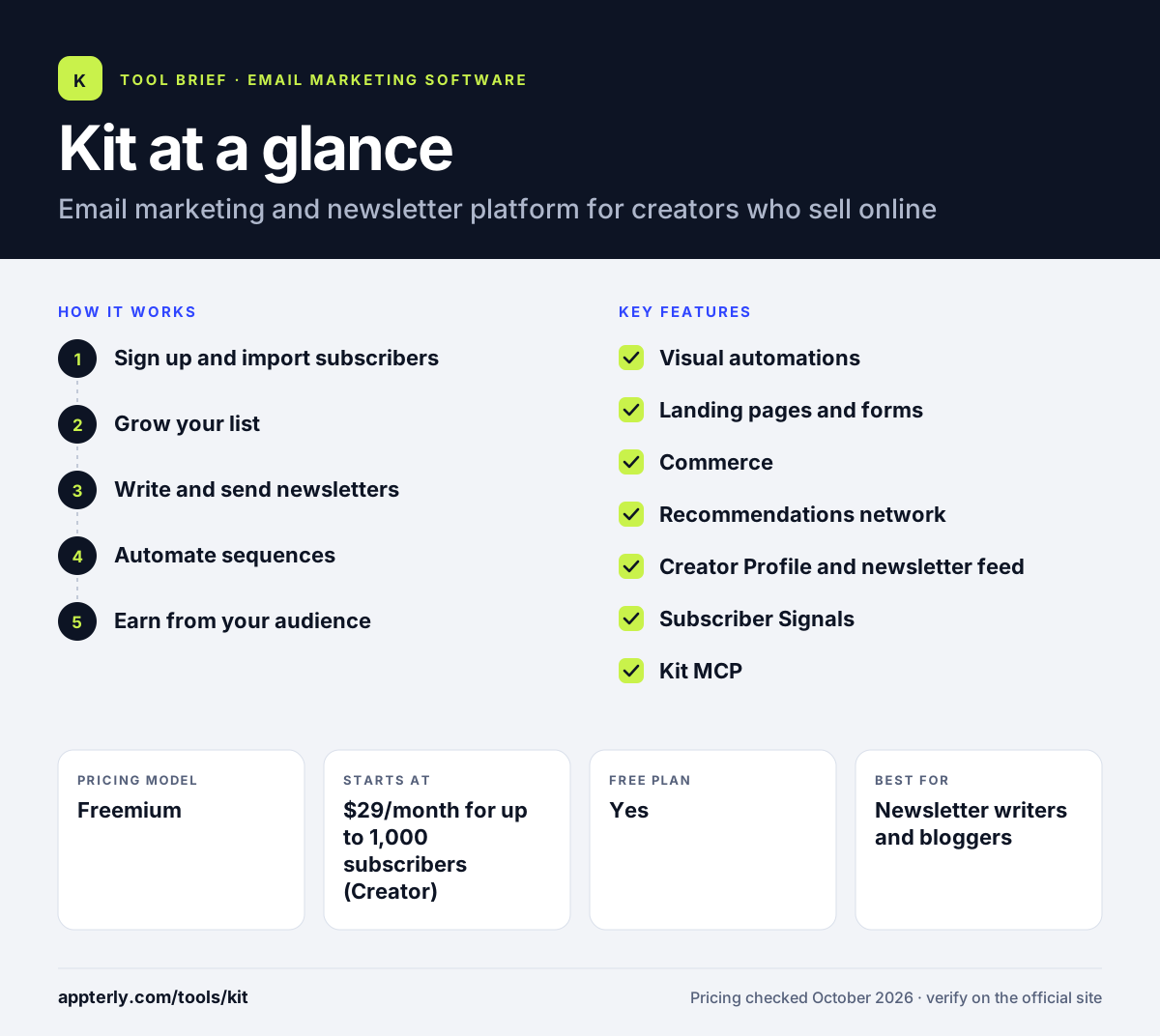
How does Kit work?
- Sign up and import subscribers
Create a free account or start a 14-day trial, then bring over your list. Paid plans include free migration.
- Grow your list
Publish landing pages and forms, set up a Creator Profile and join the Recommendations network to gain subscribers from other creators.
- Write and send newsletters
Use the email designer to write broadcasts, add conditional content and run A/B tests on what you send.
- Automate sequences
Build welcome series, launches and nurture flows in the visual automation builder.
- Earn from your audience
Sell digital products and paid subscriptions, or earn from paid recommendations and sponsorships.
Kit key features
Visual automations
A drag-and-drop builder for welcome sequences, launches and nurture campaigns.
Landing pages and forms
Unlimited sign-up forms and landing pages on every plan, including the free one.
Commerce
Sell digital products, paid newsletters and subscriptions without a separate store.
Recommendations network
Creators recommend each other's newsletters to grow lists, with paid recommendations on paid plans.
Creator Profile and newsletter feed
A simple mini-website that showcases your newsletter and offers.
Subscriber Signals
Audience demographics and social data, including a report you can share with sponsors.
Kit MCP
Connects Kit to AI assistants so you can query your data and draft or schedule emails, with nothing sent until you approve it.
Integrations and Kit App Store
Connect tools like Zapier, Shopify, WordPress and Canva, plus apps from the Kit App Store.
Why use Kit?
- The free Newsletter plan supports up to 10,000 subscribers with unlimited sends, forms and landing pages.
- Built-in commerce lets creators sell products and subscriptions without adding another platform.
- The Recommendations network gives a built-in way to grow your list alongside other creators.
- A/B testing and conditional content are included even on the free plan.
- Paid plans include free migration from another email provider.
Who is Kit best for?
A good fit for
- Newsletter writers and bloggers
- YouTubers, podcasters and other content creators
- Course creators and coaches selling digital products
- Authors, artists and musicians building a direct audience
Less suited to
- Ecommerce stores that need deep product data and SMS marketing
- Free-plan users who need more than one automation and sequence
- Teams wanting a full sales CRM or a large set of design templates
Kit pricing
| Pricing model | Freemium |
|---|---|
| Free plan | Yes |
| Free trial | 14 days |
| Starting price | $29/month for up to 1,000 subscribers (Creator) |
The free Newsletter plan covers up to 10,000 subscribers with one basic automation. Creator and Pro plans are priced by subscriber count and add unlimited automations, integrations, RSS campaigns and paid recommendations.
Prices checked October 2026. Vendors change plans often, so confirm on the official Kit pricing page before you buy.
Kit pros and cons
Pros
- Large free plan for up to 10,000 subscribers
- Built for creators, with commerce and monetization included
- Recommendations network helps grow a list
- Free migrations on paid plans
Cons
- The free plan allows only one basic automation and one sequence
- Integrations require a paid plan
- Less suited to ecommerce brands that need SMS and product feeds
Kit integrations and platforms
Works with
Available on
Kit alternatives
See the full shortlist in Best Email Marketing Software.
Kit FAQ
Is Kit free?
Yes. Kit has a free Newsletter plan for up to 10,000 active subscribers. It includes unlimited forms, landing pages and email sends, digital product sales, A/B testing and one basic automation with one sequence. Paid Creator and Pro plans start at $29 per month for up to 1,000 subscribers.
What is Kit used for?
Kit is used by creators to build and manage an email audience. People use it to collect subscribers with landing pages and forms, send newsletters, automate welcome and launch sequences, and sell digital products, paid newsletters and subscriptions. It also helps creators grow through newsletter recommendations and sponsorships.
Is Kit the same as ConvertKit?
Yes. ConvertKit rebranded as Kit, and the product now lives at kit.com. Kit's own homepage describes it as Kit (formerly ConvertKit). The platform kept its focus on creators while adding newer features such as Subscriber Signals, an expanded app store and an MCP connection for AI assistants.
Does Kit integrate with Shopify?
Yes. Kit lists Shopify among its integrations, along with Zapier, WordPress, Canva, Circle and Linktree, and it offers a developer API. Note that integrations are included on paid Creator plans rather than the free Newsletter plan, so plan for an upgrade if you need to connect a store.
Kit vs Mailchimp: what's the difference?
Kit is built specifically for creators, with built-in product sales, paid newsletters and a recommendations network, and its free plan covers up to 10,000 subscribers. Mailchimp is a general small-business tool with broader templates and ecommerce features. Creators who want to monetize an audience often prefer Kit.
Sources
This overview is based on Kit's official website and documentation, checked October 2026.