What is Keyword Insights?
Keyword Insights is an SEO platform that helps content teams build topical authority by grouping keywords into clusters and turning each cluster into a planned page. It compares how much the Google results for different keywords overlap, then groups terms that share results, so one article can target the whole group instead of competing pages targeting each term separately.
The platform covers the content workflow from start to finish. It generates keyword ideas from sources such as Google Autocomplete, People Also Ask, Reddit and Quora, labels search intent, builds content briefs from top-ranking pages and offers an AI writer. It is run by UK-based Snippet Digital Ltd and uses a credit system, so each search, cluster, brief or article draws from a monthly balance.
Keyword Insights at a glance
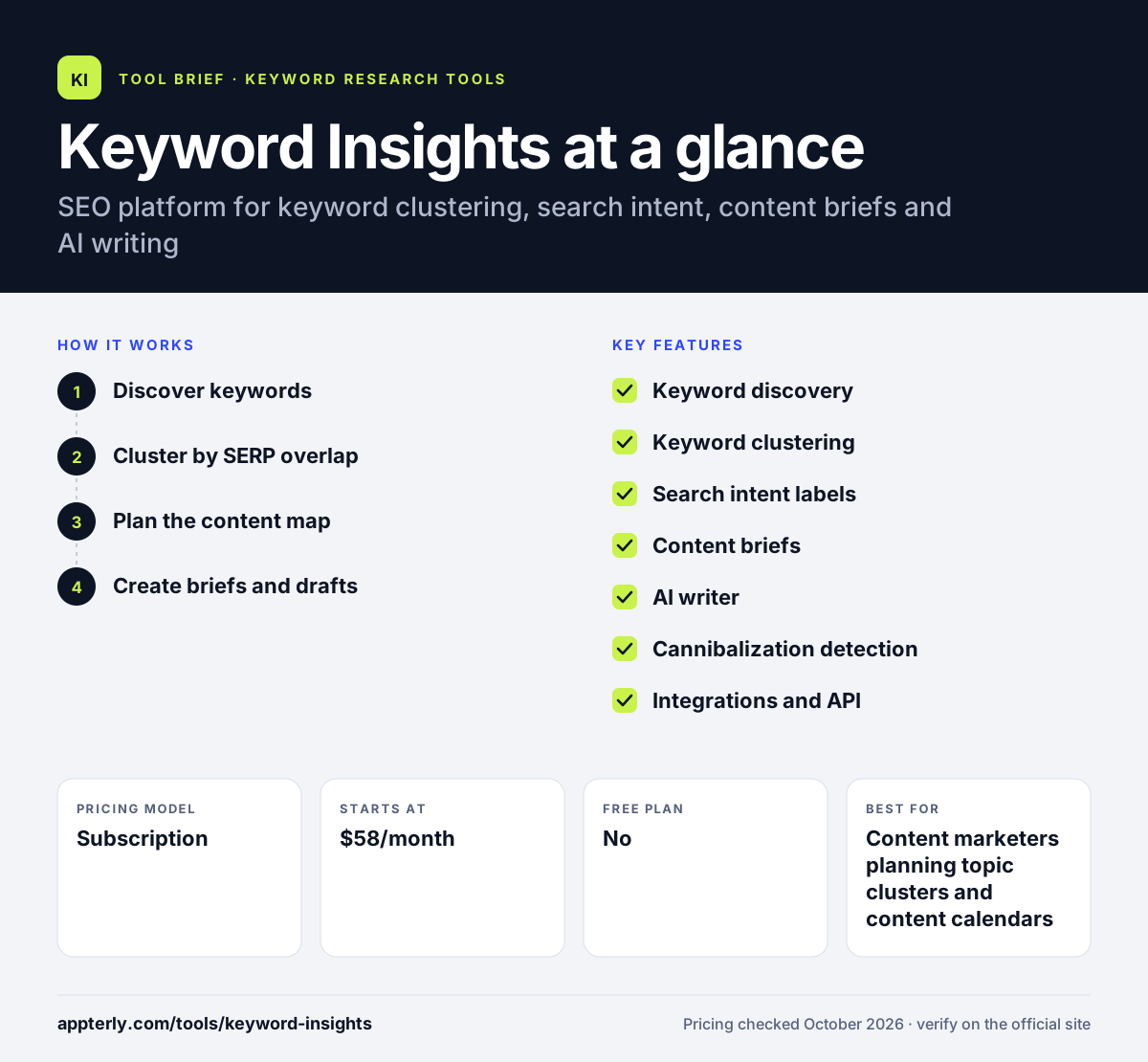
How does Keyword Insights work?
- Discover keywords
Enter a seed topic to pull keyword ideas and trending questions, or upload your own keyword list.
- Cluster by SERP overlap
Keyword Insights groups terms whose Google results overlap and labels the dominant search intent for each group.
- Plan the content map
Treat each cluster as one page, spot topical gaps, and flag clusters where several of your pages already compete.
- Create briefs and drafts
Generate a brief with headings, entities and talking points, then draft the article with the writing assistant or AI agent.
Keyword Insights key features
Keyword discovery
Finds keyword ideas and questions from autocomplete, People Also Ask and community sites like Reddit and Quora.
Keyword clustering
Groups keywords by shared ranking URLs so you know which terms one page can target.
Search intent labels
Shows how the top results split between informational, commercial and transactional intent.
Content briefs
Builds outlines with structure, entities and talking points drawn from top-ranking pages.
AI writer
Drafts, rewrites and optimizes articles, with a separate AI writing agent for fuller drafts.
Cannibalization detection
Flags clusters where multiple pages on your site rank so you can merge or refocus them.
Integrations and API
Connects to Google Search Console and WordPress and offers a public API.
Why use Keyword Insights?
- Clustering by real search results helps avoid writing separate pages that compete for the same queries.
- Intent labels make it easier to choose the right content format for each cluster.
- One tool covers research, planning, briefs and drafting, which cuts down on switching between apps.
- Credit-based pricing and a pay-as-you-go option suit project-based work.
- A low-cost trial lets you test clustering on a real keyword set first.
Who is Keyword Insights best for?
A good fit for
- Content marketers planning topic clusters and content calendars
- SEO agencies building content strategies for clients
- Publishers and affiliate sites organizing large keyword lists
- Writers who want data-backed briefs before drafting
Less suited to
- Users who mainly need rank tracking, backlink data or technical site audits
- Very small sites that only target a handful of keywords
- Budget users who prefer a free plan, since none is offered
Keyword Insights pricing
| Pricing model | Subscription |
|---|---|
| Free plan | No |
| Free trial | 7 days for $1 |
| Starting price | $58/month |
Basic includes 10,000 credits and one seat, and Professional costs $99/month with 20,000 credits and three seats. Annual billing saves 20%, and Enterprise and pay-as-you-go options are also available.
Prices checked October 2026. Vendors change plans often, so confirm on the official Keyword Insights pricing page before you buy.
Keyword Insights pros and cons
Pros
- SERP-based clustering is accurate for planning page structure
- Covers research, briefs and AI writing in one workflow
- Flexible credit system with a pay-as-you-go route
- Public API for teams that want to automate
Cons
- Credits can run out quickly on large discovery and writing jobs
- No rank tracking or backlink analysis built in
Keyword Insights integrations and platforms
Works with
Available on
Keyword Insights alternatives
See the full shortlist in Best Keyword Research Tools.
Keyword Insights FAQ
Is Keyword Insights free?
No. Keyword Insights has no free plan, but it offers a 7-day trial for $1 with 5,000 one-time credits. After the trial, accounts move to pay-as-you-go unless you subscribe. Paid plans start at $58 per month for 10,000 credits, with a 20% saving on annual billing.
What is Keyword Insights used for?
Keyword Insights is used to plan SEO content. Teams use it to find keyword ideas, group them into clusters based on overlapping Google results, label search intent, spot cannibalization, create content briefs and draft articles with AI. The goal is a clear content map that covers a topic thoroughly.
How does Keyword Insights keyword clustering work?
Keyword Insights checks the top Google results for each keyword and compares them. When two keywords share enough of the same ranking URLs, they are grouped together, because Google treats them as similar queries. Each cluster then becomes one page to create, which helps avoid publishing several pages that compete with each other.
Keyword Insights vs Surfer SEO: what's the difference?
Keyword Insights focuses on the planning stage: discovering keywords, clustering them and mapping topics before writing. Surfer SEO is centered on optimizing individual pages with a content editor and scoring. Both offer briefs and AI writing, but Keyword Insights is the stronger fit for building a site-wide content plan.
Does Keyword Insights integrate with WordPress?
Yes. Keyword Insights lists integrations with WordPress and Google Search Console. WordPress support helps move content from the writing tools to your site, while Search Console data helps compare your current performance with the clusters you plan. A public API is also available for custom workflows.
Sources
This overview is based on Keyword Insights's official website and documentation, checked October 2026.