What is Google Keyword Planner?
Google Keyword Planner is a free keyword research tool inside Google Ads that suggests keywords, shows how often they are searched and estimates what they cost to target with ads. It is built to help advertisers plan Search campaigns, but many SEOs and content teams also use it because the data comes straight from Google.
You can start from a product, service or website to get keyword ideas, or upload your own list to see search volume, trends and bid ranges. The forecasting side projects clicks, impressions or conversions based on your budget, using recent data adjusted for seasonality. Saved plans can be shared, refined and turned into live campaigns. Because it lives inside Google Ads, there is nothing to install, and plans can be saved and shared with teammates.
Google Keyword Planner at a glance
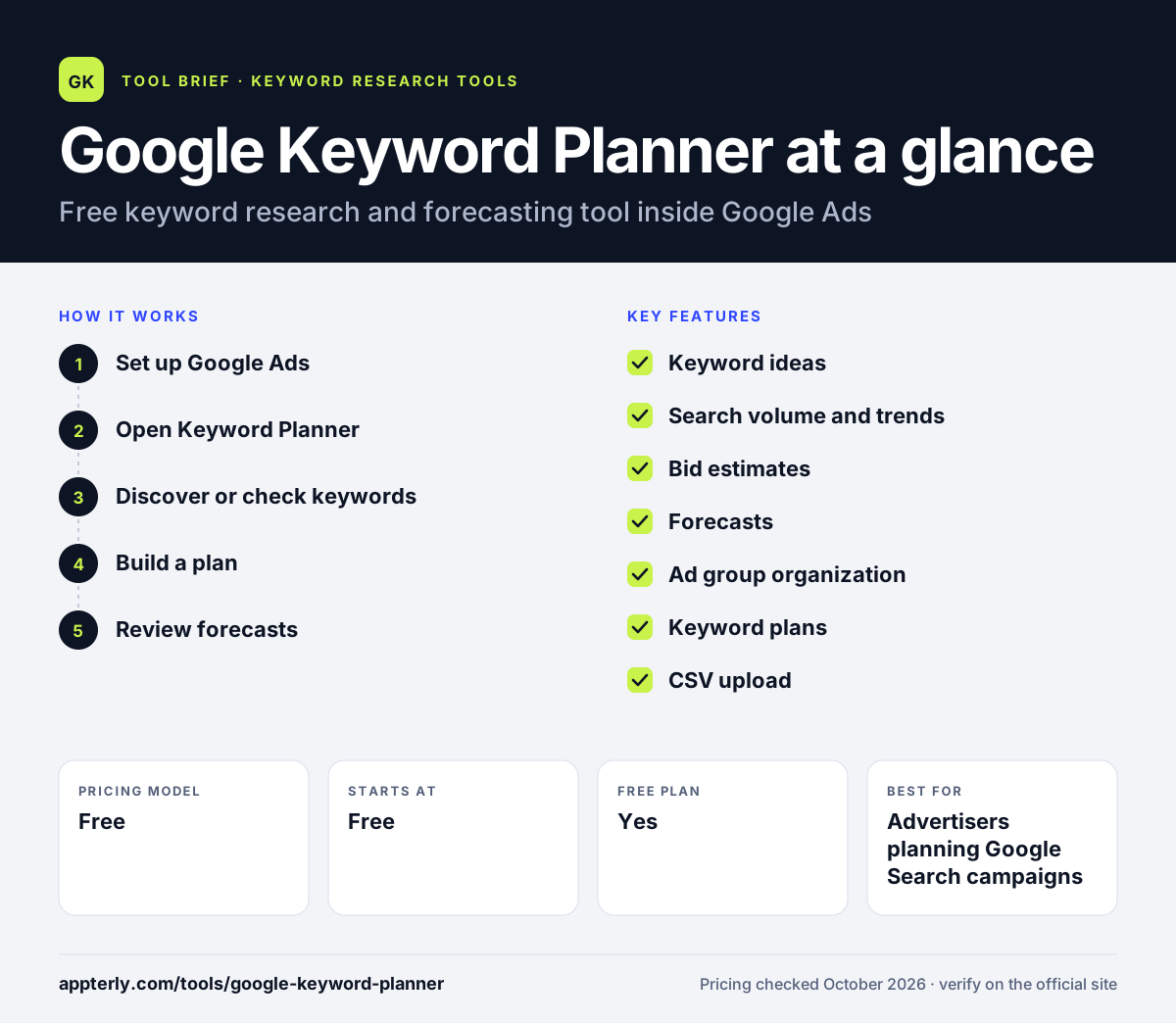
How does Google Keyword Planner work?
- Set up Google Ads
Complete account setup, including billing, and switch to Expert Mode if the account is in Smart Mode.
- Open Keyword Planner
Go to Tools, then Planning, then Keyword Planner.
- Discover or check keywords
Enter seed words or a website for ideas, or upload a list to see volume and forecasts.
- Build a plan
Group keywords into ad groups, review forecasts and add them to a campaign.
- Review forecasts
Switch forecasts between clicks and conversions, adjust the budget and check how expected results change before committing spend.
Google Keyword Planner key features
Keyword ideas
Suggests related keywords from seed terms or a website URL, with category filters.
Search volume and trends
Shows monthly search estimates and how interest changes over time.
Bid estimates
Suggests bid ranges for each keyword to help set budgets.
Forecasts
Projects clicks, impressions or conversions for a given spend, refreshed daily.
Ad group organization
Groups keywords into suggested ad groups automatically, in English.
Keyword plans
Save, share and edit plans, then push them into campaigns.
CSV upload
Upload an existing keyword list as a CSV file to get search volume and forecasts for every term at once, which is handy when checking a list built in another tool.
Add to account
Move planned keywords into an existing ad group and choose a match type. Nothing changes in your account until you upload the results, so you can experiment safely.
Why use Google Keyword Planner?
- It is free with a Google Ads account.
- Data comes directly from Google, so it reflects the same search activity your ads would compete for.
- Bid estimates help plan paid search budgets.
- Forecasts show what a budget is likely to deliver.
- Plans move straight into live campaigns.
Who is Google Keyword Planner best for?
A good fit for
- Advertisers planning Google Search campaigns
- Small businesses estimating ad budgets
- SEOs validating keyword demand
- Marketers on zero tool budget
Less suited to
- Users without a Google Ads account
- SEOs needing keyword difficulty, SERP or competitor data
- Research in sensitive categories like health or finance, which often return no ideas or forecasts because of Google's ad policies
Google Keyword Planner pricing
| Pricing model | Free |
|---|---|
| Free plan | Yes |
| Free trial | Not confirmed |
| Starting price | Free |
Keyword Planner costs nothing to use, but it requires a Google Ads account with setup and billing completed. You pay only if you run ads.
Prices checked October 2026. Vendors change plans often, so confirm on the official website before you buy.
Google Keyword Planner pros and cons
Pros
- Completely free
- First-party Google data
- Built-in budget forecasting
Cons
- Requires a Google Ads account with billing
- No keyword difficulty or SEO metrics
- Limited results for sensitive or very low-volume terms, and keywords are capped at 80 characters
Google Keyword Planner integrations and platforms
Works with
Available on
Google Keyword Planner alternatives
See the full shortlist in Best Keyword Research Tools.
Google Keyword Planner FAQ
Is Google Keyword Planner free?
Yes. Google Keyword Planner is free to use. You need a Google Ads account with setup and billing information completed to access it, but you are not charged for using the tool itself. You only pay Google if you choose to run ads.
What is Google Keyword Planner used for?
Google Keyword Planner is used to find keyword ideas, check monthly search volume and trends, see suggested bids and forecast campaign results for Google Search ads. SEOs and content teams also use Google Keyword Planner to check demand for topics before creating pages.
Can I use Google Keyword Planner without running ads?
You need a Google Ads account with setup and billing completed, and Google's own guide says to create a campaign during setup. Keyword ideas and search volume do not require an active campaign that is spending money, so many people use the tool for research without running ads.
Google Keyword Planner vs Ubersuggest: what's the difference?
Google Keyword Planner is free and built for advertisers, offering search volume, bid estimates and forecasts from Google data. Ubersuggest is a paid SEO tool that adds keyword difficulty, competitor rankings, site audits, rank tracking and backlinks. SEOs often use both for different purposes.
How do I access Google Keyword Planner?
Sign in to Google Ads and finish account setup. If your account is in Smart Mode, switch to Expert Mode. Then click the Tools icon, choose Planning and select Keyword Planner. No separate account or download is needed.
Sources
This overview is based on Google Keyword Planner's official website and documentation, checked October 2026.