What is SMTP2GO?
SMTP2GO is an email delivery service that routes your outgoing mail through its own SMTP servers or API so it reaches inboxes more reliably. It is aimed at businesses whose web host, ISP or email client limits how much they can send or delivers poorly. The company has offices in Christchurch, Melbourne, London and Atlanta, and runs on redundant infrastructure across several data centers.
Instead of building campaigns, SMTP2GO focuses on the delivery layer. You point a website, app, printer, CRM or email client at its SMTP server, or call its API, and it handles authentication and sending. Real-time reports track each message, and testing tools preview emails in more than 40 clients and check spam filters. Support is available around the clock.
SMTP2GO at a glance
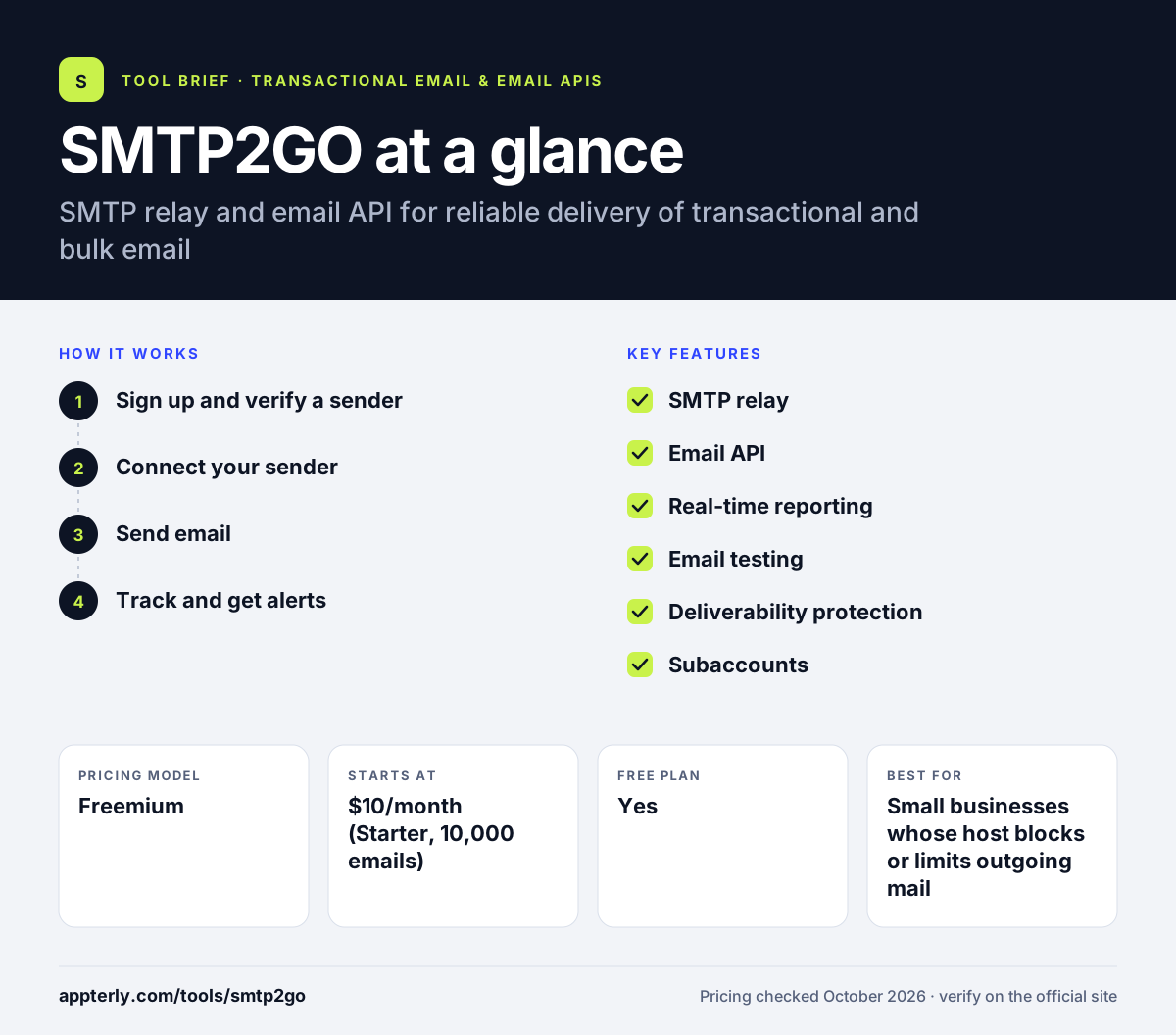
How does SMTP2GO work?
- Sign up and verify a sender
Create a free account and verify your sending domain so SPF and DKIM can be set up.
- Connect your sender
Enter SMTP2GO's server details in your app, website or email client, or call the send-email API.
- Send email
Messages route through SMTP2GO's servers instead of your host or ISP.
- Track and get alerts
Follow each email in real-time reports and get alerts on spikes in bounces or complaints.
SMTP2GO key features
SMTP relay
A worldwide SMTP service that replaces limited ISP or hosting mail servers.
Email API
A send-email endpoint with examples in JavaScript, Node.js, PHP, Ruby and Python.
Real-time reporting
Track each email to its destination, including bounces, unsubscribes and spam complaints.
Email testing
Check SPF and DKIM, preview emails in 40-plus clients and test against major spam filters.
Deliverability protection
Automatic authentication handling and proactive blacklist prevention.
Subaccounts
Paid plans include subaccount management for teams or resellers.
Why use SMTP2GO?
- It fixes sending limits and poor delivery from shared web hosts and ISPs.
- A free plan allows up to 1,000 emails a month with no time limit.
- Setup is a matter of changing SMTP settings in most apps.
- Support is available 24/7 at no charge on paid plans.
- Paid plans carry a 30-day money-back promise.
- Email testing tools preview messages in more than 40 email clients before they go out.
Who is SMTP2GO best for?
A good fit for
- Small businesses whose host blocks or limits outgoing mail
- IT providers and MSPs managing email for clients
- Websites and apps that send transactional email
- Teams that want simple reporting on delivered mail
Less suited to
- Marketers who need a campaign builder and automation
- Teams that want broad native app integrations listed on the site
- Very high-volume senders who want transparent enterprise pricing
SMTP2GO pricing
| Pricing model | Freemium |
|---|---|
| Free plan | Yes |
| Free trial | Not confirmed |
| Starting price | $10/month (Starter, 10,000 emails) |
Professional at $75/month covers 100,000 emails and adds a dedicated IP and email testing tools, and Premier is custom for very large senders. Annual billing gives two months free, and extra emails cost $0.85 to $1 per 1,000.
Prices checked October 2026. Vendors change plans often, so confirm on the official SMTP2GO pricing page before you buy.
SMTP2GO pros and cons
Pros
- Easy drop-in SMTP setup
- Free plan with no time limit
- Clear real-time delivery reports
- Round-the-clock support
Cons
- No built-in campaign editor or automation
- Free plan limits phone and chat support to 14 days
- Pricing page shows some inconsistent figures for higher tiers
SMTP2GO integrations and platforms
Available on
SMTP2GO alternatives
See the full shortlist in Best Transactional Email Services.
SMTP2GO FAQ
Is SMTP2GO free?
Yes. SMTP2GO has a free plan that covers up to 1,000 emails a month with no credit card and no time limit. Phone and live chat support on the free plan are limited to the first 14 days. Paid plans start at $10 a month for 10,000 emails. Annual billing on paid plans gives two months free, and every paid plan includes a 30-day money-back promise.
What is SMTP2GO used for?
SMTP2GO is used to send email reliably from websites, apps, devices and email clients. Businesses switch to it when their web host or ISP limits sending, blocks ports or delivers poorly. It handles authentication, routes mail through its own servers and reports on what happened to each message. Paid plans also include subaccounts, which help IT providers keep each client's email separate.
Is SMTP2GO good for beginners?
SMTP2GO is beginner friendly. In most cases you only change the SMTP server, port, username and password in your app or email client. The dashboard shows clear reports, and support is available at any hour. Developers can also use the API, but it is not required. Built-in testing tools show how emails look in more than 40 email clients before you send.
SMTP2GO vs SendGrid: what's the difference?
Both send email through SMTP relay or an API. SMTP2GO focuses on simple, reliable delivery with a permanent free plan and 24/7 support, which suits small businesses and IT providers. SendGrid, owned by Twilio, targets very large senders and also offers a full marketing campaigns product with automation.
Does SMTP2GO work with WordPress?
SMTP2GO can be used with WordPress through any plugin that lets you set custom SMTP server details, since it works as a standard SMTP relay. You enter SMTP2GO's server, port and login in the plugin settings. Developers can also connect through the API using PHP. Real-time reports then show whether each message from your site was delivered, bounced or marked as spam.
Sources
This overview is based on SMTP2GO's official website and documentation, checked October 2026.