What is Loops?
Loops is an email platform built for software companies that brings marketing campaigns, lifecycle workflows and transactional email into one tool. Instead of using one service for product announcements and another for password resets, SaaS teams can manage both with shared templates, contacts and analytics. Loops is designed for modern product teams, with a clean editor, event-based automation and developer SDKs.
Teams send events and contact data from their app or tools such as Segment, Stripe, Supabase and Clerk, then use that data to trigger onboarding, trial conversion and win-back sequences. Brand themes apply colors, fonts and spacing to every email automatically. Pricing is based on subscribed contacts, transactional email is included, and every plan has all features, with no per-seat charges for team members.
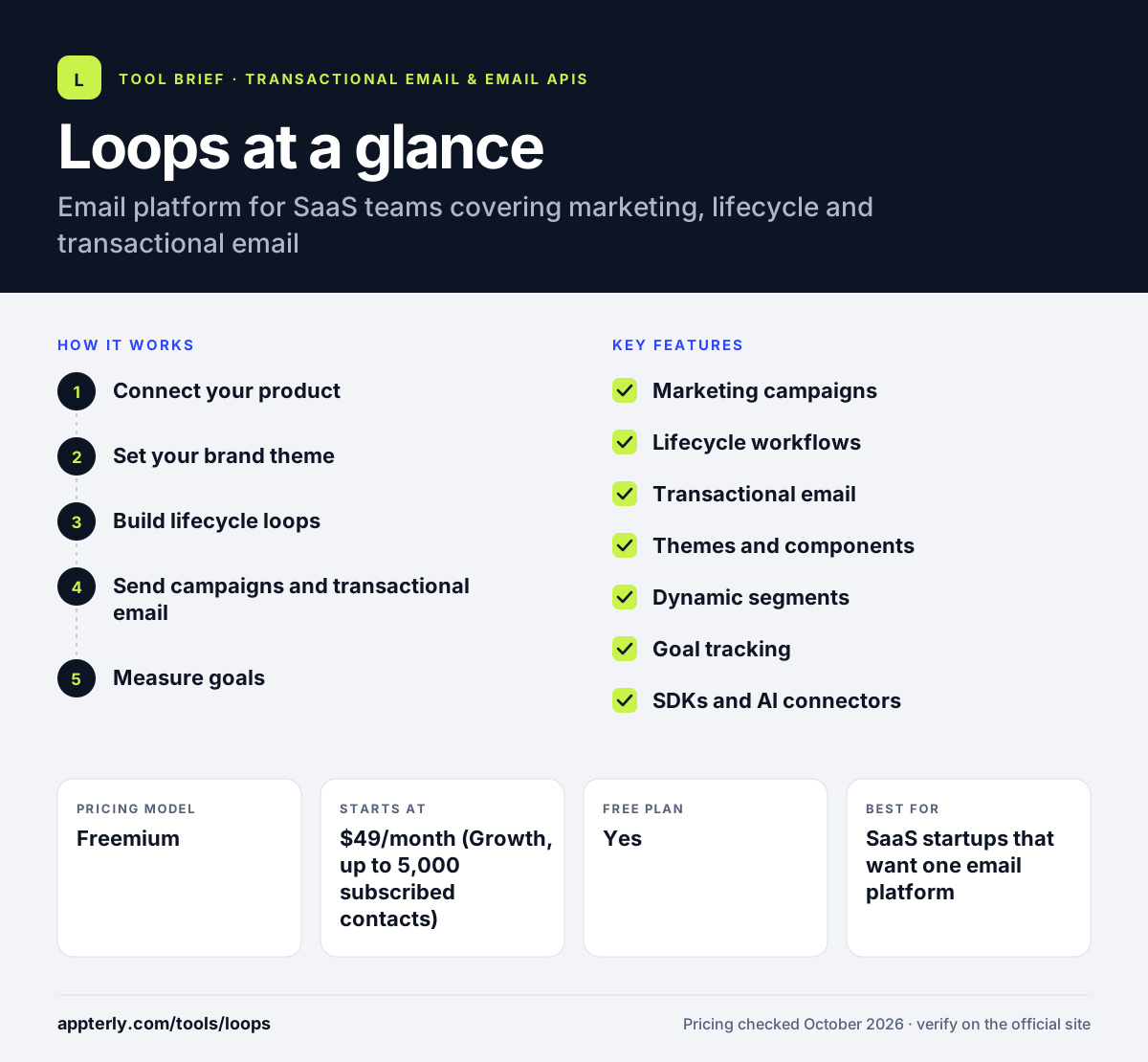
Loops at a glance
How does Loops work?
- Connect your product
Send contacts and events from your app through the API, an SDK or integrations like Segment and Stripe.
- Set your brand theme
Define colors, fonts and spacing once so every email follows the same style.
- Build lifecycle loops
Create event-triggered workflows with timers, branches and exit conditions for onboarding or upgrades.
- Send campaigns and transactional email
Schedule one-off campaigns to segments and trigger transactional emails such as receipts from code.
- Measure goals
Track outcomes such as free-to-paid upgrades to see which emails drive results.
Loops key features
Marketing campaigns
Send scheduled one-time emails, such as product updates and newsletters, to segments.
Lifecycle workflows
Trigger sequences from events or contact changes, with branching and exit rules.
Transactional email
Send password resets, receipts and other app emails through the API at no extra charge.
Themes and components
Reusable brand settings and components keep every email consistent.
Dynamic segments
Audiences update automatically as contact properties such as plan type change.
Goal tracking
Measure conversions such as trial upgrades and onboarding completion.
SDKs and AI connectors
Official SDKs for Node, Next.js, Ruby, PHP and others, plus connectors for AI agents.
Why use Loops?
- One tool covers marketing, lifecycle and transactional email, which reduces stack complexity.
- Only subscribed contacts count toward pricing, and unsubscribed contacts are free to store.
- All features are available on every plan, including the free one.
- There are no per-seat fees, so the whole team can collaborate.
- Native integrations with SaaS tools make event-based automation quick to set up.
Who is Loops best for?
A good fit for
- SaaS startups that want one email platform
- Product teams running onboarding and trial conversion emails
- Developers who want simple SDKs for transactional email
- Growing software companies replacing separate marketing and transactional tools
Less suited to
- Ecommerce stores that need product catalog and cart-based flows
- Publishers running large paid newsletters
- Teams that need SMS or multichannel messaging
Loops pricing
| Pricing model | Freemium |
|---|---|
| Free plan | Yes |
| Free trial | Not confirmed |
| Starting price | $49/month (Growth, up to 5,000 subscribed contacts) |
The free plan covers up to 1,000 subscribed contacts and 4,000 sends per rolling 30 days with Loops branding. Growth removes branding and allows unlimited sends, and Enterprise is custom priced.
Prices checked October 2026. Vendors change plans often, so confirm on the official Loops pricing page before you buy.
Loops pros and cons
Pros
- Marketing and transactional email in one place
- All features on every plan
- No per-seat pricing
- Strong integrations for SaaS stacks
Cons
- Built mainly for SaaS, so less suited to ecommerce
- Free plan includes Loops branding and a send cap
- No SMS or other channels
Loops integrations and platforms
Works with
Available on
Loops alternatives
See the full shortlist in Best Transactional Email Services.
Loops FAQ
Is Loops free?
Yes. Loops has a free plan with no credit card required that covers up to 1,000 subscribed contacts and 4,000 marketing and transactional sends per rolling 30 days. All features are included, but emails carry a Powered by Loops footer. The paid Growth plan starts at $49 per month and removes branding.
What is Loops used for?
Loops is used by SaaS companies to send product announcements, newsletters, onboarding sequences, trial conversion emails and transactional messages such as password resets and receipts. Teams connect product events to Loops so emails trigger automatically based on what users do, then track goals such as upgrades.
Loops vs Customer.io: what's the difference?
Both tools send event-triggered lifecycle email for software companies. Loops focuses on simplicity, clean design, included transactional email and pricing based on subscribed contacts. Customer.io offers more channels and more complex data and messaging options, which suit larger teams but take more effort to set up.
Does Loops support transactional email?
Yes. Loops sends transactional emails such as password resets, receipts and account alerts through its API, using data variables from your product. Transactional email is included in all plans at no additional charge, and the same themes and templates apply, so it matches your marketing emails.
Is Loops good for beginners?
Loops is approachable for small SaaS teams because the editor is simple and brand themes handle styling. Basic campaigns need no code. Getting the most from Loops, including event-triggered workflows and transactional email, usually requires a developer to connect your app through the API, an SDK or an integration.
Sources
This overview is based on Loops's official website and documentation, checked October 2026.