What is Sitebulb?
Sitebulb is a website crawler for technical SEO audits, sold as a desktop app for Windows and Mac and as a browser-based cloud service. Made by Sitebulb Limited in Kent, UK, it checks more than 300 issues and turns them into prioritized Hints that explain what is wrong and why it matters. This guidance makes it popular with agencies that need to explain findings to clients.
Sitebulb Desktop crawls up to 500,000 URLs per audit on the Pro plan, with JavaScript crawling included. Sitebulb Cloud handles up to 10 million URLs per audit and lets teams work on the same crawl data together. Both connect to Google Search Console, GA4, Google Sheets and Looker Studio, and a Sitebulb MCP server links crawl data to Claude and ChatGPT.
Sitebulb at a glance
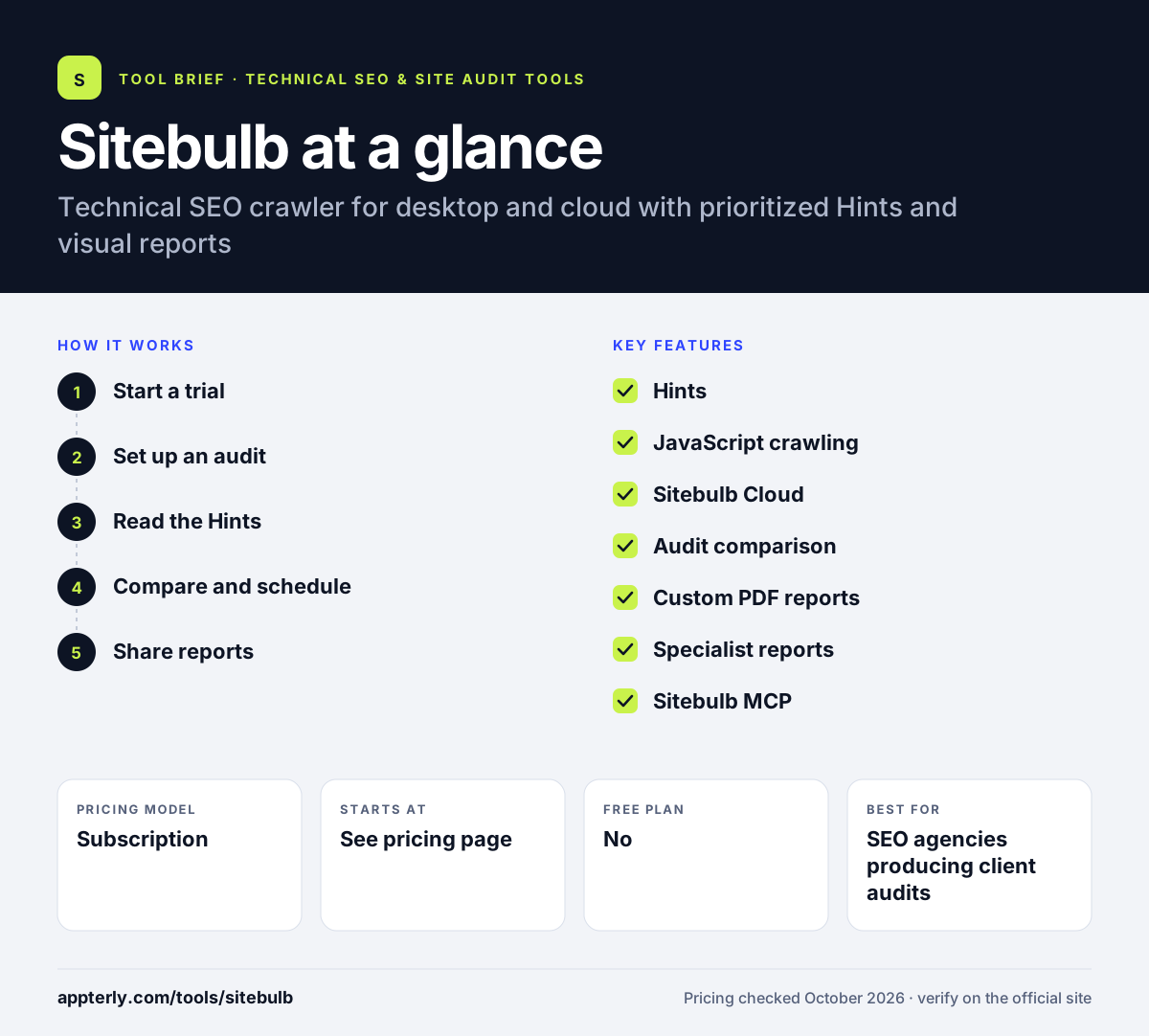
How does Sitebulb work?
- Start a trial
Download the desktop app or open Sitebulb Cloud and use the 14-day trial. The trial needs no credit card.
- Set up an audit
Enter a site, choose JavaScript rendering if needed and connect Search Console or GA4. Pro users can raise the default crawl limit for bigger sites.
- Read the Hints
Review prioritized issues with explanations of impact and how to fix them. Hints are ranked so the most important problems appear first.
- Compare and schedule
Pro and Cloud plans let you compare audits and schedule recurring crawls. Cloud plans can run recurring crawls automatically.
- Share reports
Export spreadsheets, build custom PDF reports or send data to Google Sheets and Looker Studio. Data visualizations help non-technical stakeholders see the site structure.
Sitebulb key features
Hints
300+ automated checks, prioritized and explained in plain language.
JavaScript crawling
Renders JavaScript-heavy pages at no extra cost.
Sitebulb Cloud
Browser-based crawling up to 10 million URLs with team collaboration.
Audit comparison
Compare crawls over time to see what improved or broke.
Custom PDF reports
Branded, client-ready audit reports and data visualizations.
Specialist reports
Structured data, international hreflang, accessibility and AMP reports on Pro.
Sitebulb MCP
Connect crawl data to Claude and ChatGPT for analysis.
Why use Sitebulb?
- Hints explain issues clearly, which saves time when reporting to clients.
- Choice of desktop or cloud fits both solo users and teams.
- JavaScript crawling is included rather than charged extra.
- Visual reports make technical problems easier to communicate.
- A no-card trial gives full Pro features for two weeks.
Who is Sitebulb best for?
A good fit for
- SEO agencies producing client audits
- Freelance technical SEOs
- In-house teams that need to explain issues to developers
- Teams wanting shared cloud crawling
Less suited to
- Users who only need a quick free check of a tiny site
- Teams that need server log analysis
- Very tight budgets compared with free crawlers
Sitebulb pricing
| Pricing model | Subscription |
|---|---|
| Free plan | No |
| Free trial | 14 days |
| Starting price | See the official pricing page |
Desktop Lite crawls 10,000 URLs per audit and Desktop Pro 500,000; Sitebulb Cloud starts from £95 per month for teams. Yearly plans save 15%, and large Enterprise Cloud deals are quoted separately.
Prices checked October 2026. Vendors change plans often, so confirm on the official Sitebulb pricing page before you buy.
Sitebulb pros and cons
Pros
- Clear, prioritized explanations of issues
- Desktop and cloud options
- Strong visual and PDF reporting
- JavaScript crawling included
Cons
- No permanent free version
- Desktop crawl size limited by plan and hardware
- Cloud plans cost much more than desktop
Sitebulb integrations and platforms
Works with
Available on
Sitebulb alternatives
See the full shortlist in Best Technical SEO Tools.
Sitebulb FAQ
Is Sitebulb free?
Sitebulb does not have a permanent free plan. It offers a fully featured 14-day free trial, equivalent to Desktop Pro, with no credit card required. After that you choose Desktop Lite, Desktop Pro or Sitebulb Cloud depending on crawl size and whether your team needs shared access. Purchase orders are accepted for yearly plans.
What is Sitebulb used for?
Sitebulb is used for technical SEO audits. It crawls a website, checks for more than 300 issues, and explains each one through prioritized Hints. Agencies and in-house teams use it to find problems, compare audits over time and produce client-ready reports and visualizations.
Sitebulb vs Screaming Frog: what's the difference?
Both are popular technical SEO crawlers. Screaming Frog offers a free 500-URL version and a low annual license with very granular data. Sitebulb focuses on explaining and prioritizing issues, with stronger visual reports and a cloud option for large sites and team collaboration. Teams often pick based on reporting style and budget.
Does Sitebulb work on Mac?
Yes. Sitebulb Desktop installs on both Windows and Mac. If you prefer not to crawl from your own machine, Sitebulb Cloud runs in a web browser, handles much larger sites and lets several team members work on the same audit data. Extra users can be added to Desktop Pro for a monthly fee.
Is Sitebulb good for beginners?
Sitebulb is one of the friendlier technical crawlers for beginners. Its Hints explain each issue, why it matters and how to fix it, and results are prioritized so you know where to start. The Lite plan keeps costs down for smaller sites while you learn.
Sources
This overview is based on Sitebulb's official website and documentation, checked October 2026.