What is Netpeak Spider?
Netpeak Spider is a desktop website crawler for technical SEO audits that runs on Windows and macOS. Built by Netpeak Software, it scans a site and reports more than 100 issues, such as broken links, duplicate pages and faulty meta tags, sorted by severity with guidance on fixing each one. A free version handles small sites, while Pro removes URL limits.
Beyond audits, Netpeak Spider includes JavaScript rendering with a recent Chromium build, an internal PageRank calculator, sitemap generation and validation, and custom scraping with XPath, CSS, regex or text rules. It pulls traffic and query data from Google Analytics and Google Search Console, exports to Google Sheets and Drive, and produces white-label PDF reports for clients. Bundle plans pair it with Netpeak Checker and an on-page monitoring tool.
Netpeak Spider at a glance
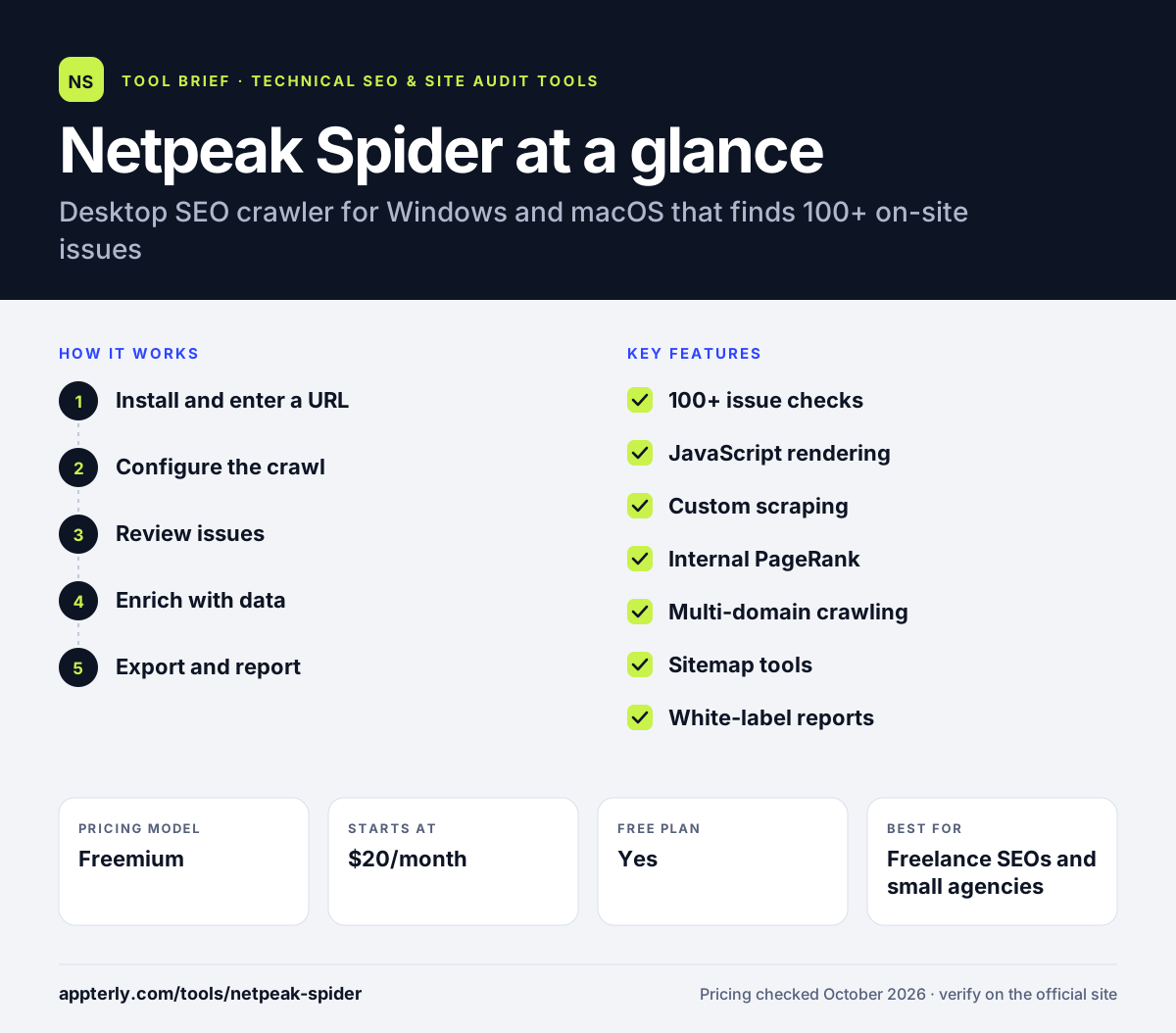
How does Netpeak Spider work?
- Install and enter a URL
Download the app for Windows or macOS and start a crawl from a domain or a URL list. Two devices can be used per user license.
- Configure the crawl
Set rules, JavaScript rendering, custom scraping conditions or saved templates. Templates save time when you audit similar sites often.
- Review issues
Browse the color-coded issue list and filter or segment the results table. Each issue includes a short explanation of why it matters.
- Enrich with data
Connect Google Analytics and Search Console to add traffic and query metrics to each URL. This shows which broken or weak pages actually receive traffic.
- Export and report
Export to CSV, XLSX or Google Sheets, or create a branded PDF report.
Netpeak Spider key features
100+ issue checks
Detects technical problems and groups them by severity with fix guidance.
JavaScript rendering
Renders pages with Chromium to see content much like Googlebot does.
Custom scraping
Extract data using up to 15 conditions across contains, regex, XPath and CSS searches.
Internal PageRank
Calculates how link equity flows between pages on the site.
Multi-domain crawling
Crawl several domains and see results in one table.
Sitemap tools
Generate and validate XML sitemaps.
White-label reports
PDF audit reports carrying your own logo.
Why use Netpeak Spider?
- Pro pricing is low, with a lifetime license option.
- The free version is enough for small sites up to 500 URLs.
- Google Analytics and Search Console data add context to technical issues.
- Multi-window mode lets you work on several projects at once.
- Branded PDF reports help freelancers present findings to clients.
Who is Netpeak Spider best for?
A good fit for
- Freelance SEOs and small agencies
- Site owners auditing their own websites
- SEO specialists who prefer desktop tools
- Mac and Windows users on a budget
Less suited to
- Teams needing cloud crawling and shared dashboards
- Enterprise sites with millions of URLs and log analysis needs
- Linux users
Netpeak Spider pricing
| Pricing model | Freemium |
|---|---|
| Free plan | Yes |
| Free trial | 3 days |
| Starting price | $20/month |
Pro costs $20 per month, $193 per year or $496 for lifetime access, and removes the free version's 500-URL limit. Bundles with Netpeak Checker and multi-user discounts are also available.
Prices checked October 2026. Vendors change plans often, so confirm on the official Netpeak Spider pricing page before you buy.
Netpeak Spider pros and cons
Pros
- Affordable, with a lifetime option
- Free version for small sites
- Detailed issue reports with fix tips
- Good custom scraping options
Cons
- Desktop app, so large crawls depend on your computer
- No built-in log file analysis
- Short 3-day trial for Pro
Netpeak Spider integrations and platforms
Works with
Available on
Netpeak Spider alternatives
See the full shortlist in Best Technical SEO Tools.
Netpeak Spider FAQ
Is Netpeak Spider free?
Yes, Netpeak Spider has a free version that crawls up to 500 URLs with 5 threads. That covers small websites. Netpeak Spider Pro removes the URL limit and raises threads to 200, starting at $20 per month, with a 3-day trial and a 14-day money-back guarantee. A lifetime license is also available for $496.
What is Netpeak Spider used for?
Netpeak Spider is used to run technical SEO audits. It crawls a website and finds issues like broken links, redirects, duplicate content and missing meta tags. SEO specialists also use it for custom data scraping, sitemap generation, internal link analysis and white-label client reports.
Does Netpeak Spider work on Mac?
Yes. Netpeak Spider is available for both Windows and macOS. The macOS version offers the same trial and then costs $20 per month. Some related tools, such as Netpeak Checker, are Windows only, so check that before buying a bundle.
Netpeak Spider vs Screaming Frog: what's the difference?
Both are desktop SEO crawlers. Screaming Frog runs on Windows, macOS and Linux, costs £199 per year and is widely used. Netpeak Spider runs on Windows and macOS, offers monthly and lifetime pricing, and adds an internal PageRank calculator and color-coded issue severity. Both export to common spreadsheet formats.
Is Netpeak Spider good for beginners?
Netpeak Spider is reasonably beginner-friendly. Issues are grouped by severity and each one comes with an explanation of how to fix it. Advanced settings like custom scraping and segmentation can wait until you are comfortable with the basics. The free version is a low-risk way to learn how the tool works.
Sources
This overview is based on Netpeak Spider's official website and documentation, checked October 2026.