What is Resend?
Resend is an email platform for developers that sends transactional and marketing email through a modern API, SDKs or SMTP. It grew out of React Email, an open source project for building email templates as React components. The founders, Zeno Rocha, Bu Kinoshita and Jonni Lundy, launched the sending platform in 2023 and joined Y Combinator that year. The company lists a San Francisco address and works as a remote team.
Resend aims to make email feel like any other part of a modern web stack. It offers SDKs for Node.js, Python, Ruby, PHP, Go, Rust, Java, Elixir and .NET, with quick setup guides for Next.js, Remix, Astro and other frameworks. Beyond the API, Resend adds Broadcasts for newsletters, Audiences for contacts, webhooks, inbound email and automations.
Resend at a glance
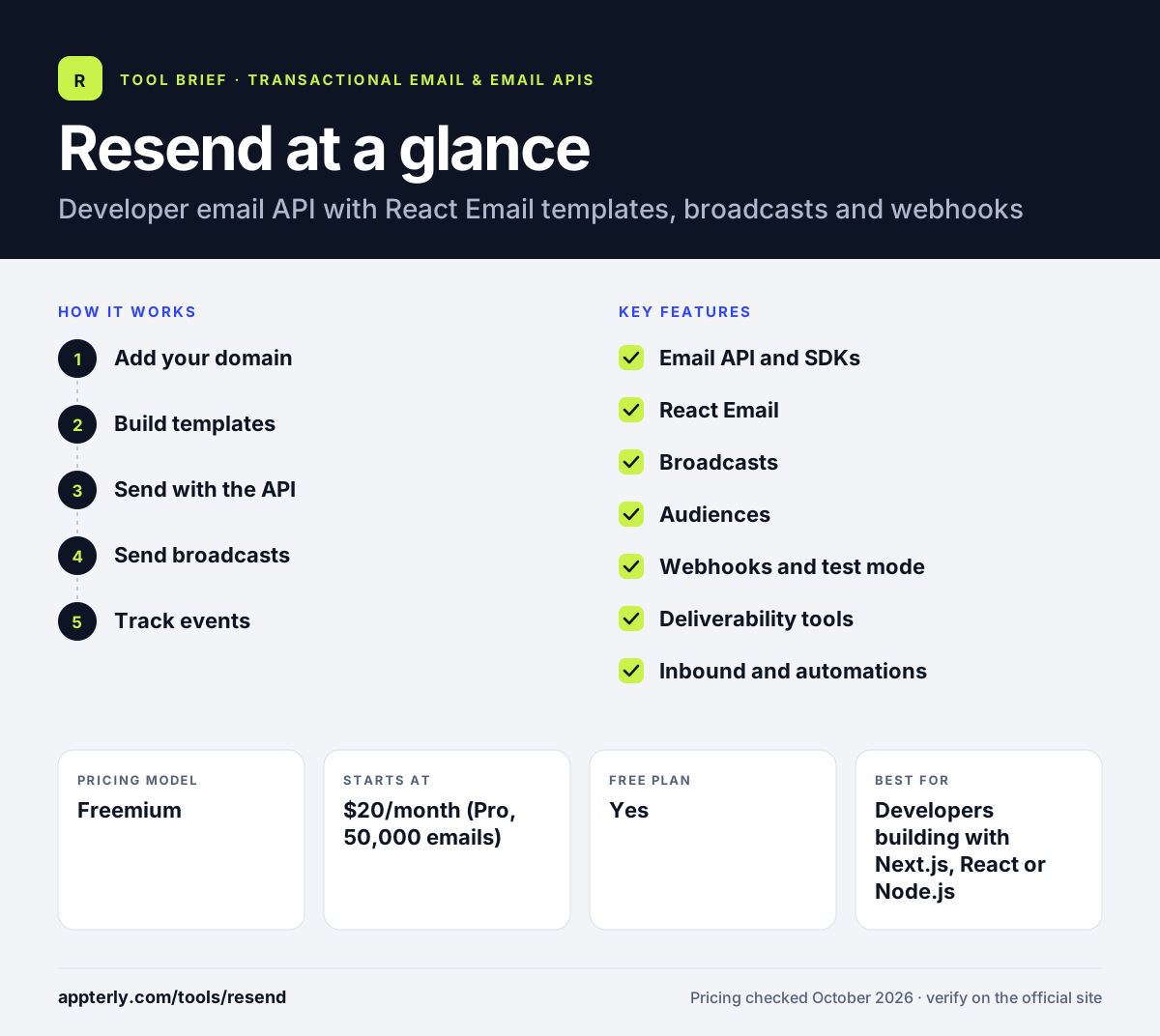
How does Resend work?
- Add your domain
Verify a sending domain with DKIM, SPF and DMARC records shown in the dashboard.
- Build templates
Write emails as React components with React Email, or use plain HTML.
- Send with the API
Call the SDK or REST endpoint from your app, or connect over SMTP.
- Send broadcasts
Use the visual editor to write newsletters and send them to contacts stored in Audiences.
- Track events
Receive delivered, opened, clicked, bounced and complained events through webhooks.
Resend key features
Email API and SDKs
A simple send endpoint with official SDKs in many languages plus a CLI.
React Email
An open source library for building responsive emails as React components.
Broadcasts
A visual editor for writing and sending newsletters, with broadcast analytics.
Audiences
Import and manage contacts and view each contact's attributes.
Webhooks and test mode
Real-time event notifications and a mode that simulates events without real sends.
Deliverability tools
DNS verification, BIMI support, blocklist tracking, suppression lists and dedicated IPs on Scale.
Inbound and automations
Receive email into inboxes and trigger automated sequences, with 10,000 free automation runs.
Why use Resend?
- React Email lets frontend developers build templates with tools they already know.
- The free plan covers 3,000 emails a month with up to three domains.
- Setup takes minutes thanks to framework-specific guides and clean SDKs.
- Transactional email and newsletters can run from the same account and API key.
- Test mode lets teams check integrations without sending real messages.
Who is Resend best for?
A good fit for
- Developers building with Next.js, React or Node.js
- Startups that want a modern email API
- SaaS teams sending product email and newsletters
- Indie hackers on a free or low-cost plan
Less suited to
- Non-technical marketers who want deep marketing automation
- Teams needing a dedicated IP on lower plans, as it starts on Scale
- Senders who want long data retention without an Enterprise contract
Resend pricing
| Pricing model | Freemium |
|---|---|
| Free plan | Yes |
| Free trial | Not confirmed |
| Starting price | $20/month (Pro, 50,000 emails) |
Pro removes the free plan's 100-a-day cap, and Scale at $90/month adds 100,000 emails, more domains and dedicated IP access. Extra emails on paid plans cost $0.90 per 1,000.
Prices checked October 2026. Vendors change plans often, so confirm on the official Resend pricing page before you buy.
Resend pros and cons
Pros
- Modern developer experience with many SDKs
- React Email makes template work faster
- Generous free tier for testing and small apps
- Broadcasts and transactional email in one account
Cons
- Free plan caps sending at 100 emails a day
- Data retention is 30 days on standard plans
- Dedicated IPs and SSO are add-ons
Resend integrations and platforms
Works with
Available on
Resend alternatives
See the full shortlist in Best Transactional Email Services.
Resend FAQ
Is Resend free?
Yes. Resend has a free plan that includes 3,000 emails a month with a limit of 100 a day, three domains and one webhook endpoint. Data is kept for 30 days. The Pro plan at $20 a month raises the limit to 50,000 emails and removes the daily cap. Paid plans can also send beyond their quota at $0.90 per 1,000 extra emails.
What is Resend used for?
Resend is used by developers to send email from their apps, such as sign-up confirmations, magic links, receipts and notifications. Teams also use its Broadcasts feature to send newsletters to contacts stored in Audiences. Webhooks report what happens to each message after it is sent. Test mode lets developers try all of this without sending real messages.
Is Resend good for beginners?
Resend is a good choice for developers who are new to sending email. The API is small, the documentation includes guides for popular frameworks and test mode lets you try things safely. People without coding skills will find it less suited, since most features are built around the API.
Resend vs SendGrid: what's the difference?
Resend is a younger platform built around a modern developer experience and React Email templates, with a permanent free plan. SendGrid, owned by Twilio, has served high-volume senders for years and adds a separate Marketing Campaigns product with automation. Resend is often preferred by teams working in the React and Next.js ecosystem.
Does Resend work with Next.js?
Yes. Resend offers a dedicated Next.js guide and its Node.js SDK works in Next.js server code and API routes. React Email templates fit naturally into a Next.js project. Resend also lists guides for Remix, Nuxt, Express, Astro, Bun and other frameworks and runtimes. Templates built with React Email can live in the same codebase as the app.
Sources
This overview is based on Resend's official website and documentation, checked October 2026.