What is Outranking?
Outranking is an SEO content platform that helps writers research, outline, draft and optimize articles around a focus keyword. It pulls data from the pages that rank in search results and lets you insert that research into your document with a click. The tool is designed for enterprises, freelancers and people who are not SEO specialists but still need content that follows on-page best practices.
Outranking's editor shows a real-time SEO score with step-by-step guidance on titles, headings, keywords, word count and readability. AI features generate titles, meta descriptions, outlines, introductions and conclusions, and writing frameworks such as AIDA and PAS shape the copy. SERP analysis covers competitor statistics, NLP topics, keyword heatmaps and People Also Ask questions. It supports 13 languages and connects with WordPress, Google Docs and Grammarly.
Outranking at a glance
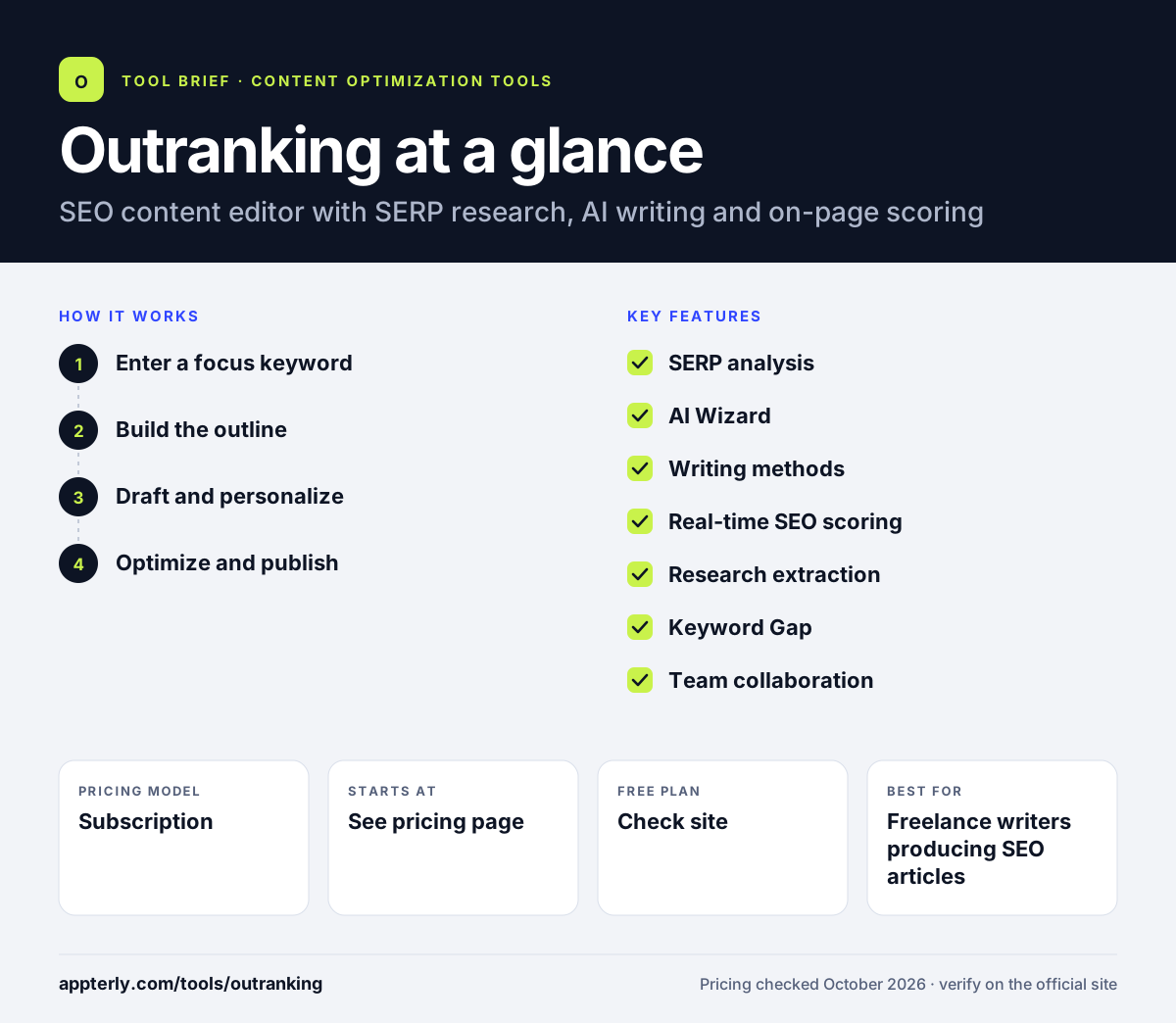
How does Outranking work?
- Enter a focus keyword
Outranking gathers data from competing pages in the search results.
- Build the outline
Use the drag-and-drop outline builder and AI suggestions to set H2 and H3 sections.
- Draft and personalize
Write manually or use AI methods and paraphrasing to produce each section.
- Optimize and publish
Follow the score and guidance, then export to WordPress or share by link.
Outranking key features
SERP analysis
Reviews competitor statistics, NLP topics, keyword heatmaps and related questions.
AI Wizard
Generates titles, meta descriptions and outlines for long-form content.
Writing methods
Frameworks such as AIDA, PAS and BAS plus community templates for page types.
Real-time SEO scoring
Guides on-page elements like headings, keywords and readability.
Research extraction
Pulls concepts from product pages, YouTube transcripts and PDFs.
Keyword Gap
Compares your keywords with competitors to find missed terms.
Team collaboration
Versioning, quotas and document sharing with clients and editors.
Why use Outranking?
- Research and writing happen in the same editor, which saves tab switching.
- Step-by-step guidance helps non-SEO writers follow best practices.
- Writing frameworks speed up introductions and conclusions.
- Support for 13 languages suits multilingual content teams.
- WordPress and Google Docs plugins fit existing publishing workflows.
Who is Outranking best for?
A good fit for
- Freelance writers producing SEO articles
- Content teams that include non-SEO writers
- Agencies sharing drafts with clients
- Multilingual content programs
Less suited to
- Buyers who need clear public pricing before signing up
- Teams that want AI chatbot visibility tracking
- Users who only need a lightweight content grader
Outranking pricing
| Pricing model | Subscription |
|---|---|
| Free plan | Not confirmed |
| Free trial | Not confirmed |
| Starting price | See the official pricing page |
Pricing could not be confirmed from the official site during this review, so check the Outranking website for current plans. API access is offered by contacting support.
Prices checked October 2026. Vendors change plans often, so confirm on the official website before you buy.
Outranking pros and cons
Pros
- Combines research, AI drafting and scoring
- Detailed on-page guidance for each section
- Supports 13 languages
- WordPress and Google Docs plugins
Cons
- Pricing was not visible on the official site when checked
- Many features add a learning curve
- No AI search visibility tracking mentioned
Outranking integrations and platforms
Works with
Available on
Outranking alternatives
See the full shortlist in Best SEO Content Optimization Tools.
Outranking FAQ
Is Outranking free?
Outranking's official site did not show a free plan or confirmed trial details when this page was updated. Check the Outranking website for its current plans and any trial offer before signing up. API access for business or custom integrations is available by contacting the support team.
What is Outranking used for?
Outranking is used to research, outline, write and optimize SEO articles. Writers enter a focus keyword, review competitor data and People Also Ask questions, build an outline, draft with AI help and follow a real-time score to improve on-page elements before publishing to WordPress or sharing with a client.
Is Outranking good for beginners?
Outranking is designed with non-SEO writers in mind. Its step-by-step suggestions explain what to fix in titles, headings, keywords and readability, and AI methods help with the first draft. Beginners may find the number of features overwhelming at first, so starting with the outline and score is a sensible path.
Outranking vs Surfer: what's the difference?
Both tools score content against ranking pages. Outranking puts more weight on guided writing, with AI methods, outline building and research extraction from PDFs and videos. Surfer focuses on its Content Editor score, content audits, topical maps and AI visibility tracking, with clearly published pricing tiers.
Does Outranking integrate with WordPress?
Yes. Outranking offers a WordPress plugin that exports and imports documents into WordPress posts. It also has a Google Docs plugin connected through an API key, and Grammarly works natively inside the Outranking editor for grammar and spelling checks.
Sources
This overview is based on Outranking's official website and documentation, checked October 2026.