What is Content Harmony?
Content Harmony is a content research and brief-building tool that helps SEOs, content marketers and writers analyze a keyword, turn that research into a brief and grade the finished draft. Each unit of work is called a Content Workflow, which bundles a keyword report, a content brief and a content grader for one topic. The product is aimed at teams that produce briefs often and want to cut the time each one takes.
Keyword reports break down search intent, competitor headings, common questions, images and videos that rank for a query. Users then build a brief from customizable templates and share it by link with writers, clients and teammates. The content grader compares a draft or live URL with a topic model to show missing subtopics. Content Harmony also offers keyword difficulty broken into content, link and domain factors, plus an API for larger customers.
Content Harmony at a glance
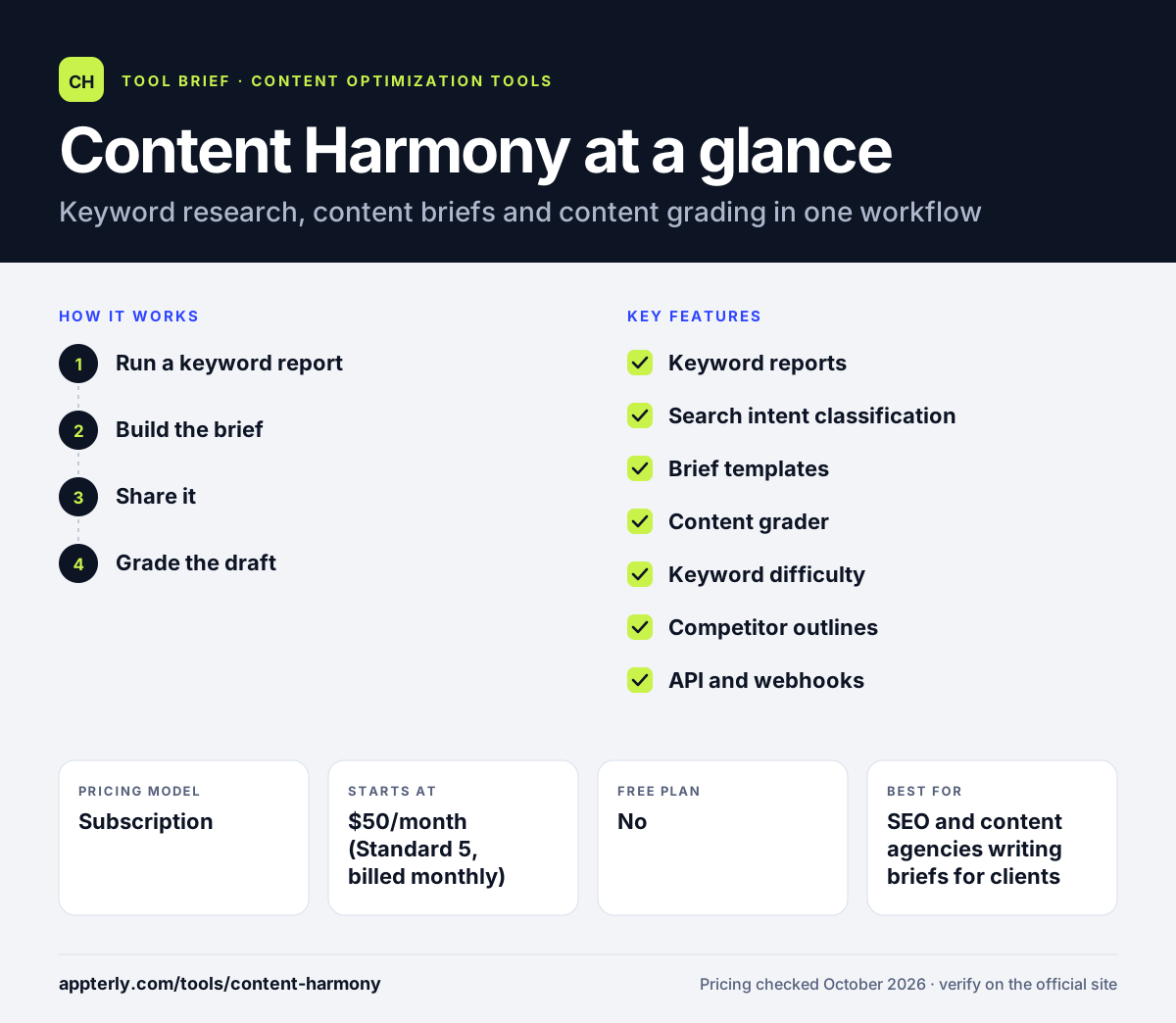
How does Content Harmony work?
- Run a keyword report
Enter a target keyword to analyze search intent, ranking pages, headings, questions and media.
- Build the brief
Use a template to pick sections, outline points and notes for the writer.
- Share it
Send the brief link to writers or clients, or paste it into tools such as Trello, Airtable or Google Docs.
- Grade the draft
Check the draft or published URL in the content grader and fill topic gaps it finds.
Content Harmony key features
Keyword reports
Single-keyword SERP research covering intent, headings, questions, images and videos.
Search intent classification
Labels the intent behind results so briefs match what searchers expect.
Brief templates
Custom templates that keep briefs consistent across writers and clients.
Content grader
Scores drafts or existing pages against a topic model and lists missing subtopics.
Keyword difficulty
Splits difficulty into content, link and domain parts.
Competitor outlines
Shows competitor heading structures alongside AI-suggested outlines.
API and webhooks
Programmatic access, with early API access on Enterprise.
Why use Content Harmony?
- Briefs that once took an hour or two can be built in a fraction of the time.
- Unlimited users and projects are included on every plan.
- Credit-based plans let small teams pay for only the briefs they need.
- Unused monthly credits roll over and stay valid for 90 days.
- Shareable brief links make handoffs to freelancers simple.
Who is Content Harmony best for?
A good fit for
- SEO and content agencies writing briefs for clients
- In-house teams working with freelance writers
- Content strategists who standardize brief formats
- Teams that publish on a weekly or daily calendar
Less suited to
- Writers who want a full AI writing tool that drafts articles end to end
- Teams that need AI chatbot visibility tracking
- Non-English sites, since international reports focus on English results
Content Harmony pricing
| Pricing model | Subscription |
|---|---|
| Free plan | No |
| Free trial | $10 trial with 10 workflow credits |
| Starting price | $50/month (Standard 5, billed monthly) |
Plans scale by the number of Content Workflows per month, from 5 up to 150, with Enterprise starting at $1,000. Annual billing lowers the monthly rate and delivers the year's credits upfront.
Prices checked October 2026. Vendors change plans often, so confirm on the official Content Harmony pricing page before you buy.
Content Harmony pros and cons
Pros
- Very detailed brief builder with flexible templates
- Low entry price for a small number of briefs
- Unlimited users on all plans
- Paid trial has no time limit
Cons
- Credits limit how many topics you can research each month
- No built-in long-form AI writer
- Focused on English-language results
Content Harmony integrations and platforms
Works with
Available on
Content Harmony alternatives
See the full shortlist in Best SEO Content Optimization Tools.
Content Harmony FAQ
Is Content Harmony free?
No. Content Harmony does not have a free plan. It offers a $10 trial that includes 10 Content Workflow credits with no time limit and no automatic billing afterward. Paid plans start at $50 per month for five workflows, and annual billing reduces the monthly rate on every tier.
What is Content Harmony used for?
Content Harmony is used to research a keyword and turn that research into a content brief for a writer. Each workflow includes a keyword report, a brief and a content grader. Agencies and in-house teams use it to speed up brief creation, keep briefs consistent and check drafts for missing subtopics before publishing.
Is Content Harmony good for beginners?
Content Harmony is approachable for beginners who already understand basic SEO. The four-step flow of report, brief, share and grade is easy to follow, and templates reduce setup work. The company also offers free onboarding and team training. Complete beginners may need time to interpret intent and difficulty data.
Content Harmony vs Clearscope: what's the difference?
Content Harmony centers on detailed brief building and charges per workflow, starting at $50 per month. Clearscope centers on grading drafts, AI drafts and monitoring published pages, and starts at $129 per month with AI visibility tracking. Teams that write many briefs for freelancers often prefer Content Harmony's brief templates.
Does Content Harmony integrate with Google Docs?
Content Harmony does not run inside Google Docs as an add-on. Instead, it creates shareable brief links that you can paste into Google Docs, Trello, Airtable, Basecamp and similar tools. It also provides API and webhook documentation for teams that want to connect briefs to their own systems.
Sources
This overview is based on Content Harmony's official website and documentation, checked October 2026.