What is Meta Ad Library?
Meta Ad Library is a free, public transparency tool that lets anyone search the ads currently running across Meta's apps, including Facebook, Instagram, Messenger and the Audience Network. Meta launched it in 2019 as the Facebook Ad Library after pressure over how election ads were used, and has since widened it to cover all active ads. Marketers now use it as a free way to see what competitors are running.
The amount of detail depends on the ad type. Ads about politics, elections and social issues show who paid, how much was spent, impressions and audience breakdowns, and they stay visible for seven years. Ads delivered in the EU show targeting and reach data. For most other commercial ads, you see the creative, copy and whether it is active, but no spend or performance figures.
Meta Ad Library at a glance
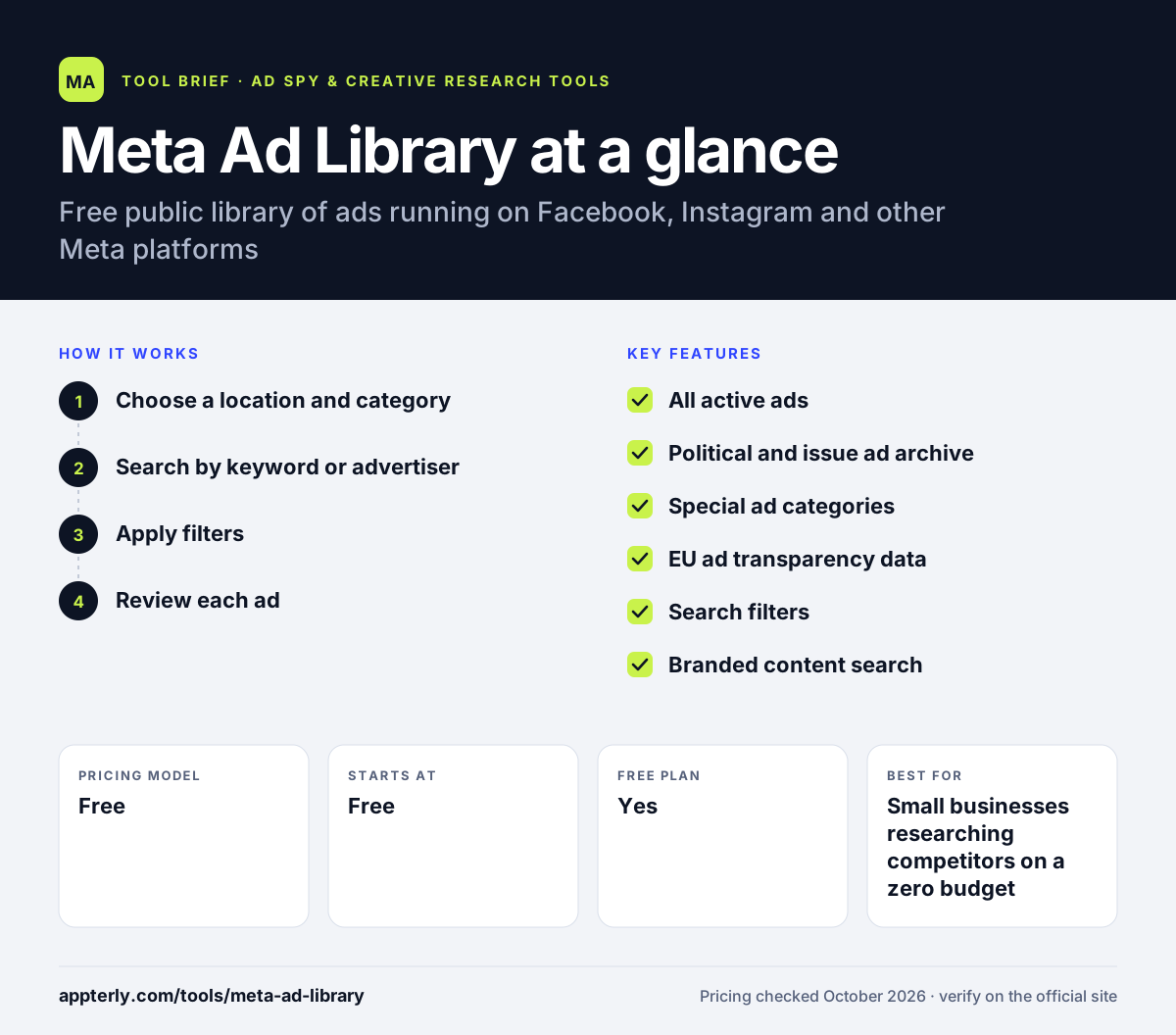
How does Meta Ad Library work?
- Choose a location and category
Pick a country and an ad category, such as all ads or issues, elections and politics.
- Search by keyword or advertiser
Type a keyword or brand name, or open the Page Transparency section of an advertiser's Facebook Page.
- Apply filters
Filter by language, advertiser, platform, media type, active status and the date ads ran.
- Review each ad
Open an ad to see the creative, copy, start date and the platforms it runs on, plus extra data for political and EU ads. Commercial ads show little beyond the creative and run details, so note start dates to judge which ads have lasted.
Meta Ad Library key features
All active ads
Search every active ad running across Meta technologies, regardless of topic.
Political and issue ad archive
Ads about elections and social issues stay searchable for seven years with spend, impressions and disclaimers.
Special ad categories
Housing, employment and credit ads are grouped for easier review.
EU ad transparency data
Ads delivered in the EU show targeting by location, age and gender, plus reach and payer details.
Search filters
Narrow results by language, platform, media type, active status and date range. Filters change based on the category you pick, with extra options for political ads.
Branded content search
A separate section shows paid partnerships between brands and creators on Facebook and Instagram.
Why use Meta Ad Library?
- It is free and comes directly from Meta, so coverage of active ads is complete.
- You can check any brand's current ads in seconds.
- Start dates hint at which ads have been running long enough to be profitable.
- Political ad data supports research, journalism and compliance work.
- It is a good first step before paying for an ad spy tool.
- Branded content search shows which creators a brand works with on Facebook and Instagram.
Who is Meta Ad Library best for?
A good fit for
- Small businesses researching competitors on a zero budget
- Freelancers and agencies preparing client pitches
- Journalists and researchers studying political ads
- Beginners learning how good Facebook ads look
Less suited to
- Marketers who need spend or engagement data on commercial ads
- Teams wanting to save ads permanently or organize a swipe file
- Research on past commercial ads that are no longer active outside the EU
Meta Ad Library pricing
| Pricing model | Free |
|---|---|
| Free plan | Yes |
| Free trial | Not confirmed |
| Starting price | Free |
The Meta Ad Library is free to use. There are no paid tiers.
Prices checked October 2026. Vendors change plans often, so confirm on the official website before you buy.
Meta Ad Library pros and cons
Pros
- Completely free and official
- Covers every active ad on Meta platforms
- Rich data for political and EU ads
Cons
- Little performance data for regular commercial ads
- No way to save or organize ads inside the tool
- Inactive commercial ads largely disappear from view
- Search can be slow and results are hard to sort by relevance
Meta Ad Library integrations and platforms
Available on
Meta Ad Library alternatives
See the full shortlist in Best Ad Spy Tools.
Meta Ad Library FAQ
Is Meta Ad Library free?
Yes. Meta Ad Library is completely free to use. Anyone can search ads by keyword, advertiser, country and category without paying. Meta provides it as a transparency tool, so there are no paid plans. Many marketers use it before deciding whether a paid ad spy tool is worth the cost.
What is Meta Ad Library used for?
Meta Ad Library is used to see the ads that brands, creators and political groups are running on Facebook, Instagram, Messenger and the Audience Network. Marketers use it for competitor research and creative ideas, while journalists and researchers use the political ad archive to study who pays for issue and election ads.
Can you see ad spend in the Meta Ad Library?
Only for some ads. Ads about social issues, elections or politics show spend ranges, impressions and audience breakdowns. Ads delivered in the EU show reach and targeting data. For most other commercial ads, the library shows only the creative, copy, start date and active status, with no spend figures.
Meta Ad Library vs Foreplay: what's the difference?
Meta Ad Library is a free, official search tool for live ads on Meta platforms. Foreplay is a paid tool that saves ads permanently, organizes them in boards, tracks competitors automatically and helps write briefs. Many teams browse the Meta Ad Library and use Foreplay's extension to save the ads they want to keep.
How do I find a competitor's ads in the Meta Ad Library?
Open the Meta Ad Library, choose a country and the all ads category, then search for the brand name. Pick the advertiser from the results to see every ad they are running. You can also open the brand's Facebook Page and check the Page Transparency section to reach the same list.
Sources
This overview is based on Meta Ad Library's official website and documentation, checked October 2026.